Seleziona un'organizzazione
How to change the domain project log location
Data pubblicazione: Jul 25, 2025
Operazione
GOAL
Goal of this article is to explain how to change the log location for a domain project
Fasi
To change the log location for a domain project,
- Inside your domain project, create a new Log4j configuration file by right clicking on Project -> Mule -> Create Log4j Configuration
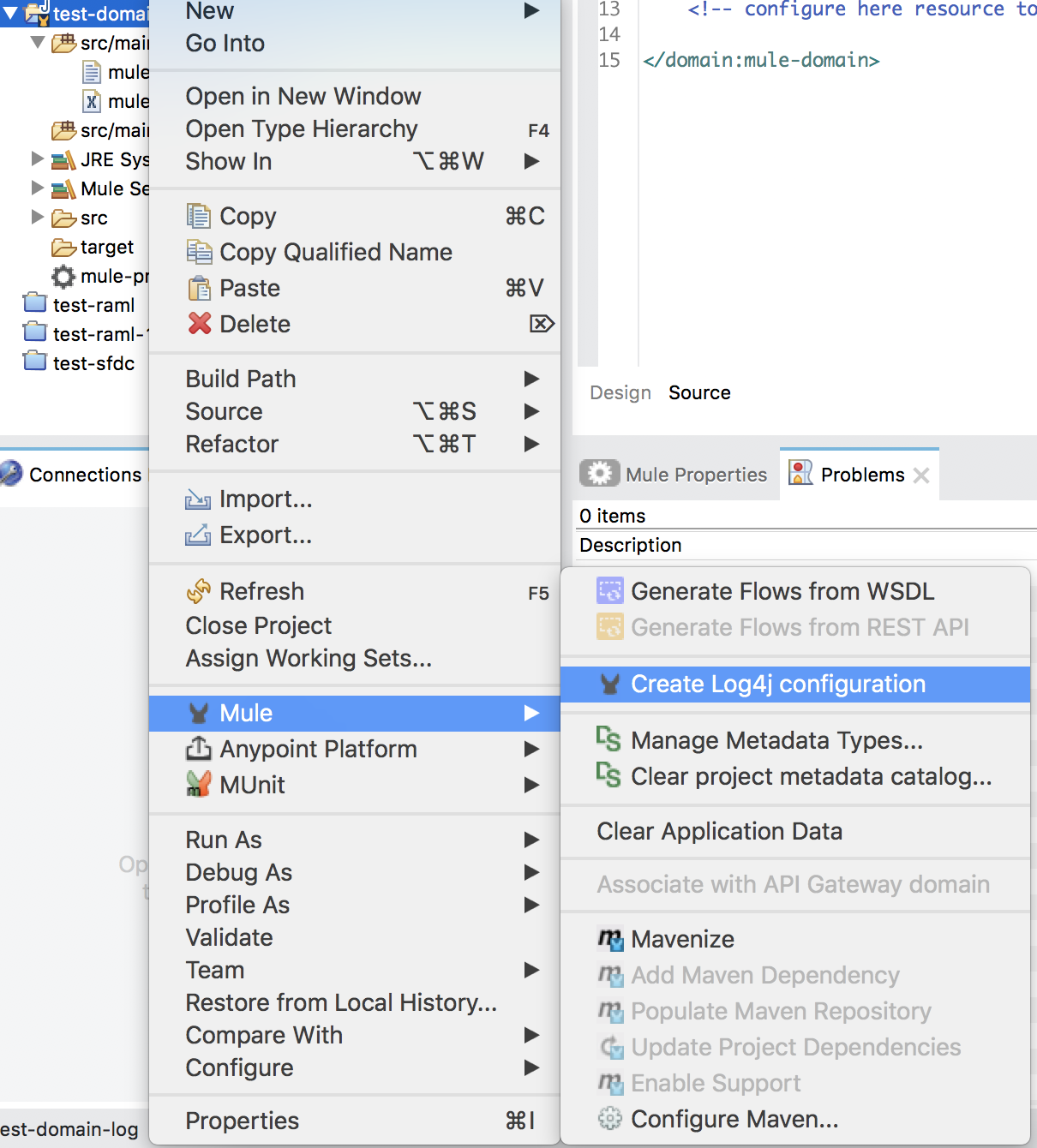
- log4j2.xml will be created under "src/main/resources" folder
- Modify the log4j2.xml to set the appropriate file log location for "fileName" field.
- Build and re-deploy the domain project.
- Once re-deployed, the logs for that domain project will be printed in the new log location.
Numero articolo Knowledge
001114415
Questo articolo ha risolto il problema?
Facci sapere, così possiamo migliorare!
