組織を選択
Marketing Cloud Account Engagement へのアクセスとログインに関するよくある質問
公開日: Dec 17, 2025
説明
すべてのAccount Engagementユーザーは、Salesforce ログイン情報を使用して SSO 経由で Account Engagement に直接ログインするか、Account Engagement Lightning アプリケーション経由で Account Engagement にアクセスする必要があります。Marketing Cloud Account Engagement へのアクセスに関するよくある質問とシナリオを次に記載します。
解決策
Account Engagement に新規顧客としてアクセスする方法は?
Marketing Cloud Account Engagementを最近購入した場合、Salesforceシステム管理者と協力して実装プロセスを開始する必要があります。契約の開始によってトリガーされる「お知らせメール」はありません。
具体的には、最初のステップの一環として Salesforce で Account Engagement を有効にします。これにより、割り当てられた Account Engagement 管理者に設定メールが送信され、Account Engagement ビジネスユニットも作成されます。設定メールには、実装に使用できるさまざまなリソース (実装ガイドなど) へのリンクが記載されています。
複数のビジネスユニットを持つユーザーが pi.pardot.com にログインできません
これは想定された動作です。複数のビジネスユニットの Account Engagement ユーザーに同期された
Salesforce ユーザーは、pi.pardot.com にログインできません。これらのユーザーは、Account Engagement Lightning アプリケーションでビジネスユニットの切り替えを使用する必要があります。
どのログイン情報を Account Engagement へのログインに使用しますか?
すべてのユーザーは、Salesforce ログイン情報を使用して、SSO で pi.pardot.com、または Account Engagement Lightning アプリケーションを介して Account Engagement にログインします。Salesforce へのログインに使用するメールアドレスを思い出せない場合は、Salesforce または Account Engagement のシステム管理者にお問い合わせください。
パスワードを忘れました
Salesforce パスワードのリセットについての詳細は、Salesforce ログインのトラブルシューティング記事を参照してください。
システム管理者によるパスワードのリセット方法
Salesforceシステム管理者は、こちらの手順を実行して Salesforce パスワードをリセットできます。
同期ユーザーに関する問題
ユーザー同期設定の詳細については、こちらの記事を参照してください。Account Engagementのユーザー同期のトラブルシューティングについては、こちらのナレッジ記事を参照してください。
Salesforce ログイン情報で Account Engagement にログインできません
正しい Salesforce ログイン情報を使用してログインしているのに問題が発生する場合の一般的な原因を次に示します。
-
ユーザー名がまだ作成されていない。Account Engagement 管理者にお問い合わせください。
-
Account Engagement ユーザーが誤って削除されている。Account Engagement 管理者にお問い合わせください。
-
Account Engagement ユーザーが Salesforce ログイン情報を使用してサインインするための SSO が有効になっていない。Account Engagement 管理者にお問い合わせください。
-
ログインすると、「There was an unspecified error with Log in with Salesforce (Salesforce のログインで不明なエラーが発生しました)」というエラーメッセージが表示されます。これが続く場合は、こちらの記事を参照して、考えられる解決手順を確認してください。それでも問題が解決しない場合は、Account Engagement サポートにお問い合わせください。
エラー: 応答パラメーターがありません
このエラーは、ログイン画面の下部にある reCaptcha がチェックされていない場合 (「私はロボットではありません。」) に表示されます。チェックボックスをオンにして、ログインを再試行します。
Account Engagement 管理者アクセス権の消失
Account Engagement の以前の管理者が退職したか、その他の状況により、組織が Account Engagement への管理者アクセス権を失うことがあります。この場合は、サポートケースを起票して Account Engagement サポートにお問い合わせください。
アカウントで正常に機能している Salesforce コネクタがあり、ユーザー同期が有効になっている場合、Account Engagement サポートは、特定のユーザー同期設定に応じて、ユーザー同期プロセスを介して新しい管理者ユーザーを作成する方法、または既存のユーザーを Account Engagement 管理者に昇格させる方法を提供します。
アカウントでユーザー同期が有効になっていない場合、Account Engagement サポートでユーザー同期を有効にすることで、Account Engagement 管理者アクセス権を取り戻すことができます。
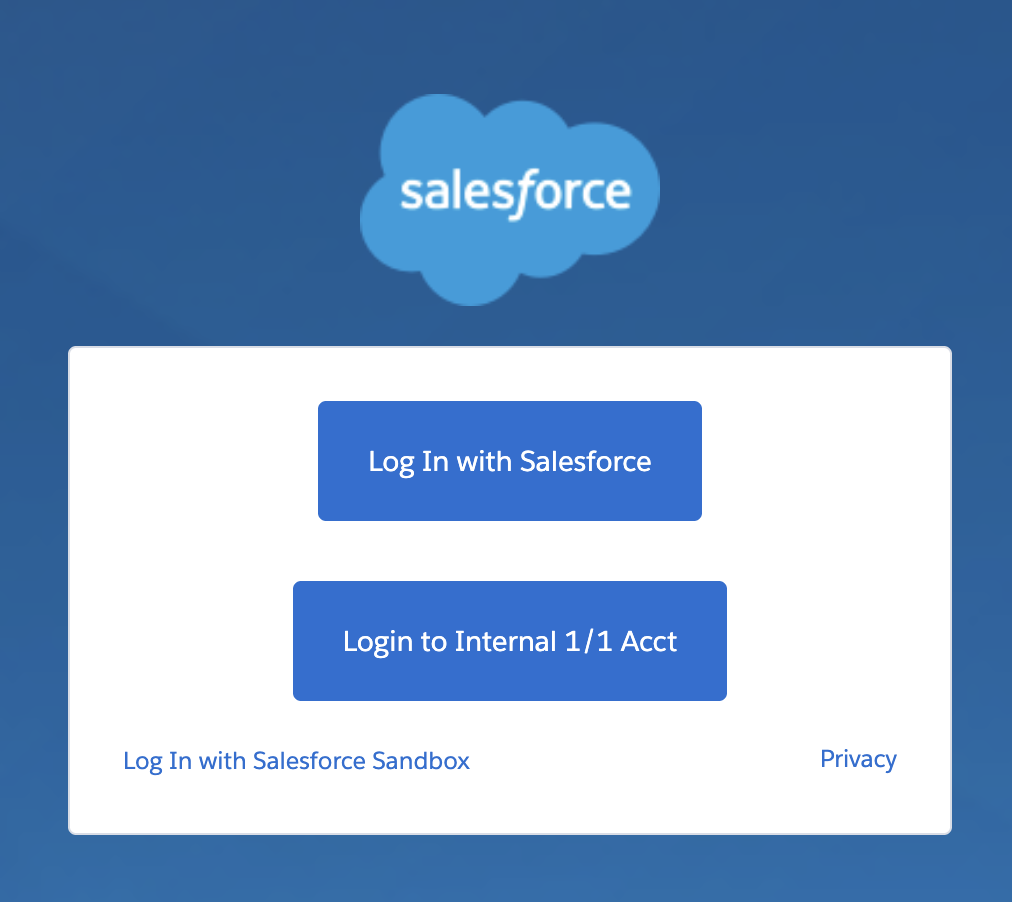
[Salesforce でログイン] の設定
前提条件: CRM ユーザー名がユーザーアカウントに割り当てられていること。
- Account Engagement のログイン画面で、[Salesforce でログイン] をクリックします。
- 有効なセッションがない場合、Salesforce ログイン画面にリダイレクトされます。
- Account Engagement アプリケーションによる Salesforce データへのアクセスを許可するように要求されたら、[許可] をクリックします。
- リンクする Account Engagement アカウントのログイン情報を確認します。
設定が完了したら、Account Engagement のログイン画面で [Salesforce でログイン] をクリックすると、Account Engagement ダッシュボードに直接アクセスできます。
ナレッジ記事番号
000381588
この記事で問題は解決されましたか?
ご意見をお待ちしております。
