Sélectionner une organisation
Remove Company requirement from Leads
Date de publication: Oct 18, 2024
Description
Some users may want to remove the Company field requirement on Leads. This is only possible if Person Accounts have been enabled for the Org.
Notes:
- Person Accounts may only be enabled for Professional Edition, Enterprise Edition, Unlimited Edition, and Developer Edition.
- When converted, a Lead without a Company will create a Person Account; the Name field of the Lead will be mapped to the Person Account's Name field.
- It is not possible to remove the Lead Company field requirement for Group Edition.
- Leads created with a value in Company field will be considered as business accounts and a Lead without a value in the Company field will create a Person Account if Person Accounts have been enabled for the org.
Résolution
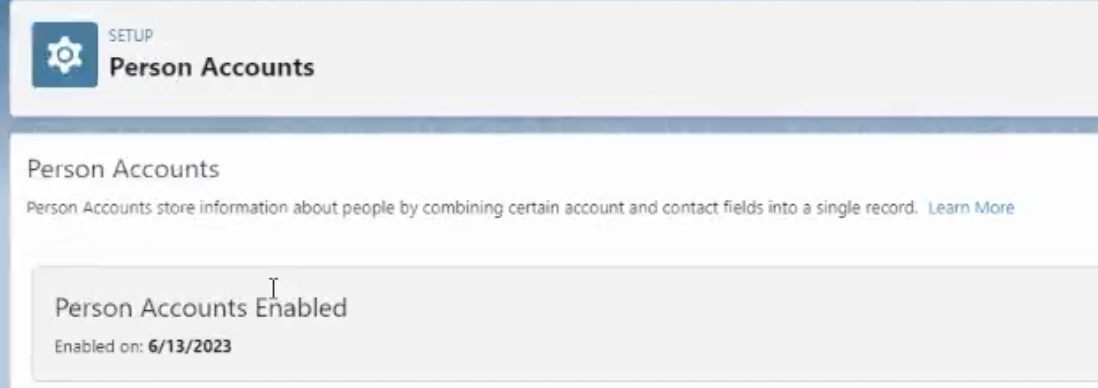
First, verify the Person Accounts has been enabled by reviewing the information in this help article. The following steps will not be possible until the Person Accounts has been enabled.
To eliminate the Company field requirement on Leads
In Classic:
1. Go to Setup | Customize | Leads | Page Layouts.
2. Click Edit next to the Page Layout name.
3. Click on the wrench icon for the Company field.
4. Deselect the Required checkbox and click OK.
5. Save the Layout.
In Lightning:
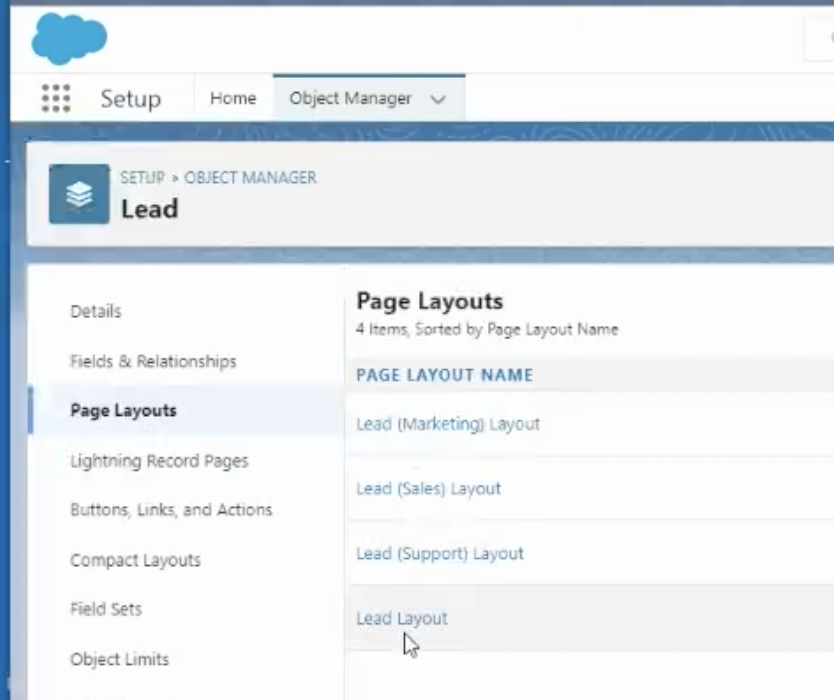
1. Go to Setup | Object and Fields | Object Manager | Lead
2. Click Page Layouts.
3. Click the desired Page Layout name, such as Lead Layout.
4. Scroll down to Lead Information and locate the Company field. Click on the wrench icon to the right of the Company field.
5. Uncheck the Required checkbox and click Ok.
6. Save the Layout.

Ressources supplémentaires
Vote and comment on the related Idea found on the Salesforce Idea Exchange.
Numéro d’article de la base de connaissances
000385311
Cet article a-t-il résolu votre problème ?
Dites-nous ce que nous pouvons améliorer !
