Seleziona un'organizzazione
Focus Mode Quip
Data pubblicazione: Aug 12, 2024
Risoluzione
Quip is a great place to not only complete your work but also to talk with colleagues about your various projects and responsibilities. In some cases though, reducing the distractions of messages, updates and @mentions can help you to stay on track to get your work done faster. That's why we created Focus Mode.
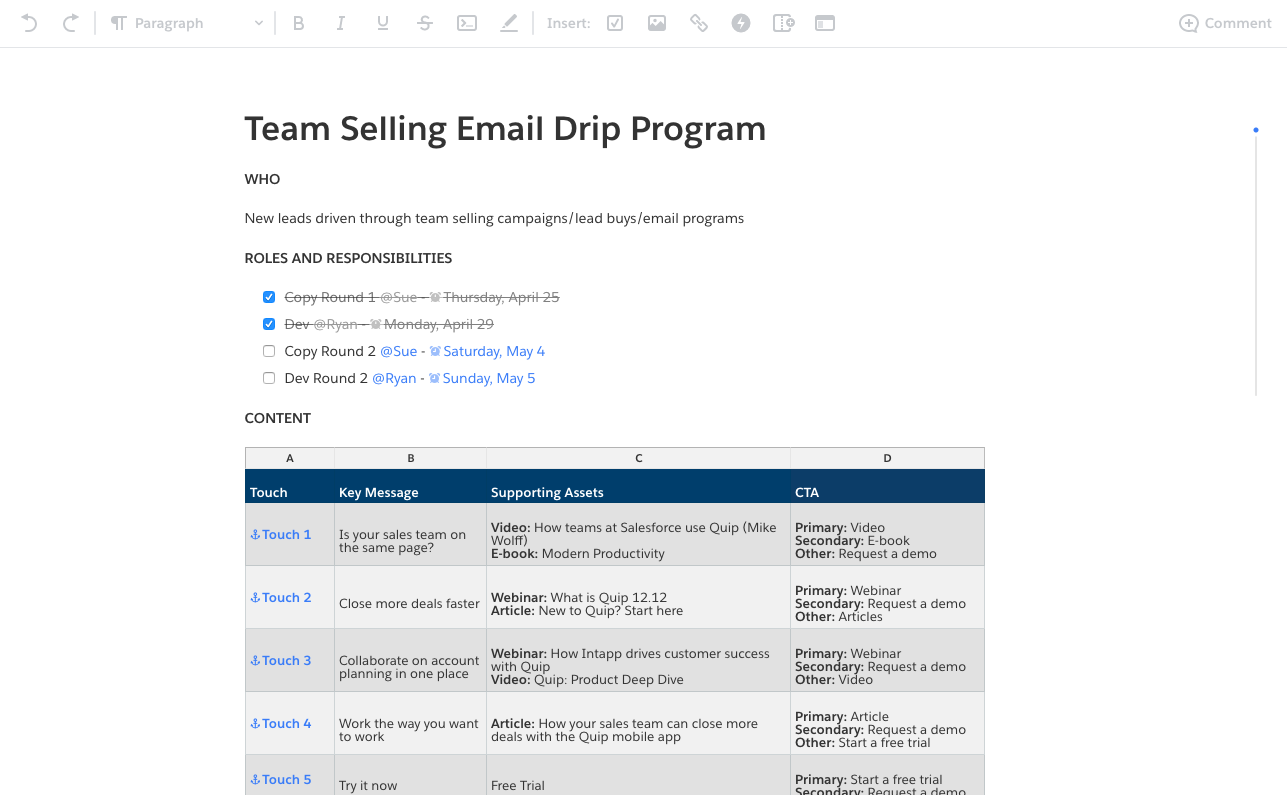
Focus Mode is a great way to benefit from all the document, spreadsheet and slide functionality that you're used to, while hiding elements of the tool that may cause distractions while you're on a deadline. Focus mode is incredibly easy to turn on.
Check it out here:
In the top right hand corner of documents, spreadsheets, and slides you will see the following:
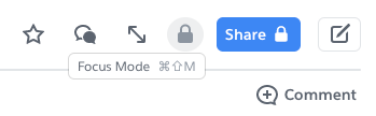
By hovering over the button with two arrows you will see the small pop-up which says, “Focus Mode”. Simply click it and you'll be in Focus Mode.
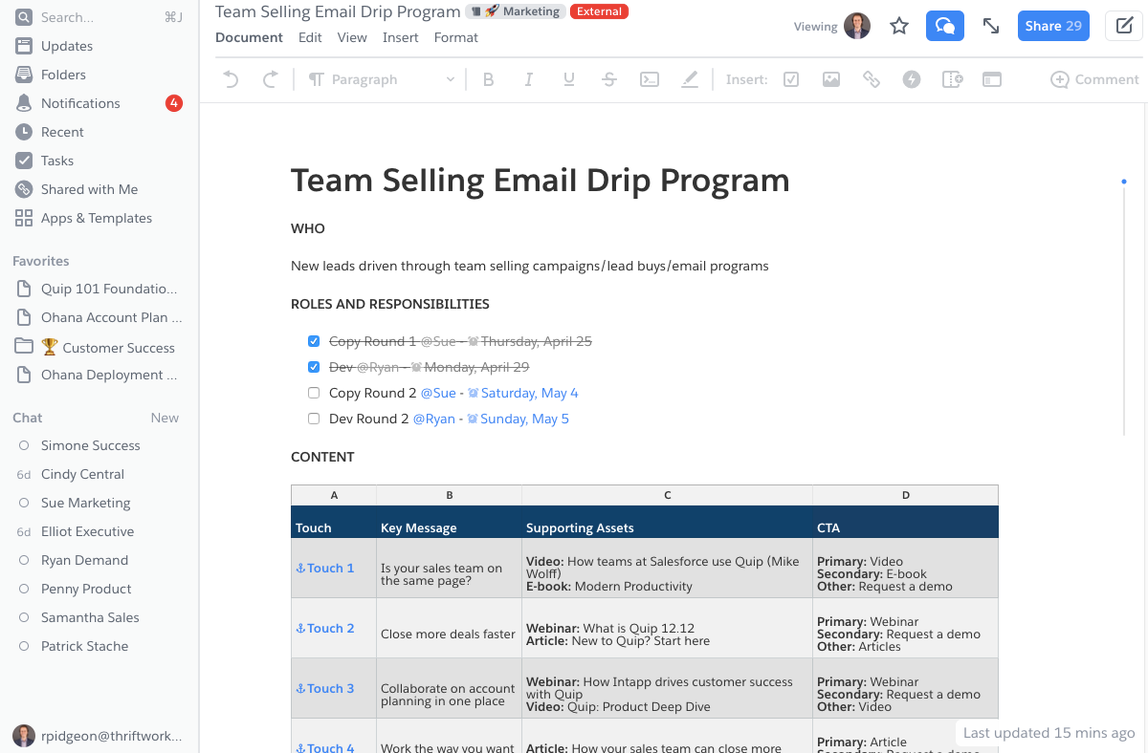
Typical Document View:
Focus Mode View:
Leave Focus Mode:
Hover over the button with two arrows in the top right corner. When a small pop-up appears that says "Leave Focus Mode," click it to exit focus mode.
Numero articolo Knowledge
000389890
Questo articolo ha risolto il problema?
Facci sapere, così possiamo migliorare!
