組織を選択
How to retrieve Detail objects from Master-Detail relationships in MuleSoft Composer
公開日: Oct 13, 2022
説明
When building a sync in MuleSoft Composer for a detail object which is involved in a Master-Detail relationship, the Object Field doesn't populate.
解決策
As an example, if the Master-Detail relationship is used in two custom objects called Property and Favorite, creating a flow to achieve this will have the following steps:
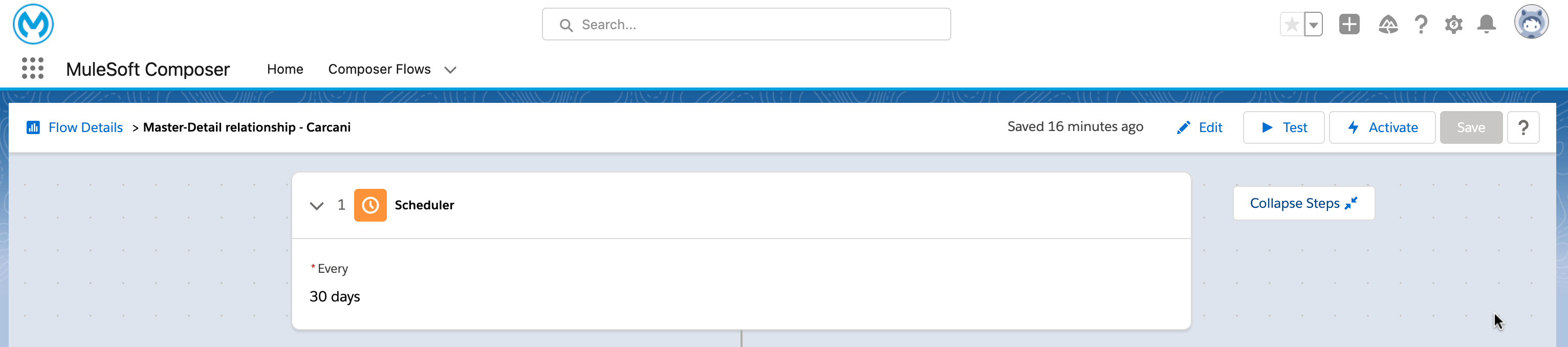
- A trigger (it can be a scheduler)
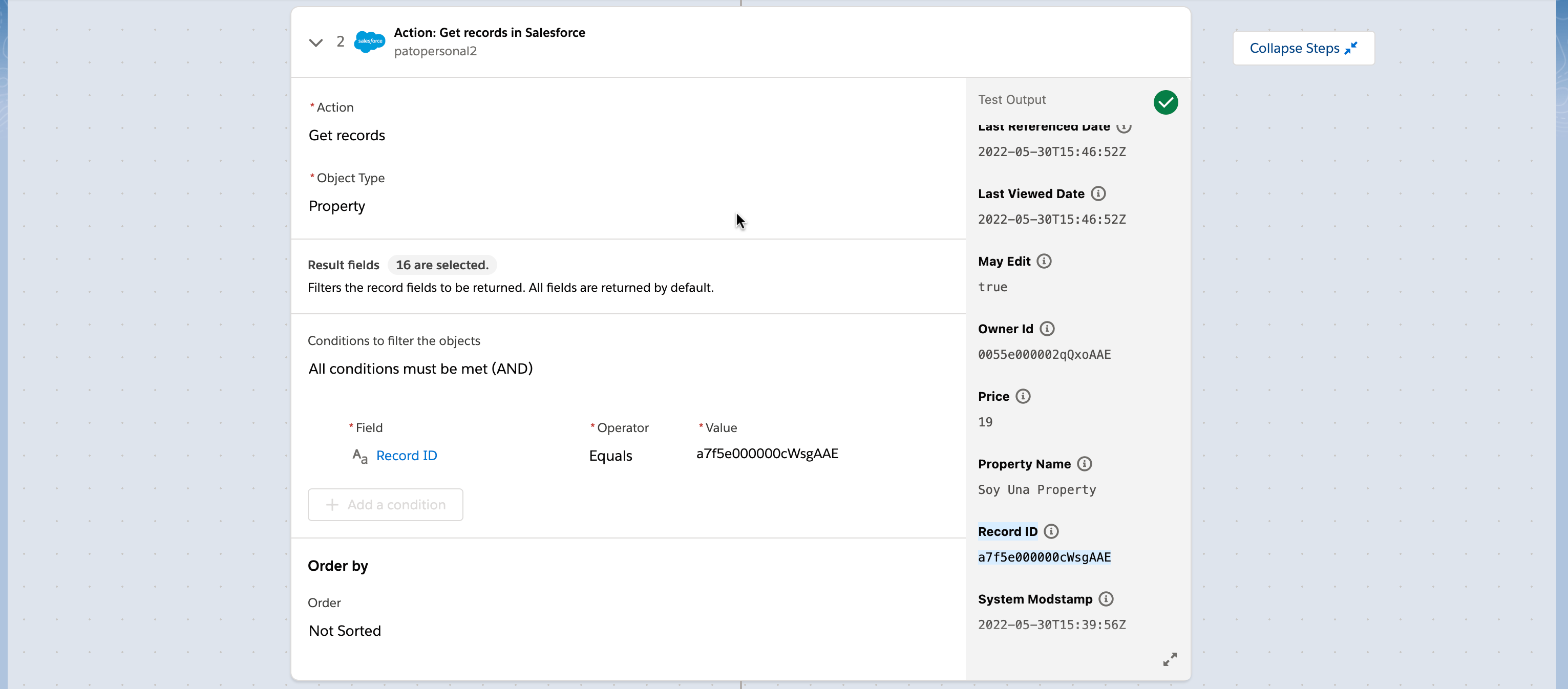
- A Get records action in SF that gets the object type Property.
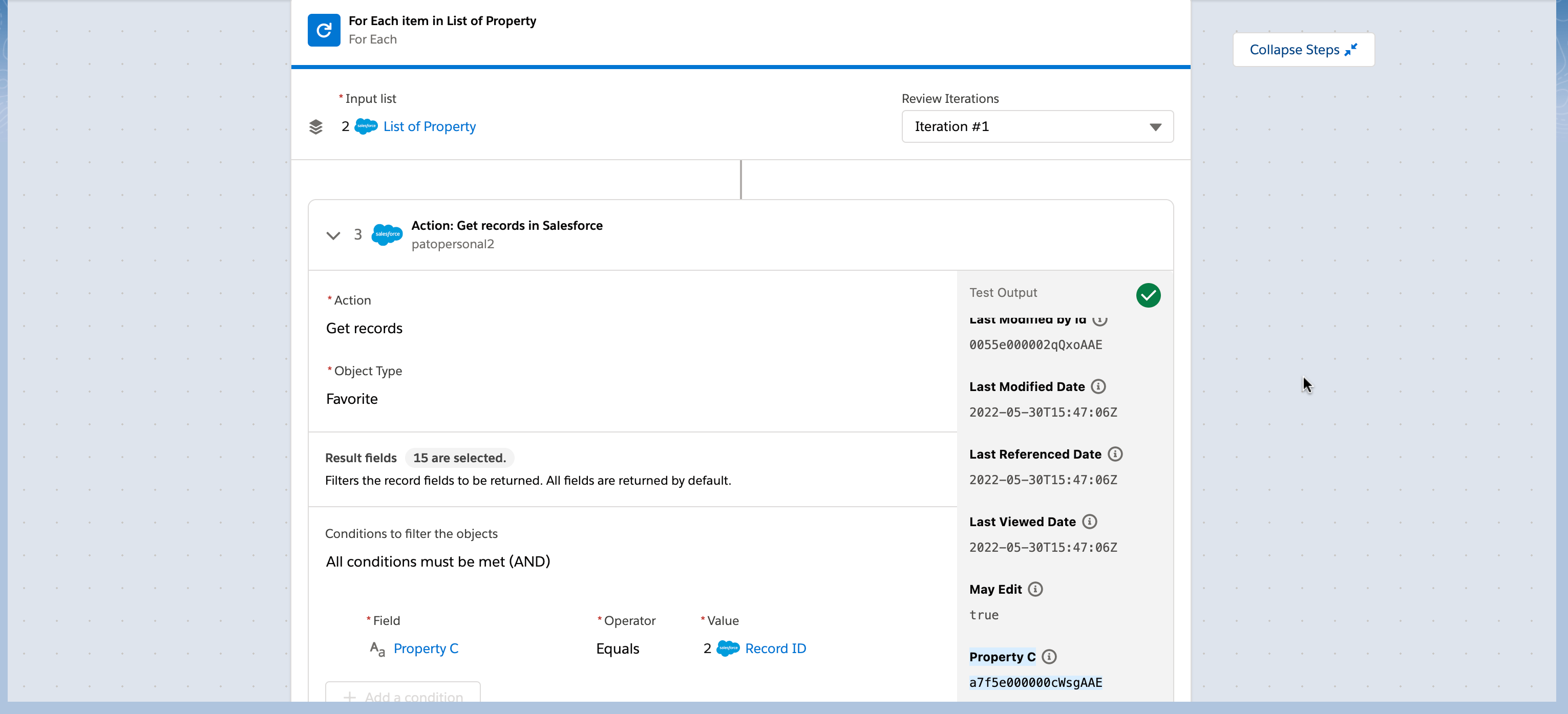
- A For Each item which input is the List of Property that the previous step outputs.
- Inside the For Each, place a Get records action in SF that gets the object type Favorite with the condition that the Favorite's field "Property C" must be equal to the String value "Record ID" (from step 2).
ナレッジ記事番号
000393172
この記事で問題は解決されましたか?
ご意見をお待ちしております。
