Velg en organisasjon
How to retrieve Detail objects from Master-Detail relationships in MuleSoft Composer
Publiseringsdato: Oct 13, 2022
Beskrivelse
When building a sync in MuleSoft Composer for a detail object which is involved in a Master-Detail relationship, the Object Field doesn't populate.
Løsning
As an example, if the Master-Detail relationship is used in two custom objects called Property and Favorite, creating a flow to achieve this will have the following steps:
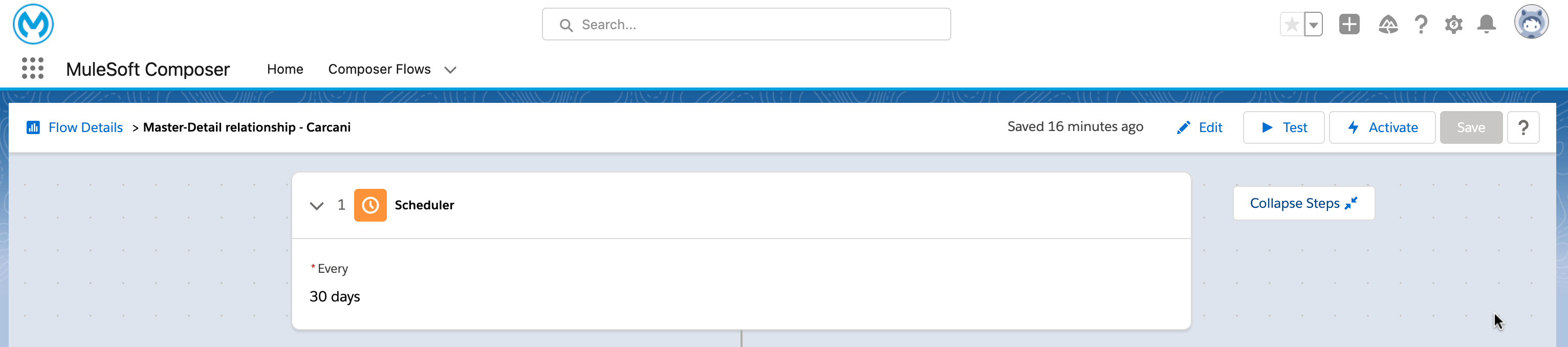
- A trigger (it can be a scheduler)
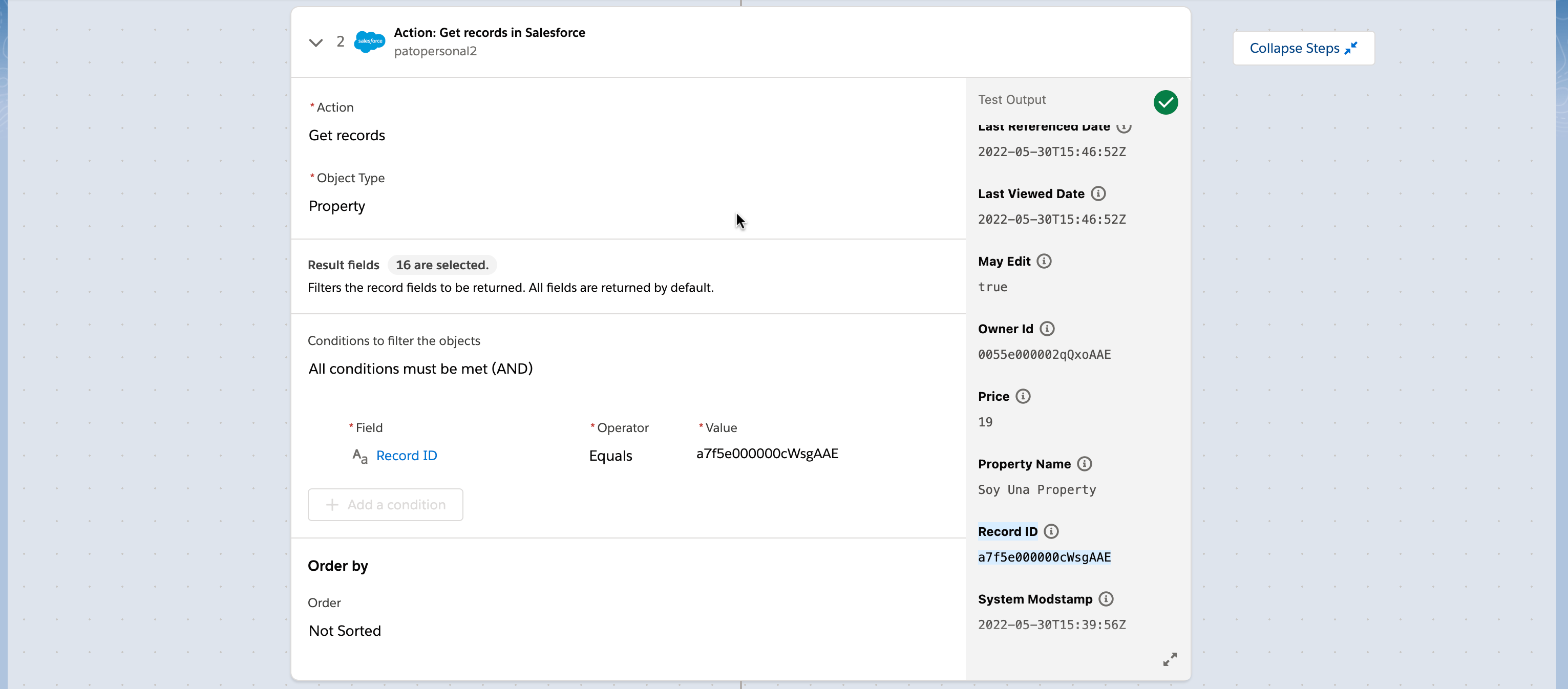
- A Get records action in SF that gets the object type Property.
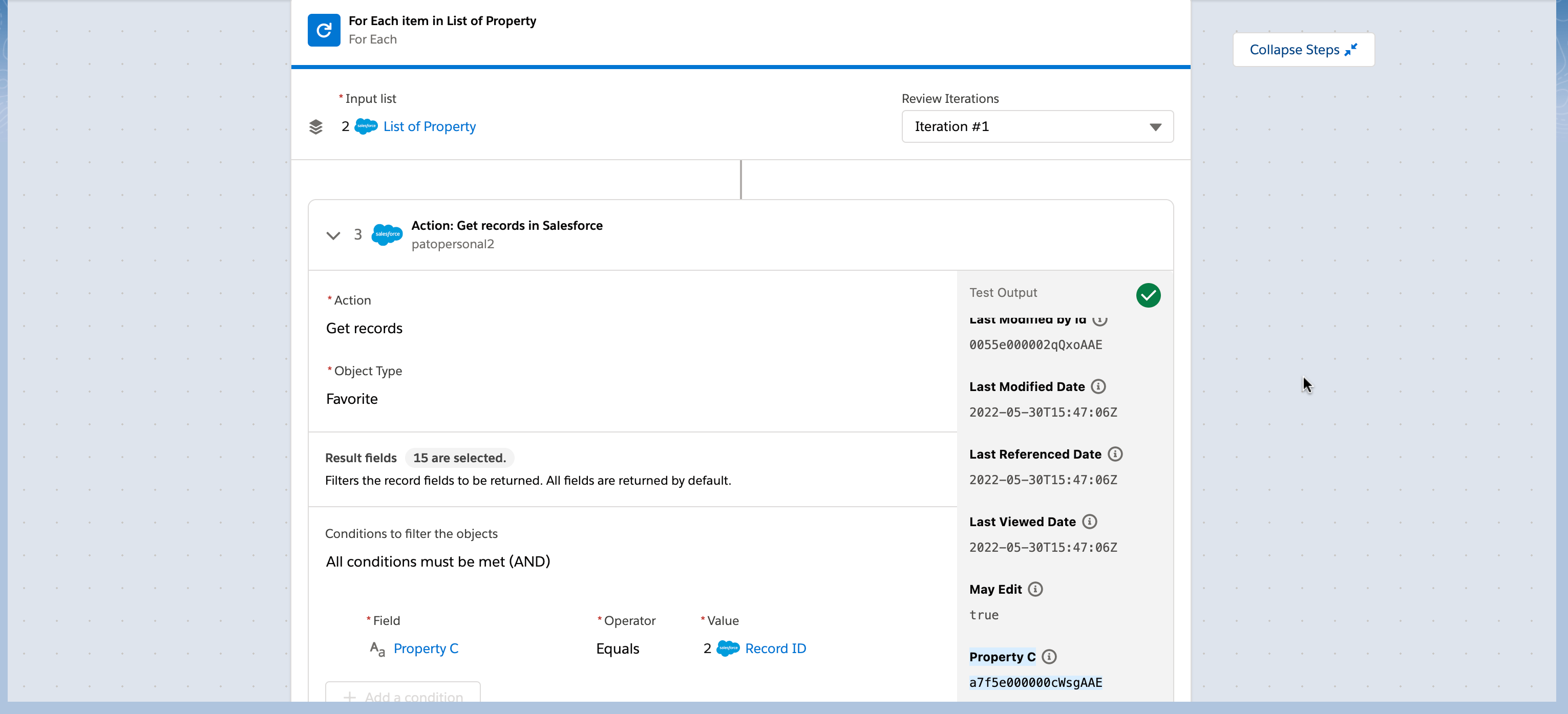
- A For Each item which input is the List of Property that the previous step outputs.
- Inside the For Each, place a Get records action in SF that gets the object type Favorite with the condition that the Favorite's field "Property C" must be equal to the String value "Record ID" (from step 2).
Knowledge-artikkelnummer
000393172
Hjalp denne artikkelen med å løse problemet ditt?
La oss få vite det slik at vi kan forbedre!
