Välj en organisation
Data Sync in SFS Mobile App is not getting completed and stuck
Publiceringsdatum: Oct 3, 2024
Beskrivning
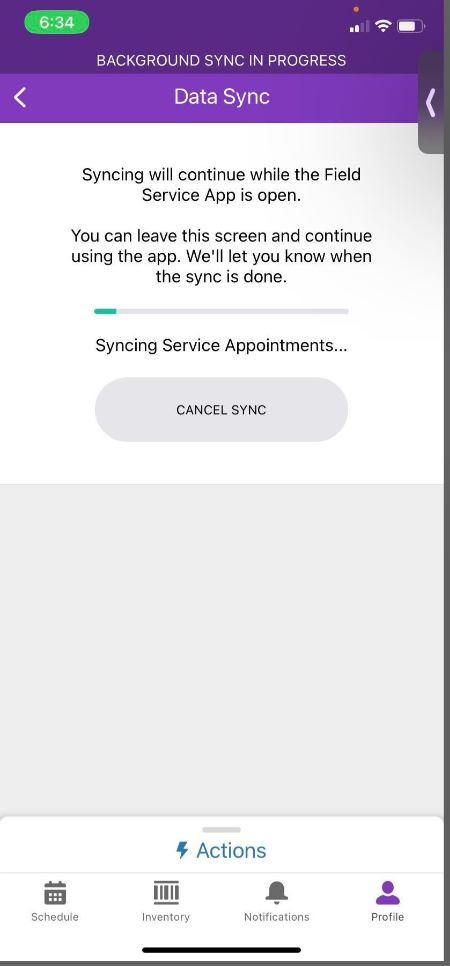 |
Lösning
In order to resolve this issue, the default list view needs to be optimized by applying adequate filters. The default list view should contain only necessary service appointments for mobile users.
The name of the default list view can be found in the field 'Default List View Developer Name' located under Setup > Field service > Field service Mobile > Field Service Mobile Settings > Customization
Other ways to adjust the number of Service Appointments loading:
You can reduce the number of days to show in the app under the Field Service Mobile settings . The default is 45 days for 'Future Days in the Date Picker' and 'Past Days in the Date Picker'. By trimming down the days, your users will see quicker offline syncing as well as load times. For other tips to improve performance with Caching Settings, Priming Implications, and Syncing, please see Salesforce Field Service App for iOS and Android Performance Considerations .
Knowledge-artikelnummer
000393708
Löste denna artikel ditt problem?
Berätta för oss vad vi kan förbättra!
