Select An Org
Edit/Deactivate Options Unavailable for Standard OmniStudio Components (FlexCards, OmniScripts, etc.)
Publish Date: Mar 23, 2023
Description
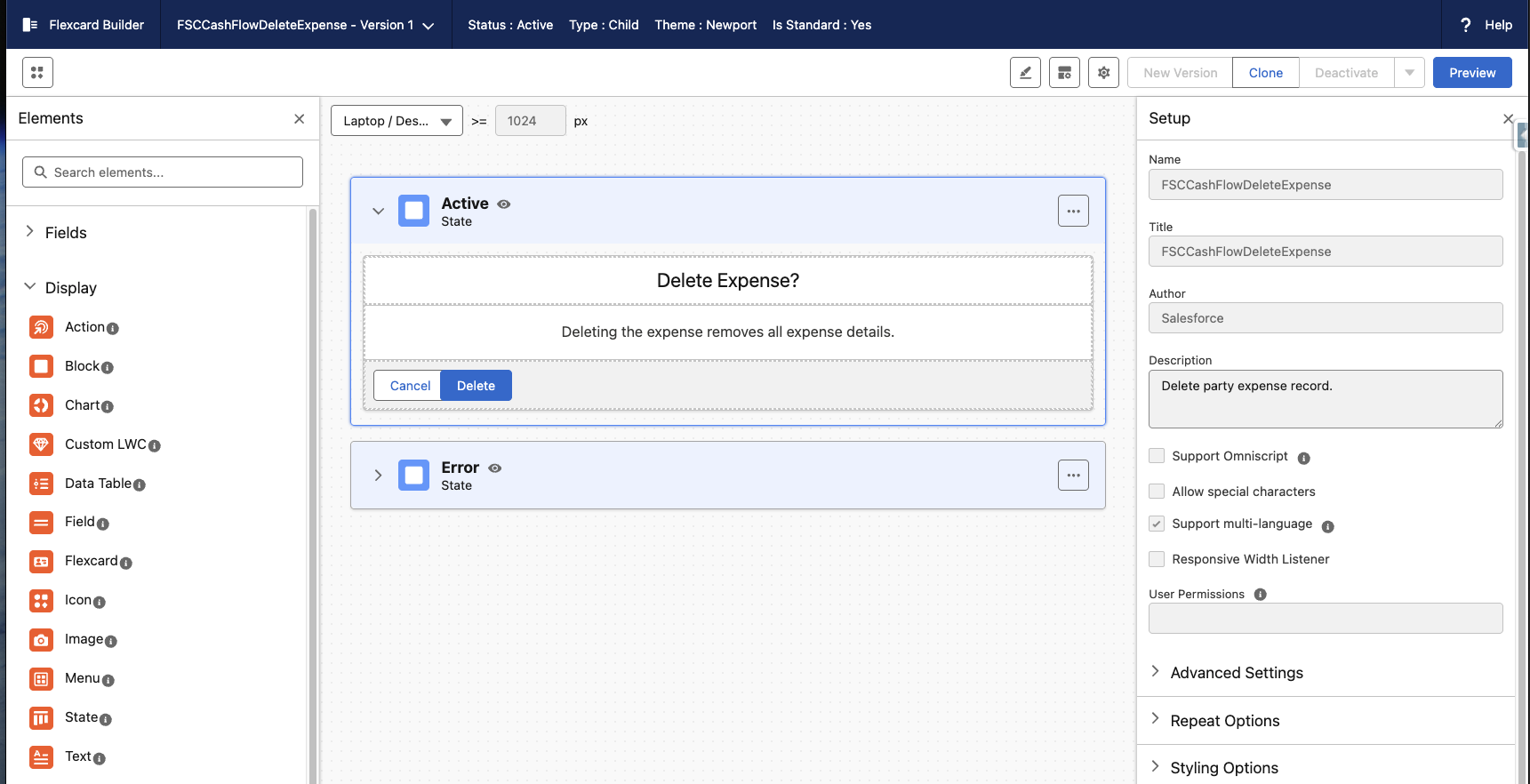
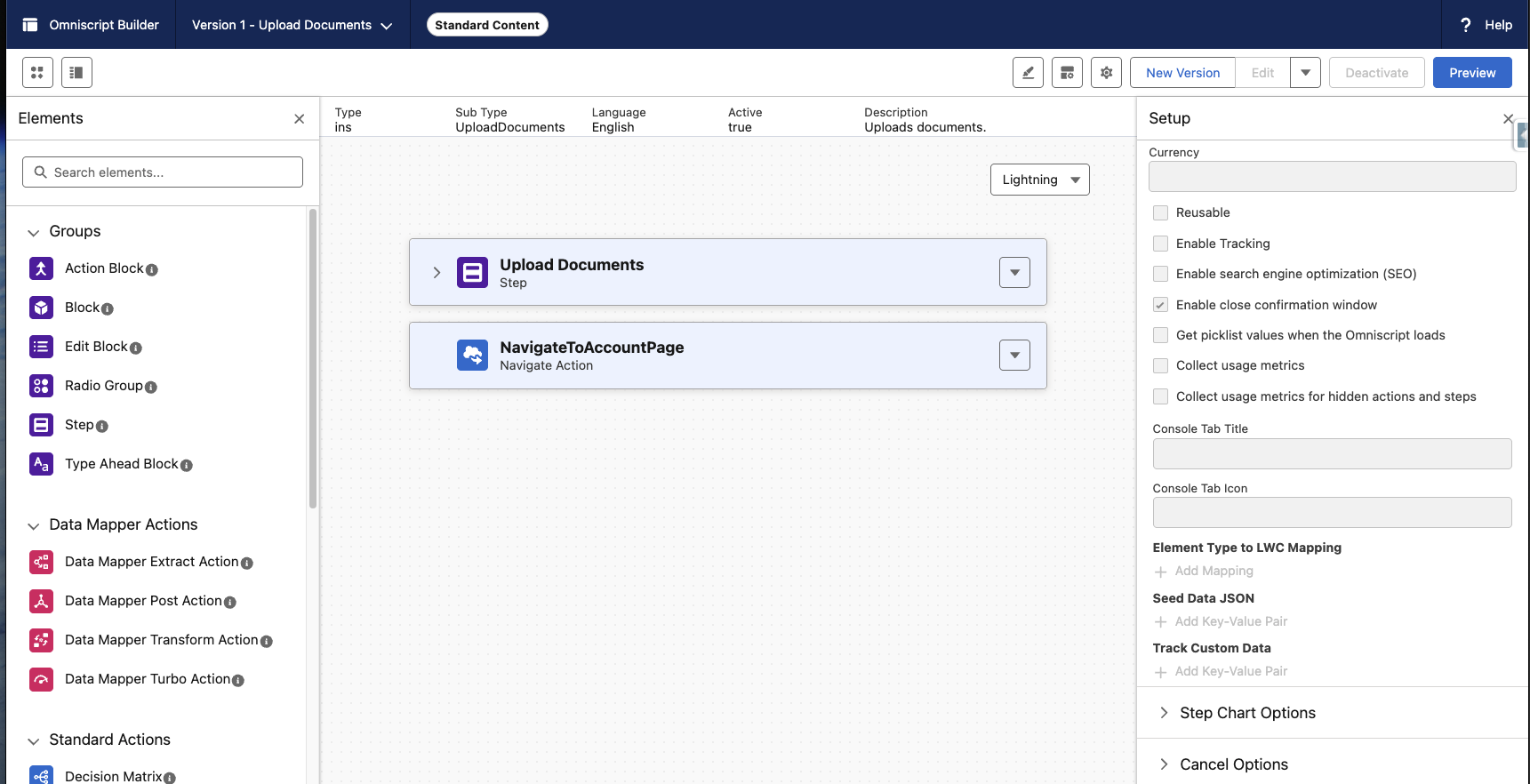
For standard, file-based OmniStudio components (e.g., OOTB FlexCards), the Edit and Deactivate buttons appear greyed out. This is expected behavior for components authored by Salesforce. These components are managed and cannot be modified directly. As a result, users are unable to create new versions or deactivate the existing component.
To determine if a component is file-based (i.e., managed by Salesforce), check the Author field. If it lists Salesforce, the component is considered file-based.
Resolution
To customize or modify the functionality of a standard component:
-
Clone the existing FlexCard (or other component).
-
Make changes to the cloned version as needed.
-
Deploy and use the cloned component in place of the original.
Knowledge Article Number
000394436
Did this article solve your issue?
Let us know so we can improve!
