選擇組織
Edit/Deactivate Options Unavailable for Standard OmniStudio Components (FlexCards, OmniScripts, etc.)
發佈日期: Mar 23, 2023
描述
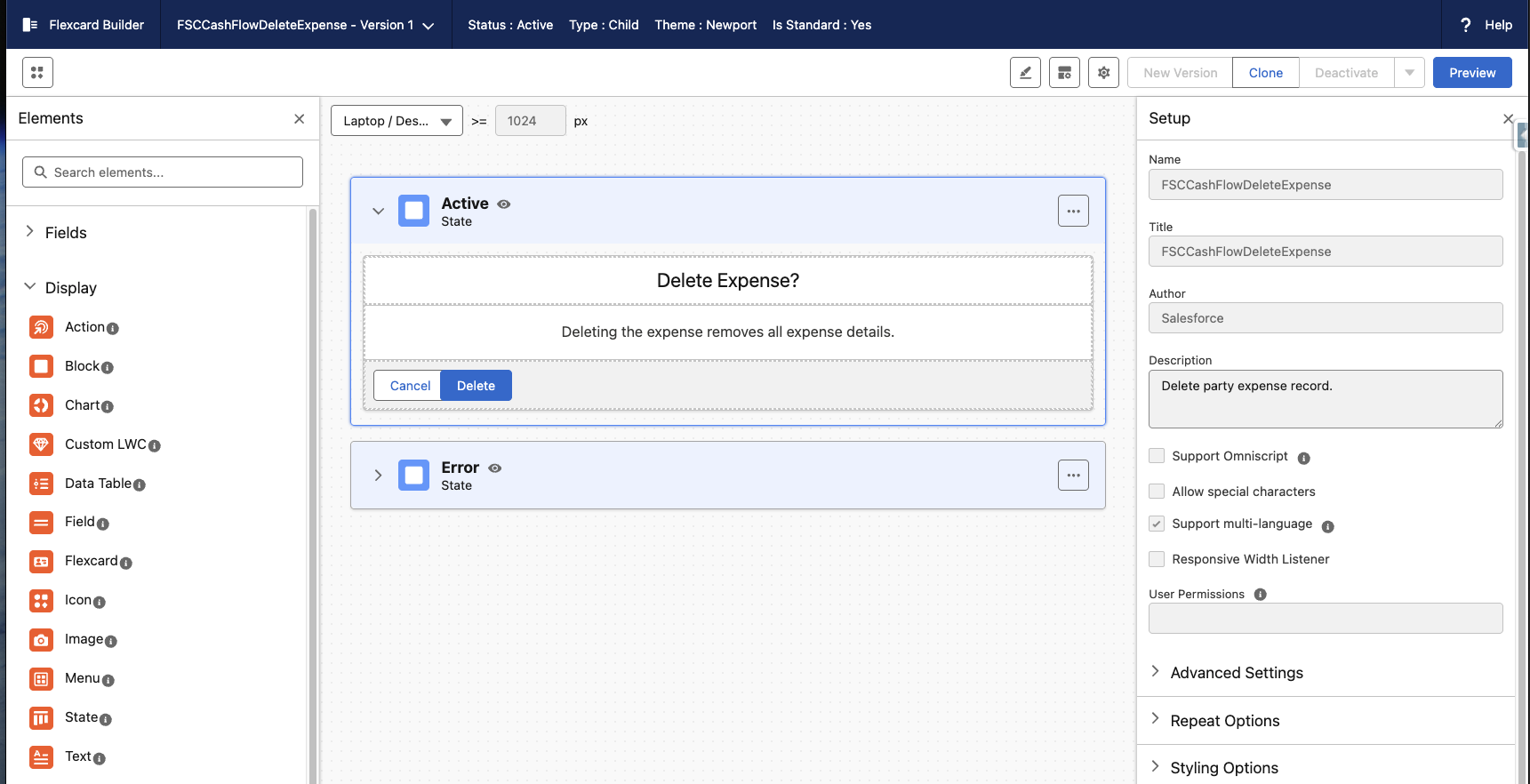
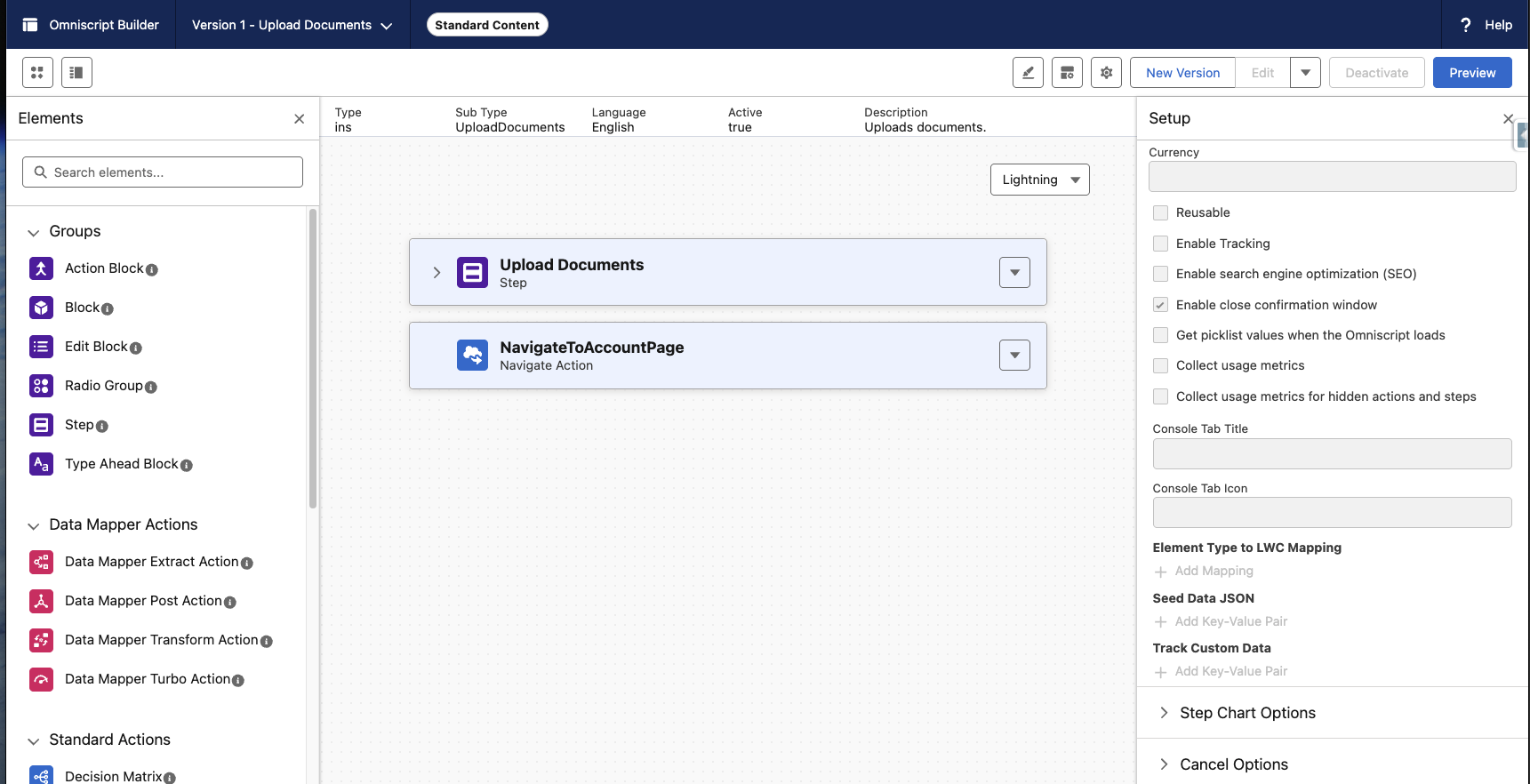
For standard, file-based OmniStudio components (e.g., OOTB FlexCards), the Edit and Deactivate buttons appear greyed out. This is expected behavior for components authored by Salesforce. These components are managed and cannot be modified directly. As a result, users are unable to create new versions or deactivate the existing component.
To determine if a component is file-based (i.e., managed by Salesforce), check the Author field. If it lists Salesforce, the component is considered file-based.
解決方案
To customize or modify the functionality of a standard component:
-
Clone the existing FlexCard (or other component).
-
Make changes to the cloned version as needed.
-
Deploy and use the cloned component in place of the original.
知識文章編號
000394436
此文章是否解決您的問題?
請讓我們知道,以便我們改進!
