Välj en organisation
Convert Activity CallDurationInSeconds (Decimal) to Hours:Minutes:Seconds (Time) Format
Publiceringsdatum: Sep 10, 2026
Beskrivning
This article explains how to convert a Task's Call Duration (seconds) field into a readable time format (HH:MM:SS) using a custom formula field. For example, there is a field on the Task object that indicates the duration of a call in seconds. This field is populated when a call is answered using Salesforce CRM Call Center. Let's say you have a call lasting 1 minute and 35 seconds; this field will be populated as 95 seconds. This article walks through creating a formula field on the Task object to convert the total seconds into HH:MM:SS format.
Lösning
This article answers a common question about the Task object: how do you convert the CallDurationInSeconds field, which stores call length as a raw number of seconds, into a readable HH:MM:SS time format? You do this by creating a custom formula text field on the Task object using the formula provided below.
Create the Formula Field
-
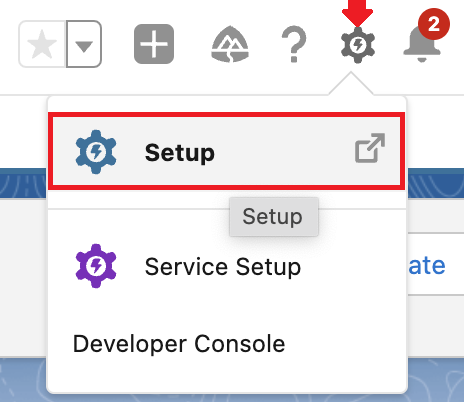
Navigate to Setup.
-
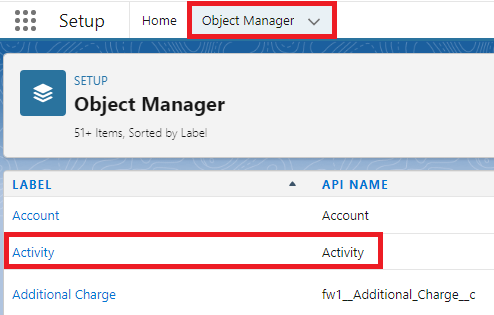
Click on Object Manager and then Activity.
-
Click on Fields & Relationships and New to create the field.
-
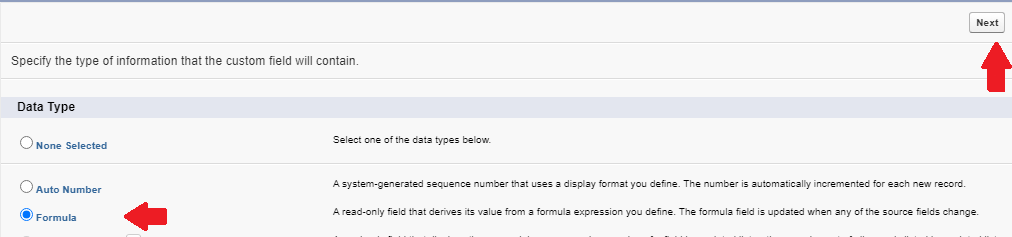
Select Formula and click on the Next button.
-
Type any label in the Field Label field. The Field Name will automatically be filled in.
-
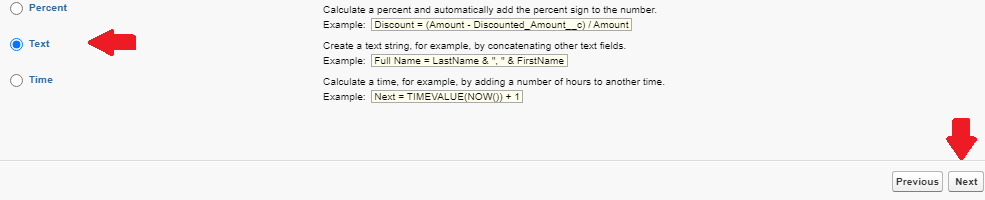
Select Text as Formula Return Type and click on the Next button.
-
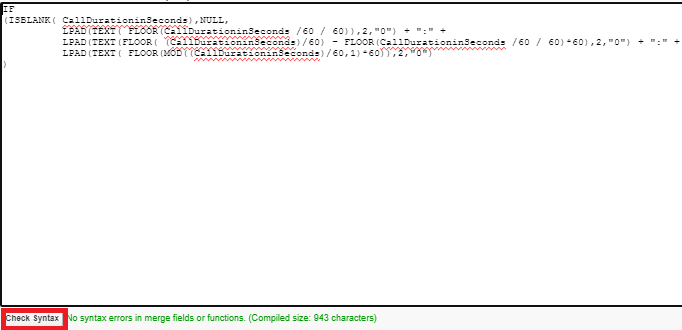
Use the formula below and click on the Check Syntax button available at the bottom left of the editor to validate the entered formula.
IF
(ISBLANK( CallDurationinSeconds),NULL,
          LPAD(TEXT( FLOOR(CallDurationinSeconds /60 / 60)),2,"0") + ":" +
          LPAD(TEXT(FLOOR( (CallDurationinSeconds)/60) - FLOOR(CallDurationinSeconds /60 / 60)*60),2,"0") + ":" +
          LPAD(TEXT( FLOOR(MOD((CallDurationinSeconds)/60,1)*60)),2,"0")
)
This formula works by dividing the total seconds into hours, minutes, and seconds. It first calculates the whole number of hours by dividing seconds by 3600, then finds the remaining minutes and seconds, padding each value with a leading zero using `LPAD` so the result always displays in a consistent HH:MM:SS format.
-
In the Blank Field Handling section, select Treat blank fields as blanks and click on the Next button.
-
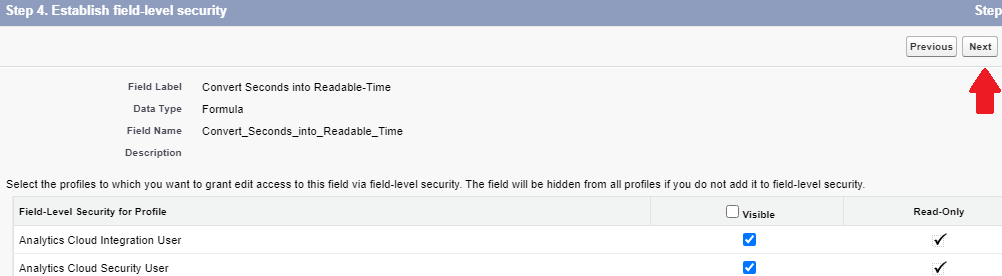
Select the appropriate Profiles for the Field Level Security and click on the Next button.
-
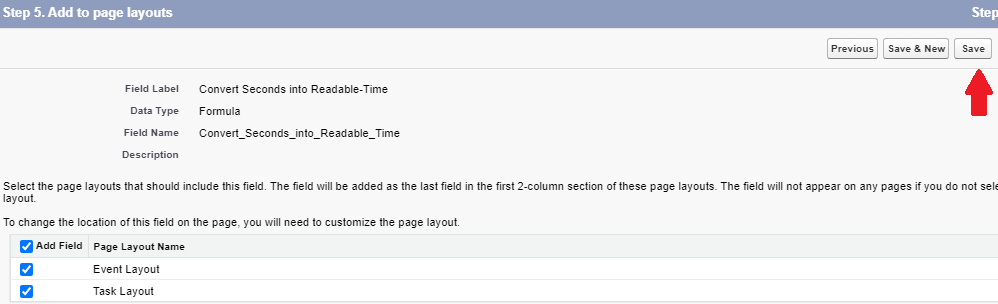
Select the appropriate Page Layouts and click on the Save button.



Ytterligare resurser
Knowledge-artikelnummer
000394751
Löste denna artikel ditt problem?
Berätta för oss vad vi kan förbättra!
