組織を選択
Unable to Create Time Sheet Entry in Time Sheet on Salesforce Field Service Mobile App
公開日: Feb 6, 2026
説明
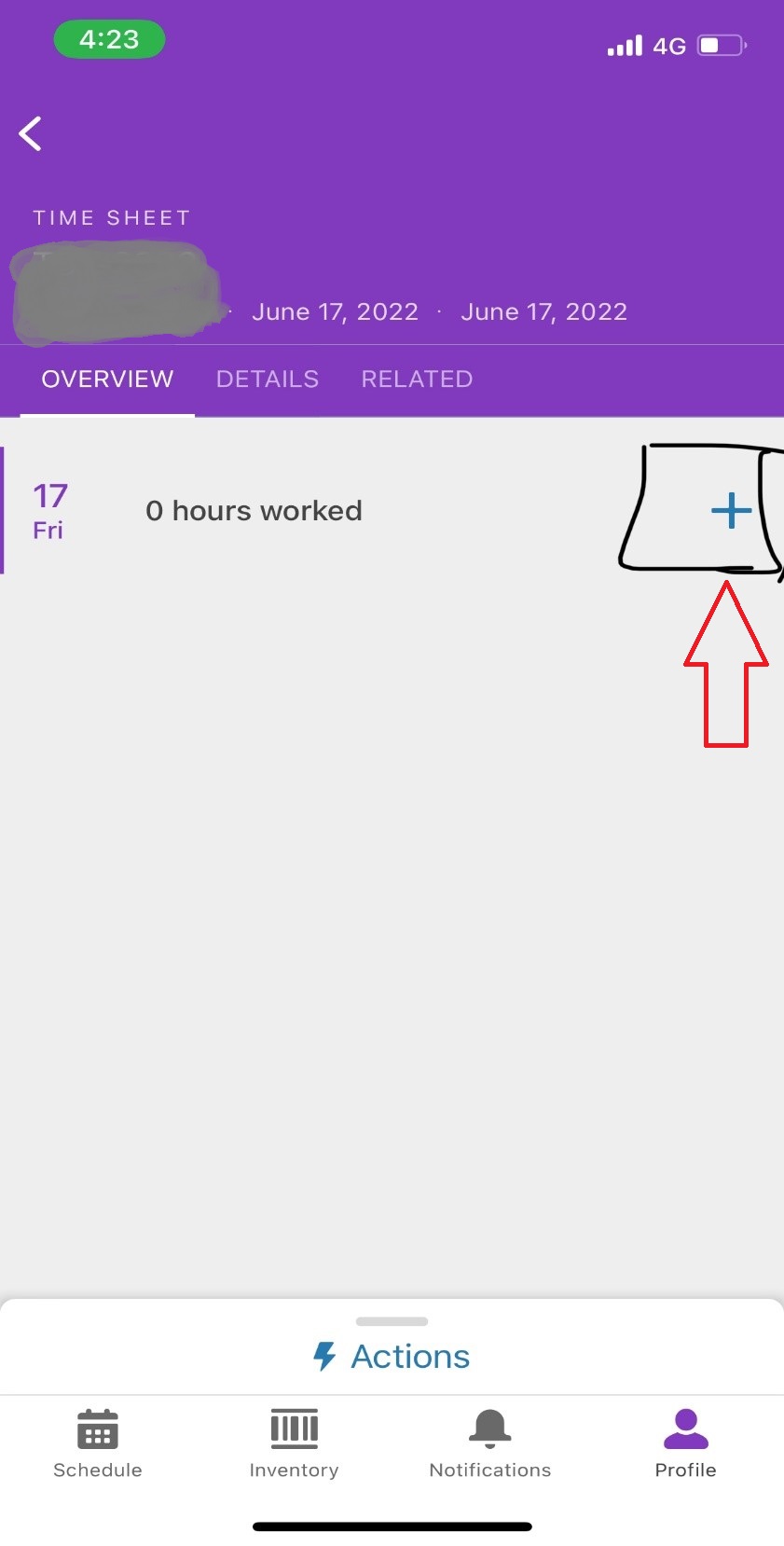
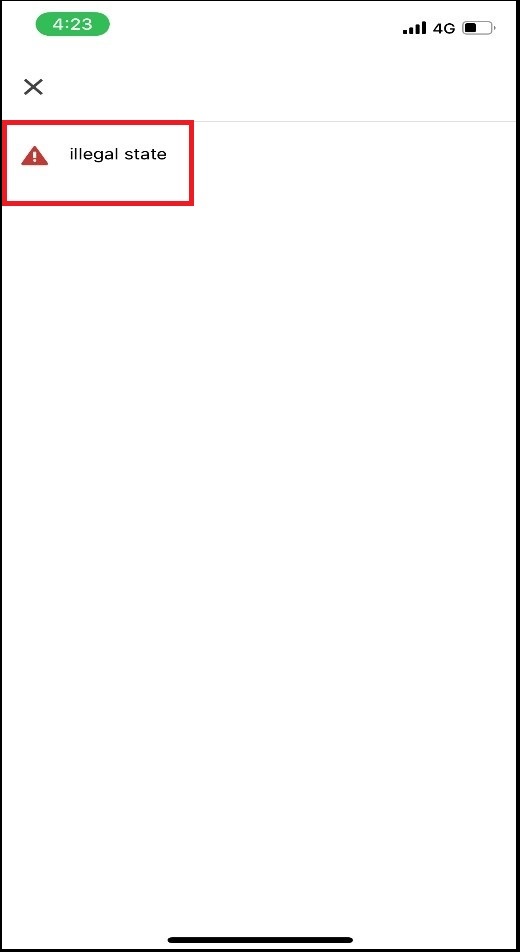
On the Salesforce Field Service Mobile app, when the user clicks the "plus" icon to create a time-sheet entry from the Time Sheet, the error "illegal state" will display. On a Web interface, it’s working as expected.
解決策
Whenever we have a custom record type created for TimeSheetEntry, the Field Service mobile app is unable to get the Record Type ID as part of the GET Call and results in an illegal state exception.
The following is the error message from the mobile device logs.
2023-03-06T10:19:05.532994Z W/XPlat: RecordDataManager::loadRecordForCreate is a DEPRECATED method and will be removed
2023-03-06T10:19:05.909236Z E/XPlat: SalesforceLoader - http response 404 - record deleted remotely
2023-03-06T10:19:05.909496Z E/XPlat: SalesforceLoader - unable to load data. Loader Name: RecordDataLoader. [ERR(NO_RECORD) msg: record deleted remotely for: /services/data/v57.0/sobjects/RecordType/012000000000000AAA api: undefined]
2023-03-06T10:19:05.910033Z E/PageMonitor: RecordEdit has encountered an error loading data
After we remove the Record Type field from the Time Sheet Entry Page Layout, the problem is resolved.
その他のリソース
ナレッジ記事番号
000394833
この記事で問題は解決されましたか?
ご意見をお待ちしております。
