Velg en organisasjon
Salesforce Field Service Lightning (FSL) Map Displays Blank Page on Dispatcher Console
Publiseringsdato: Feb 1, 2025
Beskrivelse
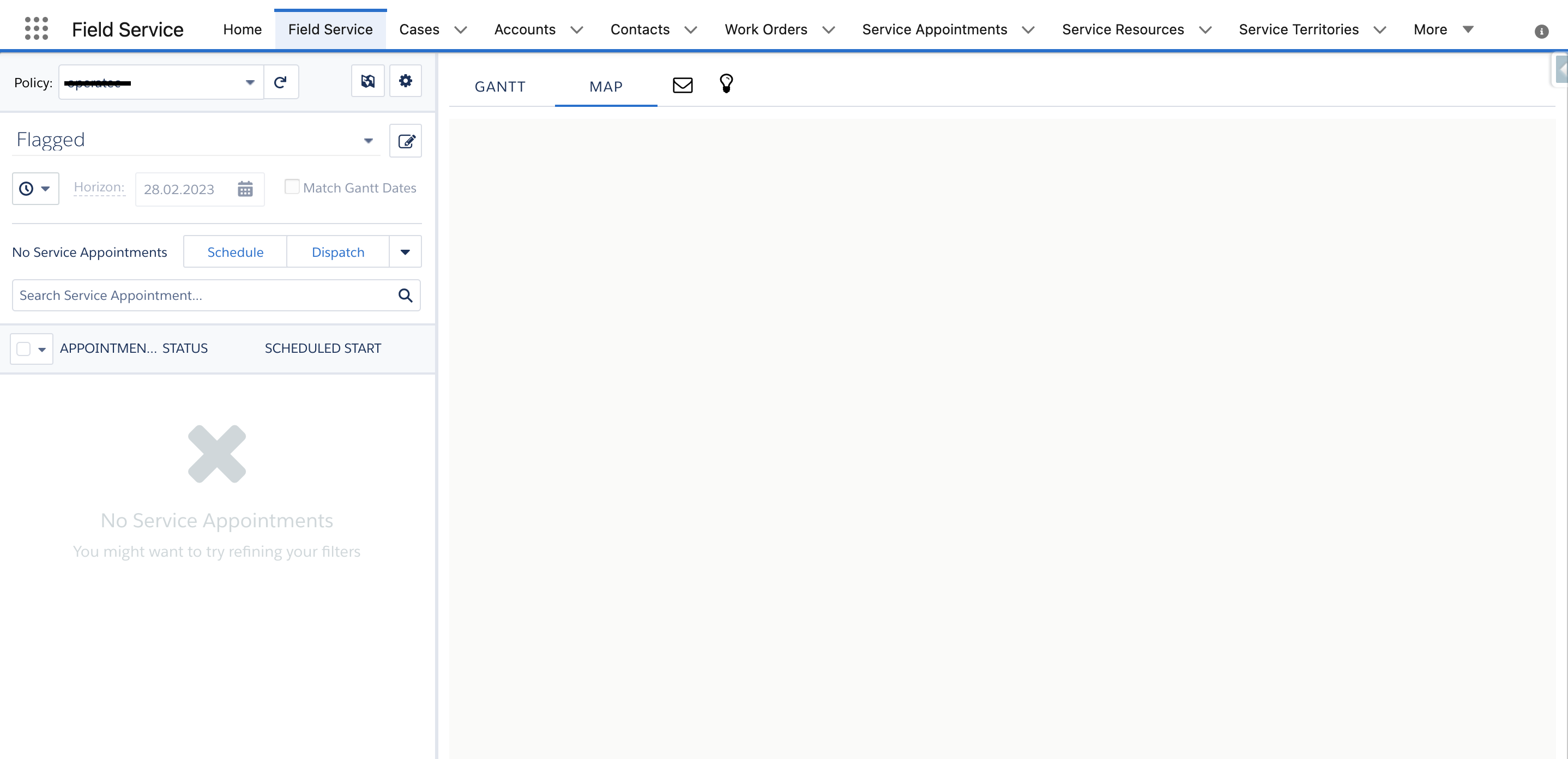
When the user or dispatcher navigates to the Field Service map on the Dispatcher Console, the map displays as a blank page.
Navigation: App Launcher > Field Service > Field Service tab > Map
Løsning
When the map is blank on the Dispatcher console for Field Service, this behavior generally occurs when there is an incorrect setting on the 'FSL__Map_Reports__c' field on the FSL__UserSetting__c record (stores the settings a user has configured in the Dispatcher Console).
Please follow the below steps to add the "User Settings" tab in your org:
- Go to Setup
- Enter Tabs in the Quick Find box
- Under the "Custom Object Tabs" section, click New
- Select the object User Settings
- Choose the tab style
- Click Next, then Next again, and Save
Please follow the below steps to add the Reports field on the "User Settings" page layout:
- Go to Setup
- Select the Object Manager
- Search for "User Setting"
- Go to the Page Layout
- From the Fields, drag and drop the Map Reports onto the page layout
- Click Save
To fix the issue, navigate to the "User Settings" tab from the App Launcher and open the record that is associated with the affected user. The record can be identified by the fields - Owner First Name and Owner Last Name.
Once the record is identified, set the value in the Map Reports (FSL__Map_Reports__c) field to blank, then select Save.
Alternatively, if the issue is not resolved even after performing the above steps, then delete the user settings record that is associated with the affected user. The record can be identified by the fields - Owner First Name and Owner Last Name.
Flere ressurser
Knowledge-artikkelnummer
000395171
Hjalp denne artikkelen med å løse problemet ditt?
La oss få vite det slik at vi kan forbedre!
