Velg en organisasjon
Case Comments are non-clickable entities under Related Tab on desktop as well as Salesforce Field Service App
Publiseringsdato: May 17, 2026
Beskrivelse
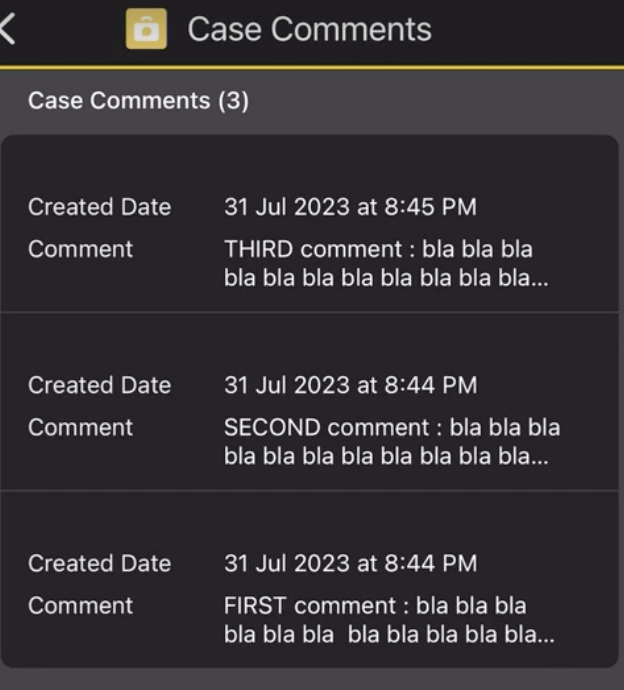
In Salesforce Field Service (SFS), the Related Tab of a Case object displays "Case Comments" as a list. However, Case Comments cannot be opened by clicking on individual records — either in the Salesforce Field Service Mobile App or on desktop.
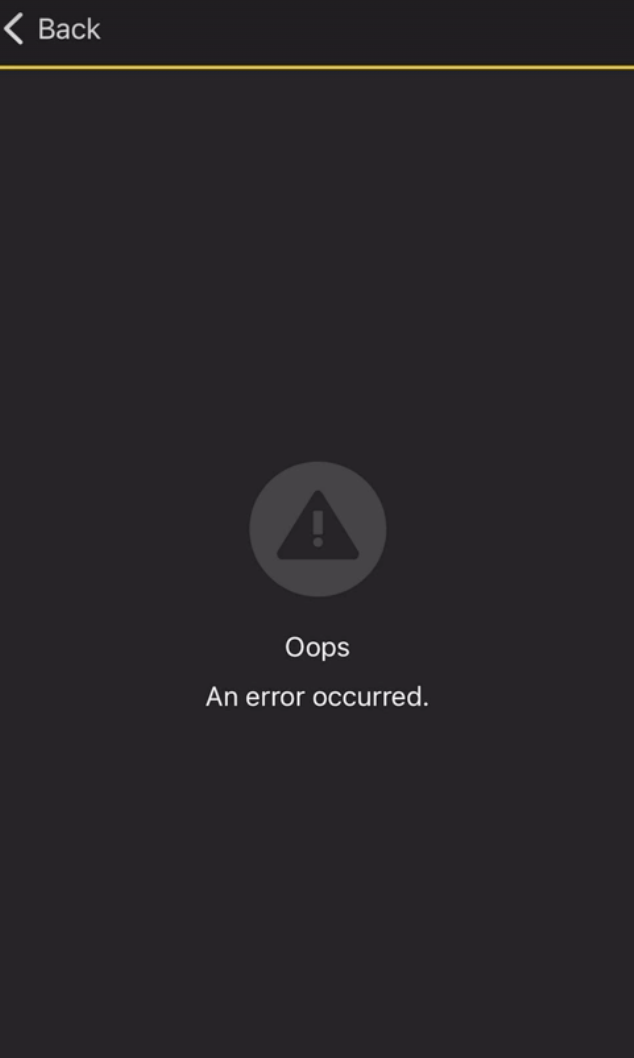
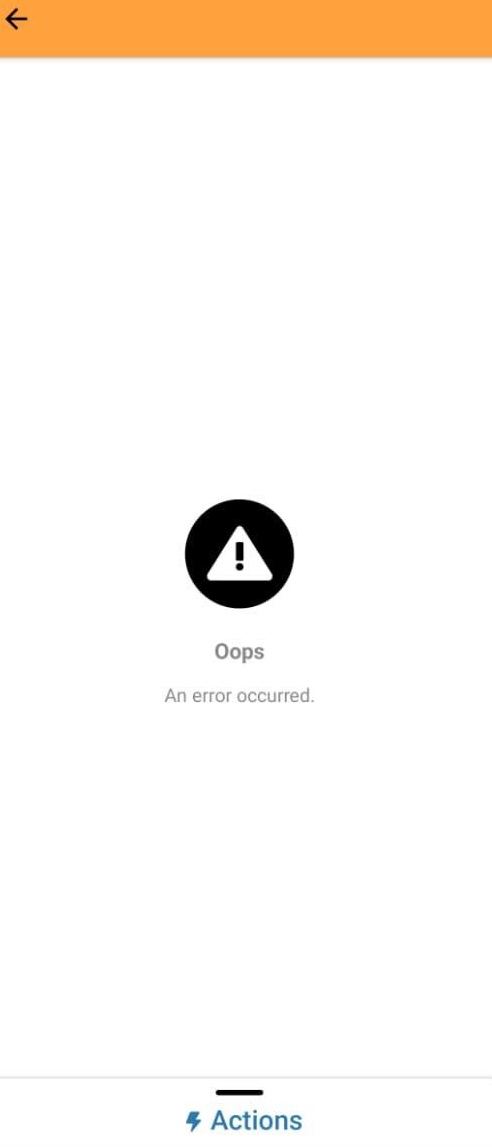
- In the Salesforce Field Service App: Case Comments are visible in list view. When a user taps on a Case Comment record to open it on a separate page, the app displays: "Oops, An error occurred."
- On Desktop: Case Comments are listed and can be edited or deleted, but clicking to open the record is not supported.
This behavior is consistent across all platforms and is working as intended.

Løsning
Workaround: To view the full content of a Case Comment, access the Case through the Feed Tab instead of the Related Tab. The Feed Tab displays Case Comments in Chatter, where the full comment text is readable. Case Comments are also visible in the Chatter feed on both desktop and mobile.
Product Status: The Salesforce Product Team has a feature request in progress to display a Toast notification message when a user attempts to open a Case Comment from the Related Tab, so that users receive a clear explanation instead of a generic error. This is a notification improvement only — the underlying behavior (Case Comments not being openable from the Related Tab) is working as designed and is not considered a bug.
Knowledge-artikkelnummer
000396070
Hjalp denne artikkelen med å løse problemet ditt?
La oss få vite det slik at vi kan forbedre!
