Organisation auswählen
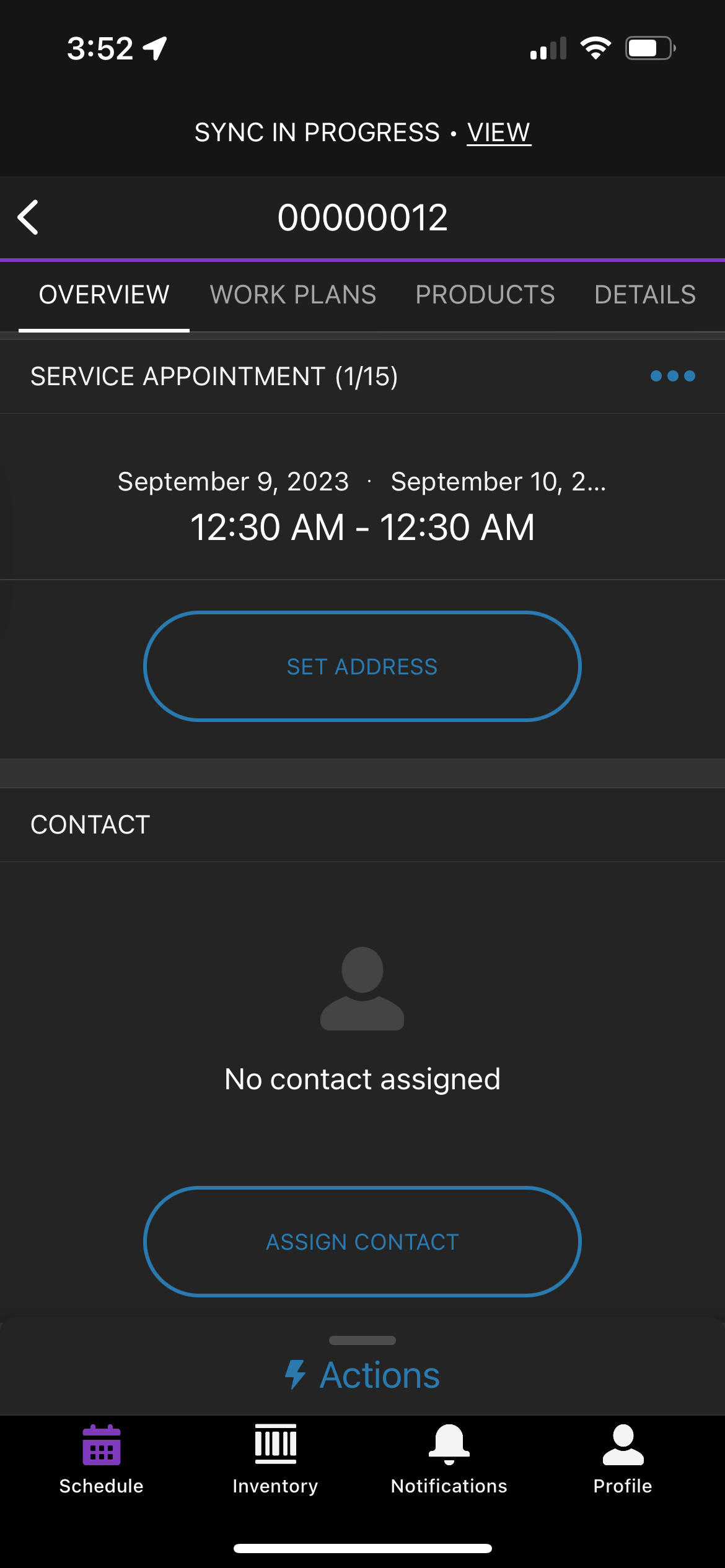
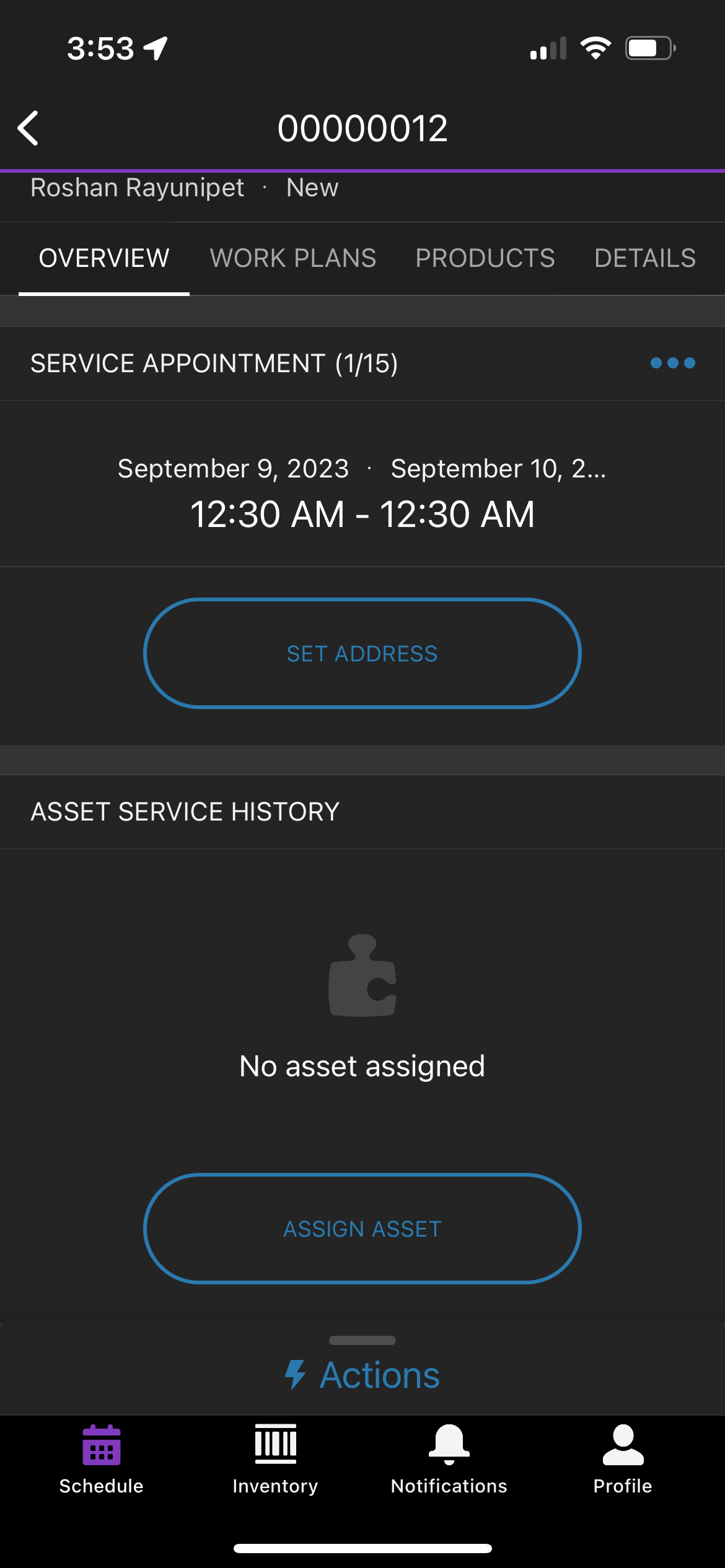
Steps to remove the Contact card from the Salesforce Field Service mobile application.
Veröffentlichungsdatum: Oct 23, 2023
Beschreibung
If the user wants to remove the Contact card on the Salesforce Field Service mobile application for a mobile user they have to follow the steps mentioned below:
Lösung
To remove the Contact card on the Salesforce Field Service mobile application
1. Remove the contact field on the service appointment page layout assigned to the user.
2. Remove the contact field on the work order page layout assigned to the user.
After following the above-mentioned steps
Clear Cached Metadata (Profile > Settings > Advanced Settings > Clear Cached Metadata)
(OR)
Log out and Log in to reflect the metadata changes in the field service mobile app.
Nummer des Knowledge-Artikels
000396754
Konnten Sie Ihr Problem mithilfe dieses Artikels lösen?
Geben Sie uns Feedback, damit wir uns verbessern können.
