Seleziona un'organizzazione
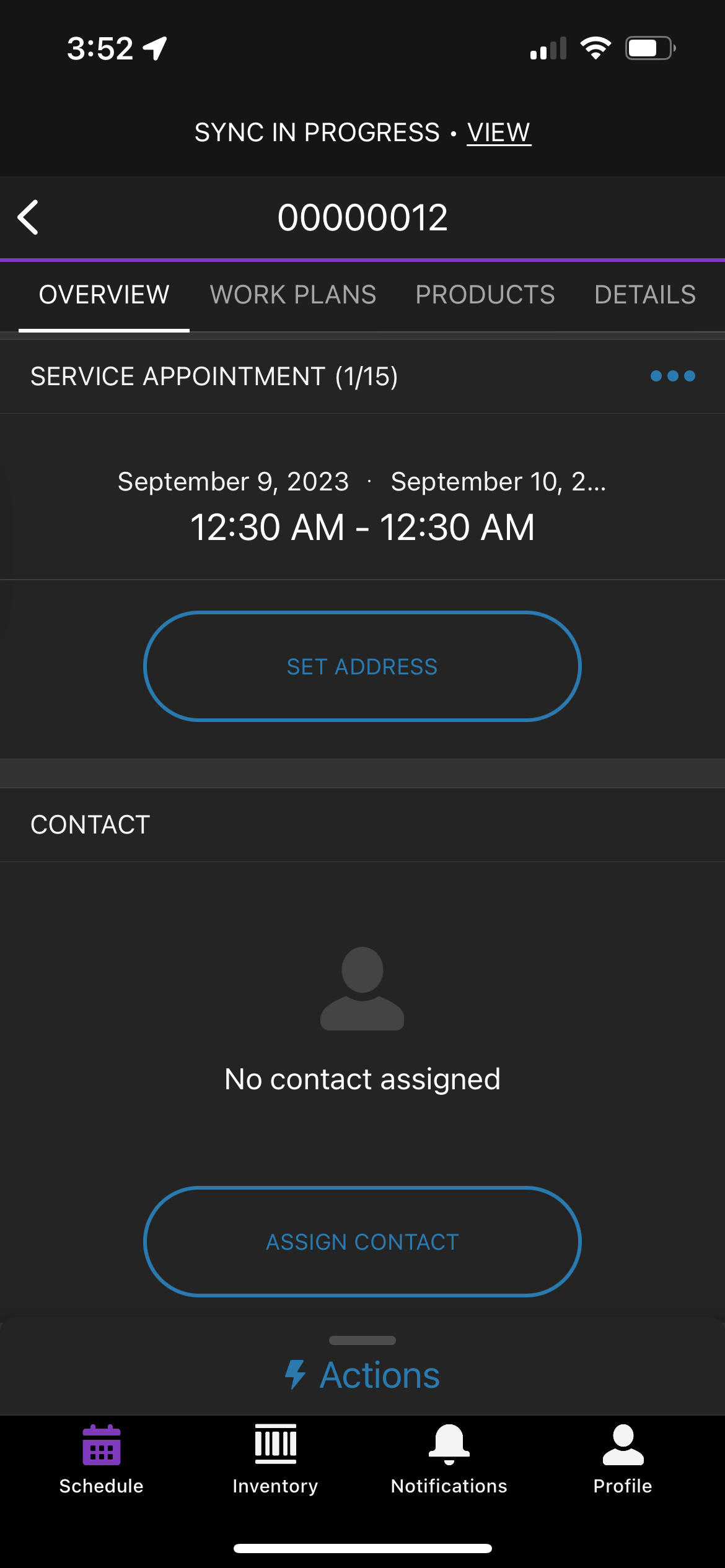
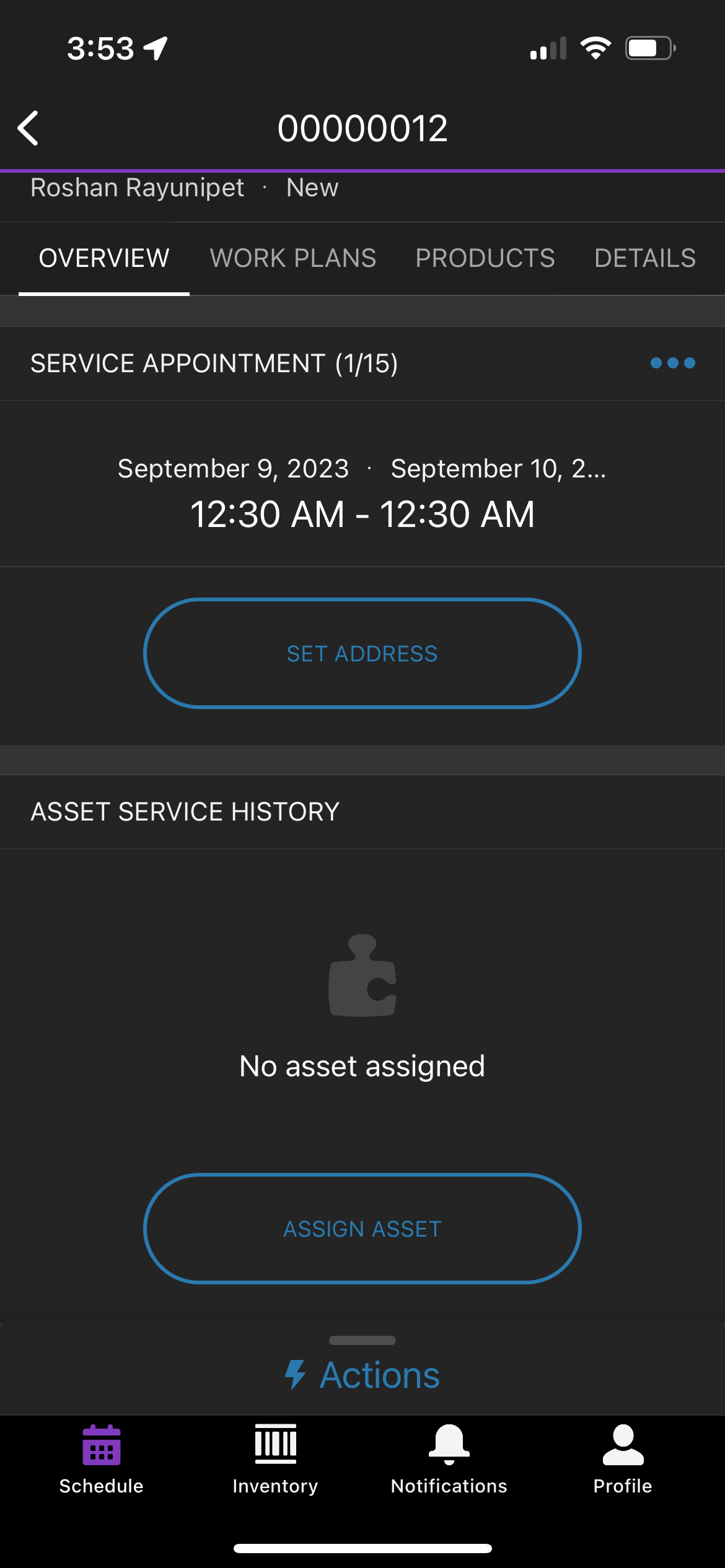
Steps to remove the Contact card from the Salesforce Field Service mobile application.
Data pubblicazione: Oct 23, 2023
Descrizione
If the user wants to remove the Contact card on the Salesforce Field Service mobile application for a mobile user they have to follow the steps mentioned below:
Risoluzione
To remove the Contact card on the Salesforce Field Service mobile application
1. Remove the contact field on the service appointment page layout assigned to the user.
2. Remove the contact field on the work order page layout assigned to the user.
After following the above-mentioned steps
Clear Cached Metadata (Profile > Settings > Advanced Settings > Clear Cached Metadata)
(OR)
Log out and Log in to reflect the metadata changes in the field service mobile app.
Numero articolo Knowledge
000396754
Questo articolo ha risolto il problema?
Facci sapere, così possiamo migliorare!
