組織を選択
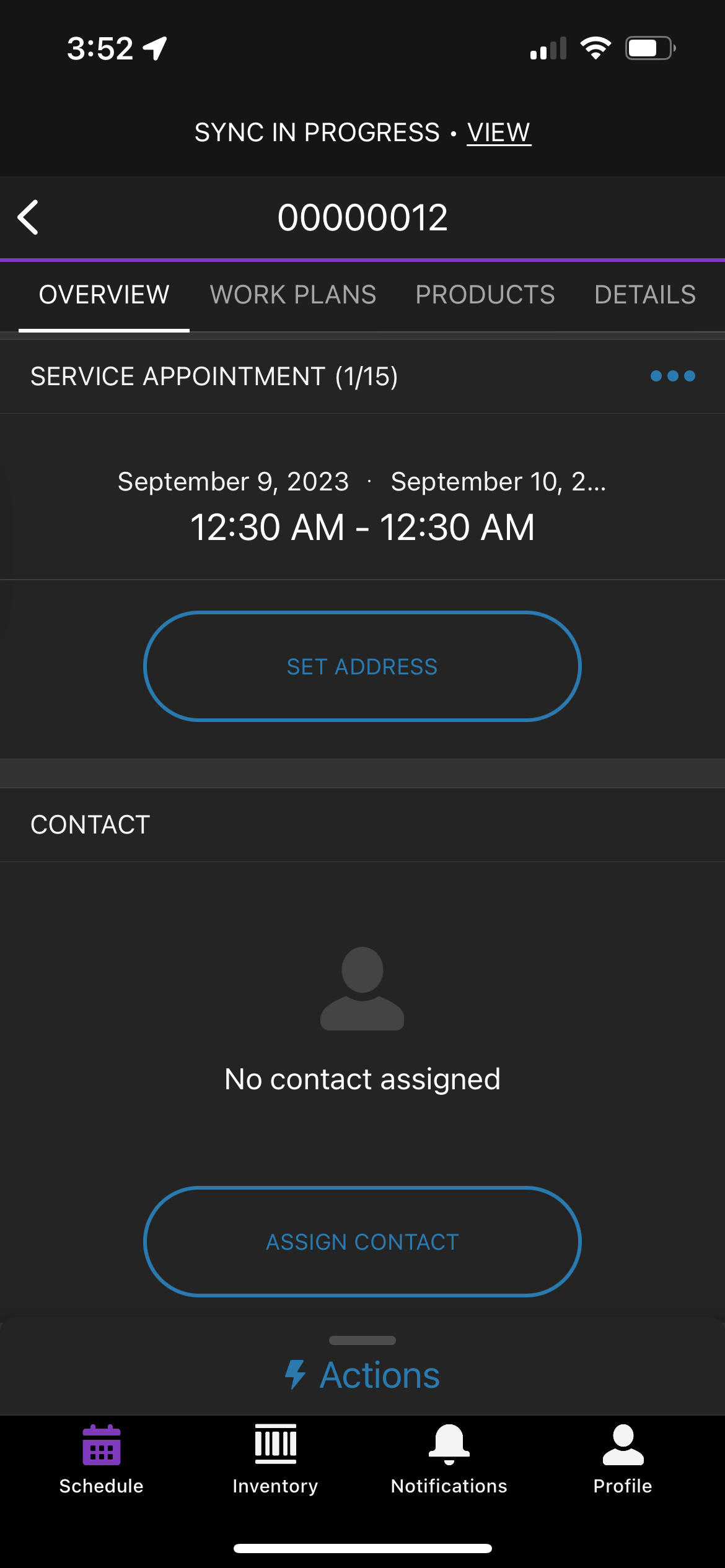
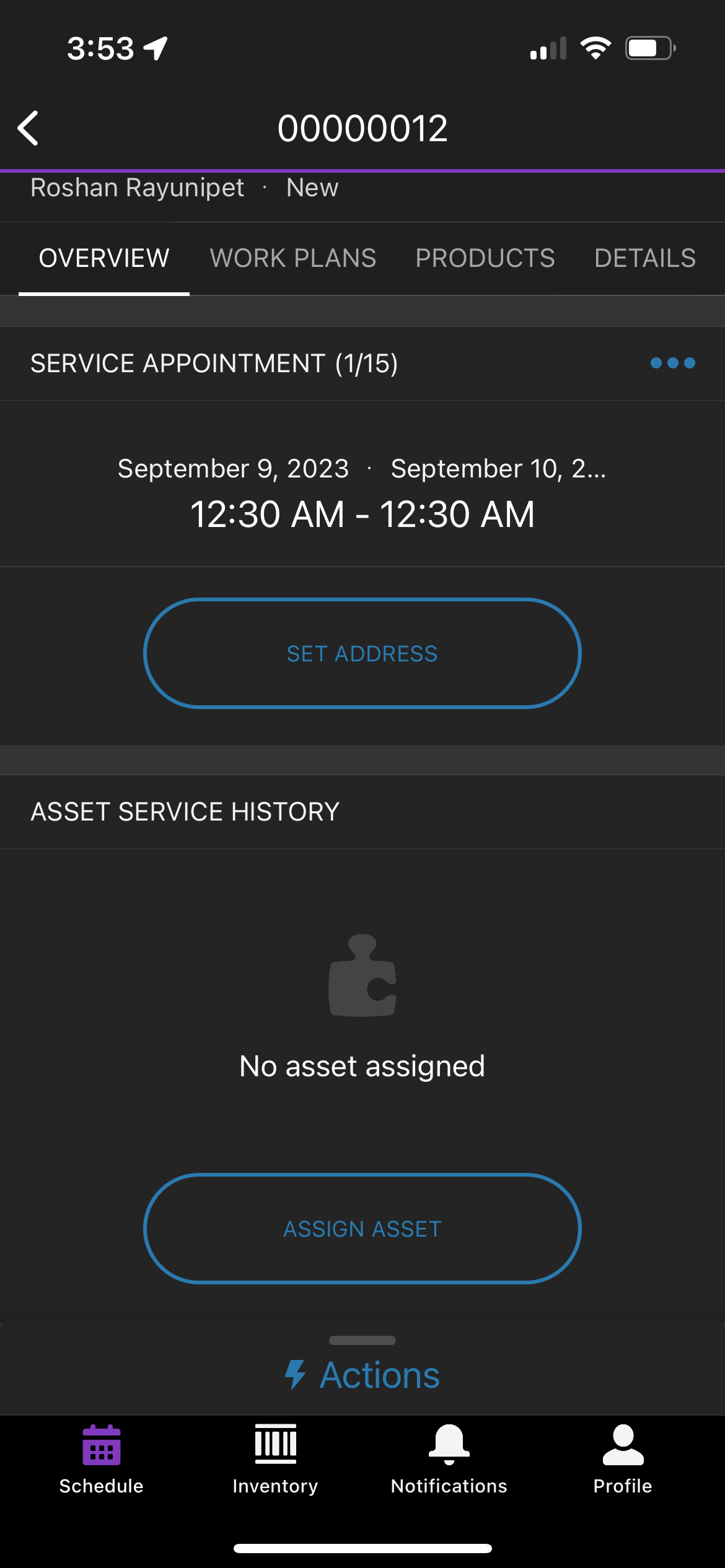
Steps to remove the Contact card from the Salesforce Field Service mobile application.
公開日: Oct 23, 2023
説明
If the user wants to remove the Contact card on the Salesforce Field Service mobile application for a mobile user they have to follow the steps mentioned below:
解決策
To remove the Contact card on the Salesforce Field Service mobile application
1. Remove the contact field on the service appointment page layout assigned to the user.
2. Remove the contact field on the work order page layout assigned to the user.
After following the above-mentioned steps
Clear Cached Metadata (Profile > Settings > Advanced Settings > Clear Cached Metadata)
(OR)
Log out and Log in to reflect the metadata changes in the field service mobile app.
ナレッジ記事番号
000396754
この記事で問題は解決されましたか?
ご意見をお待ちしております。
