Select An Org
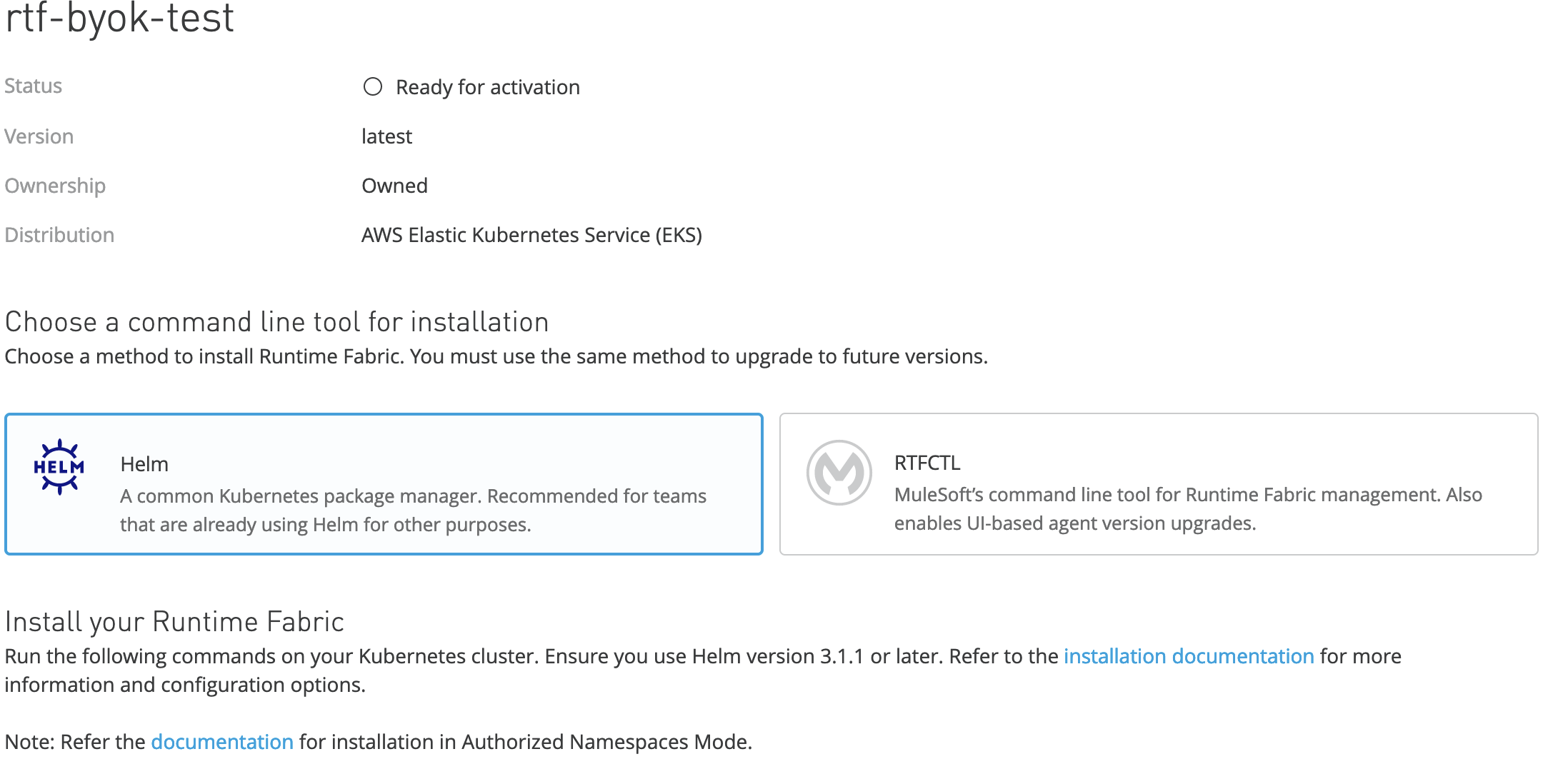
To install MuleSoft Runtime Fabric, should you use the Helm package manager or the RTFCTL command line tool?
Publish Date: Aug 5, 2025
Steps
QUESTION
To install MuleSoft Runtime Fabric on Self-managed Kubernetes, should you use the Helm package manager or the RTFCTL command line tool? Which one is better for automation?
ANSWER
RTFCTL is a command line tool that allows developers to manage and deploy applications running on MuleSoft Runtime Fabric. It provides a way to easily create and manage applications, deploy and upgrade applications, and configure MuleSoft Runtime Fabric. RTFCTL also provides a way to manage the resources used by applications, such as ingress controllers and apply proxies or Mule license. It was originally created to deploy/manage Runtime Fabric cluster on appliance version and later also in RTF Self-managed Kubernetes.
https://docs.mulesoft.com/runtime-fabric/2.1/install-rtfctl
On the other hand, Helm is an open source package manager for Kubernetes that makes it easy to package, configure, and deploy applications and services. Helm allows you to define and manage the resources required for running an application, and provides a way to easily version, distribute, and rollback applications. Helm also makes it easy to create reproducible builds of applications, allowing developers to easily share, test, and deploy their applications.
https://helm.sh/
Both of these can be used to install Runtime Fabric Self-managed Kubernetes. If you have used RTFCTL tool in the past perhaps you are more familiar with it and may find it easier to use. However if you already use Helm then you know it is powerful and probably you can find it easier to automate since it is more widely used, not only with RTF but many other applications.
References:
https://docs.mulesoft.com/runtime-fabric/2.1/install-rtfctl
https://helm.sh/
https://docs.mulesoft.com/runtime-fabric/latest/install-helm
https://www.ansible.com/blog/automating-helm-using-ansible
https://developer.hashicorp.com/waypoint/tutorials/application-deployment/gitops-helm-deployment
https://www.redhat.com/en/technologies/cloud-computing/openshift/helm
Knowledge Article Number
001115369
Did this article solve your issue?
Let us know so we can improve!
