Выбрать организацию
Can Not Delete On-premise Application From Runtime Manager If The Server Is Not Running
Дата публикации: Jul 28, 2025
Действия
SYMPTOM
I cannot delete on-premise applications from Anypoint Runtime Manager (ARM) if the on-premise server is not up and running.Why? How can I delete the application?
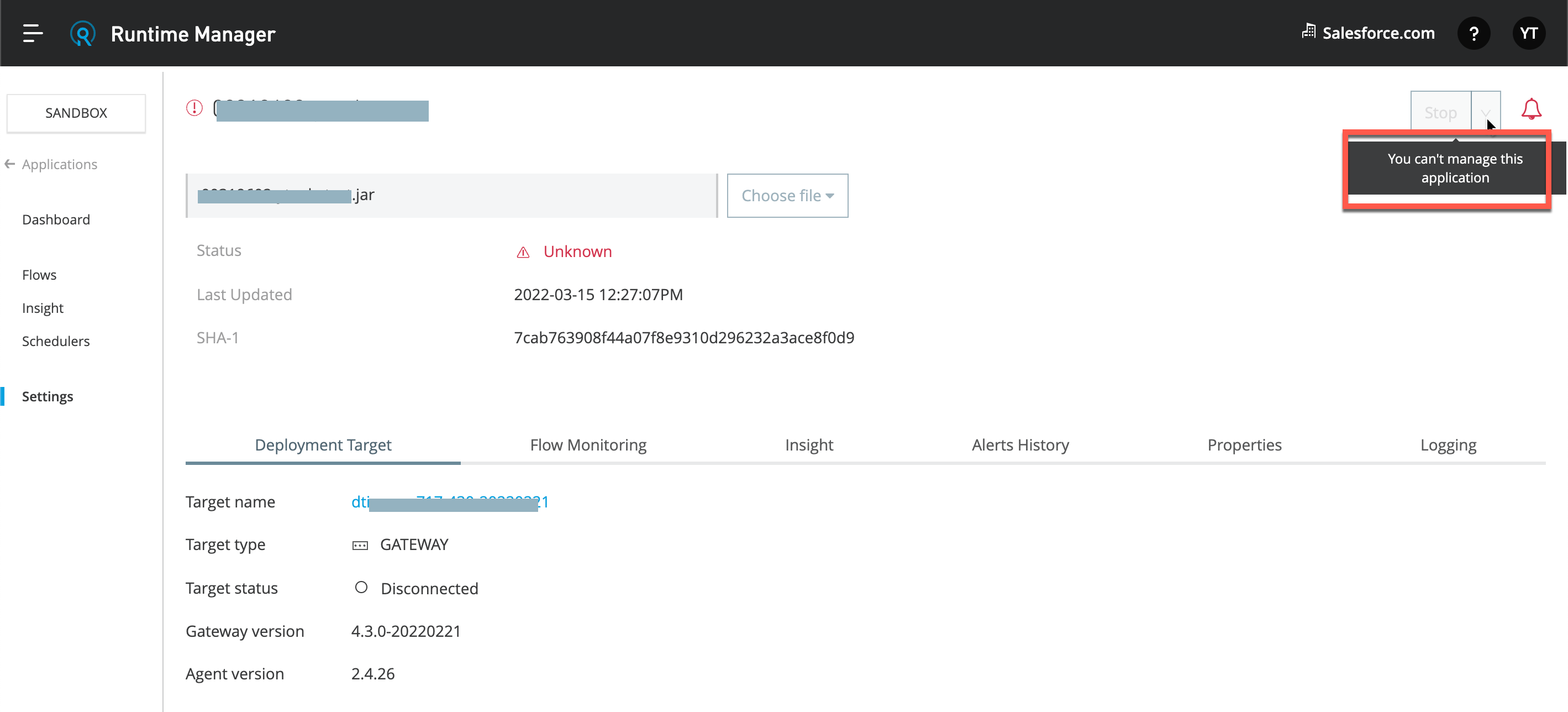
Example 1) Cannot delete an on-premise application. Seeing message "You can't manage this application".
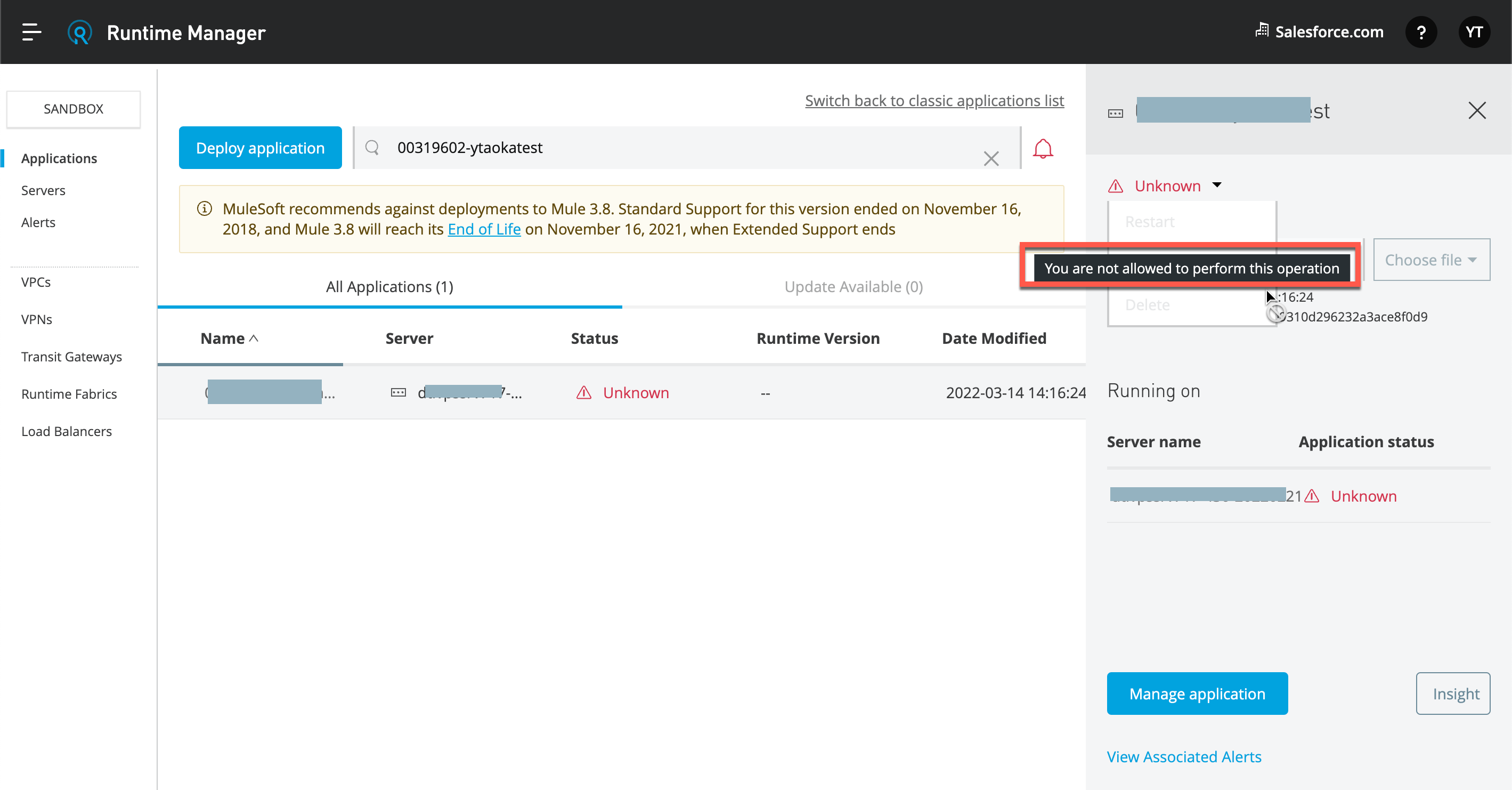
Example 2) Cannot delete an on-premise application. Seeing message "You are not allowed to perform this operation".
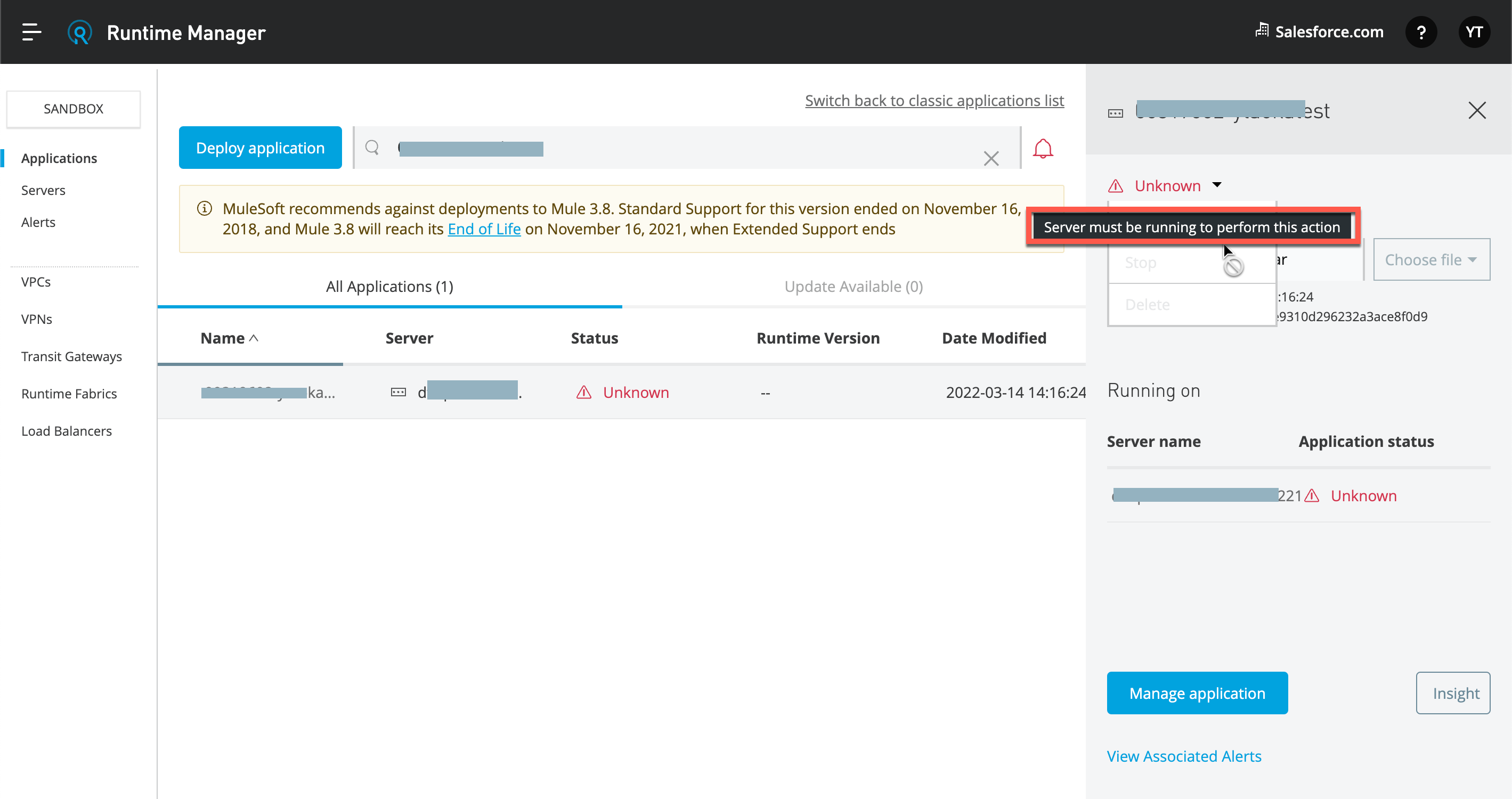
Example 3) Cannot delete an on-premise application. Seeing message "Server must be running to perform this action".
CAUSE
That is expected behavior. As per the document Manage Applications on Your Servers - Delete Applications, to delete an on-prem app, the target server must be running. In the case of a Cluster or Server Group, at least one of its nodes must be running.SOLUTION
Start up the on-prem Server Runtime and make it "Running" status so that the "Delete" option will be available.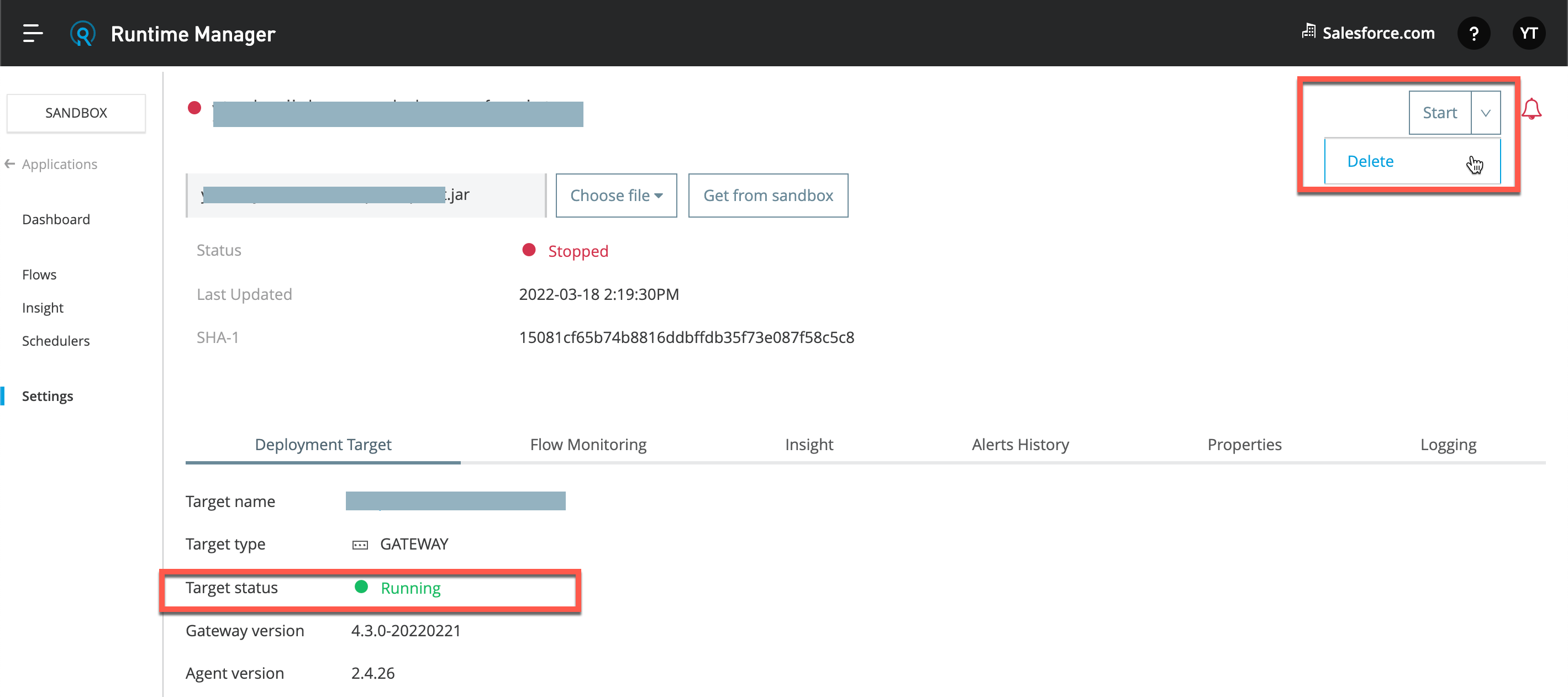
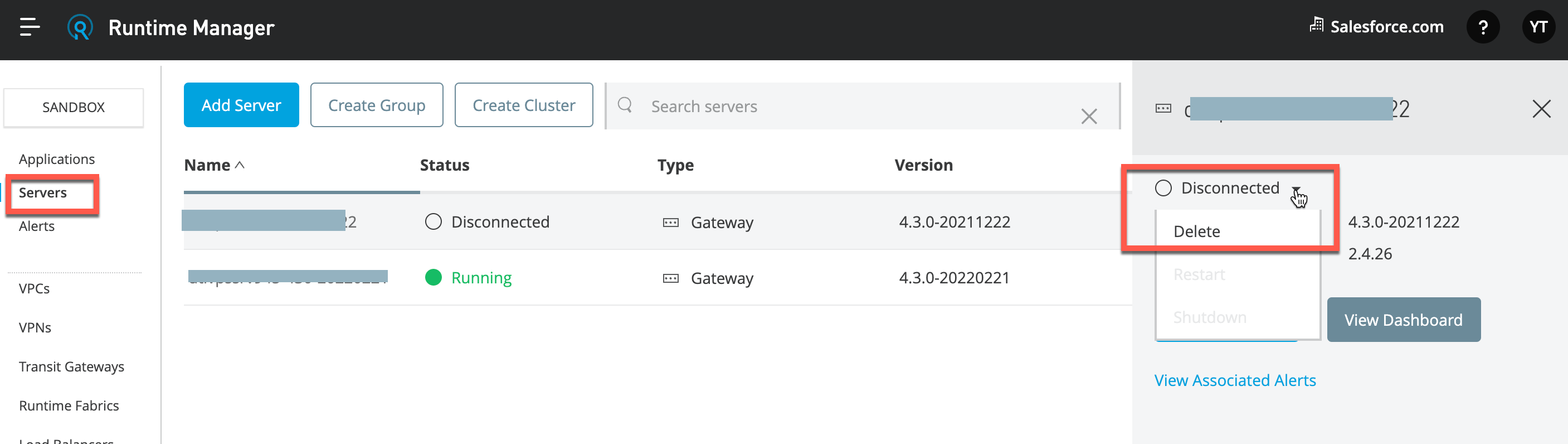
If you cannot start up the on-prem Server Runtime, for example the server has already been terminated/uninstalled, etc., the Server should be deleted in order to delete the Application. So that the Server and Applications will be deleted from ARM.
Номер статьи базы знаний
001115660
Эта статья решила вашу проблему?
Оставьте свой отзыв, чтобы мы могли стать лучше!
