Välj en organisation
How to set the custom user properties while using IBM MQ publish operation
Publiceringsdatum: Mar 2, 2024
Uppgift
GOAL
How to set the custom user properties while performing IBM MQ publish operation from Mule 4 applicationSteg
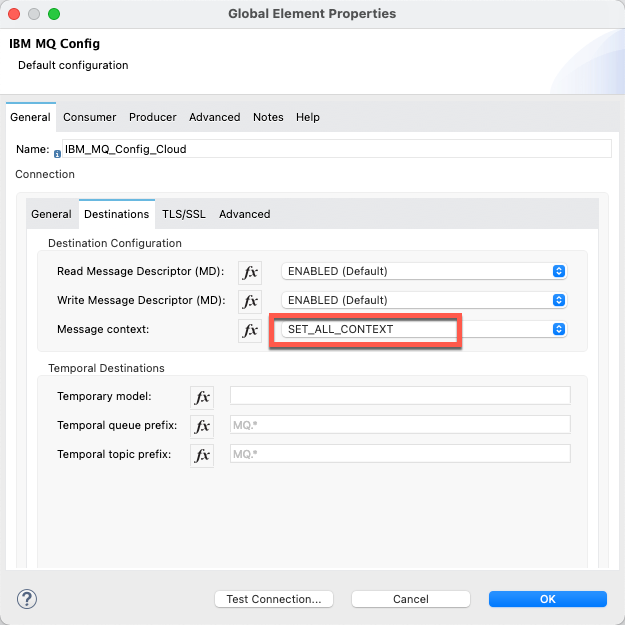
2) In IBM MQ publish operation, set the user properties according to your application requirements.
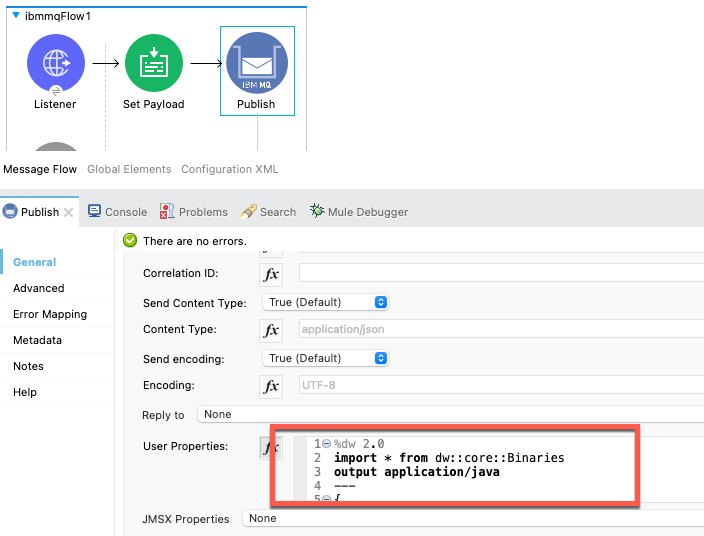
Dataweave snippet for reference:
%dw 2.0
import * from dw::core::Binaries
output application/java
---
{
"WMQ_MQMD_WRITE_ENABLED": true,
"JMS_IBM_Character_Set": 37,
"JMS_IBM_MQMD_UserIdentifier":"MULERPOC",
"JMS_IBM_MQMD_AccountingToken": fromHex("0000000000000000000000000000000000000000000000F0F2F4F80000000000") as Binary {class:"byte[]"},
"JMS_IBM_Encoding":785,
"JMS_IBM_Format": "MQSTR"
}
Disclaimer: This solution provides a suggestion that should be considered in conjunction with your specific use case and requirements and does not represent a complete solution for all circumstances.
Knowledge-artikelnummer
001115720
Löste denna artikel ditt problem?
Berätta för oss vad vi kan förbättra!
