組織を選択
Anypoint Monitoring Log Search Stops Receiving Query Results in Windows Environment
公開日: Jul 18, 2025
解決策
SYMPTOM
Anypoint Monitoring Log Search stops receiving log search query results: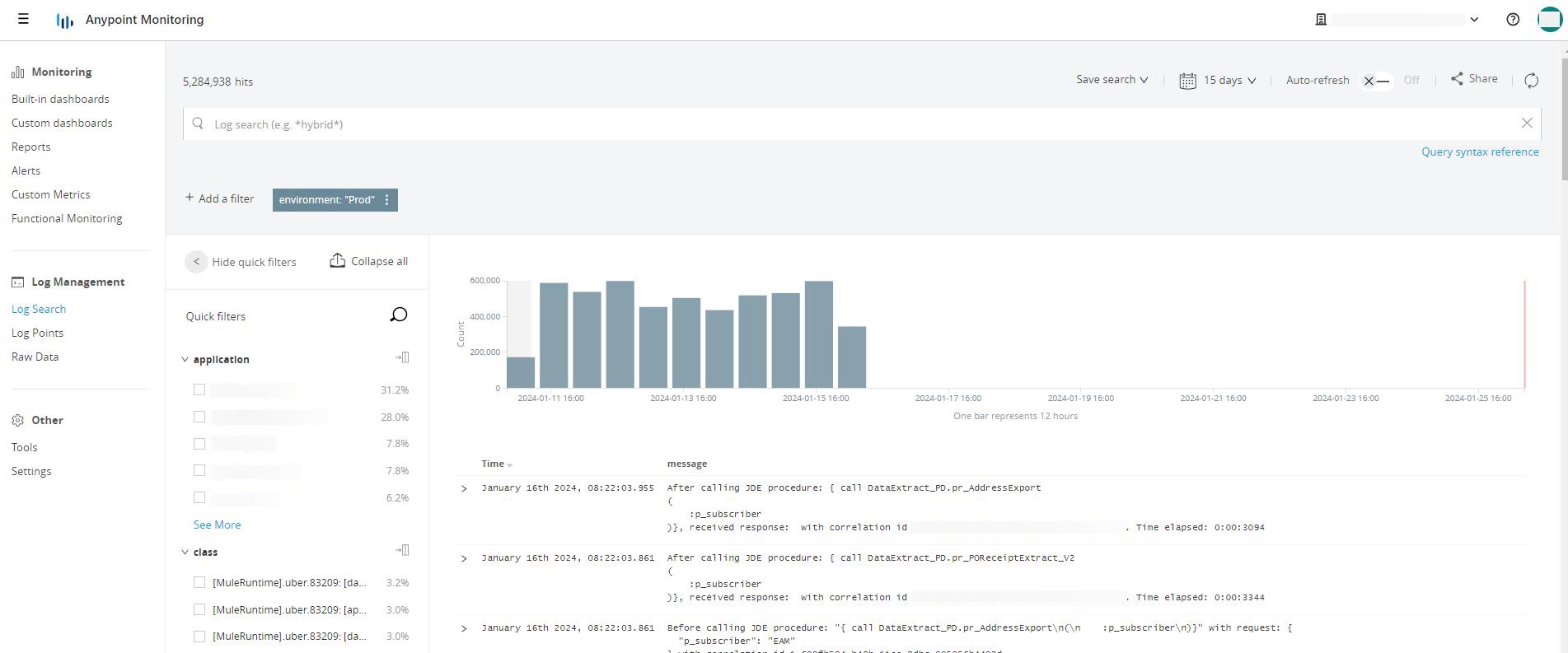
CAUSE
An existing Elastic filebeat instance is already running in the Windows operating system: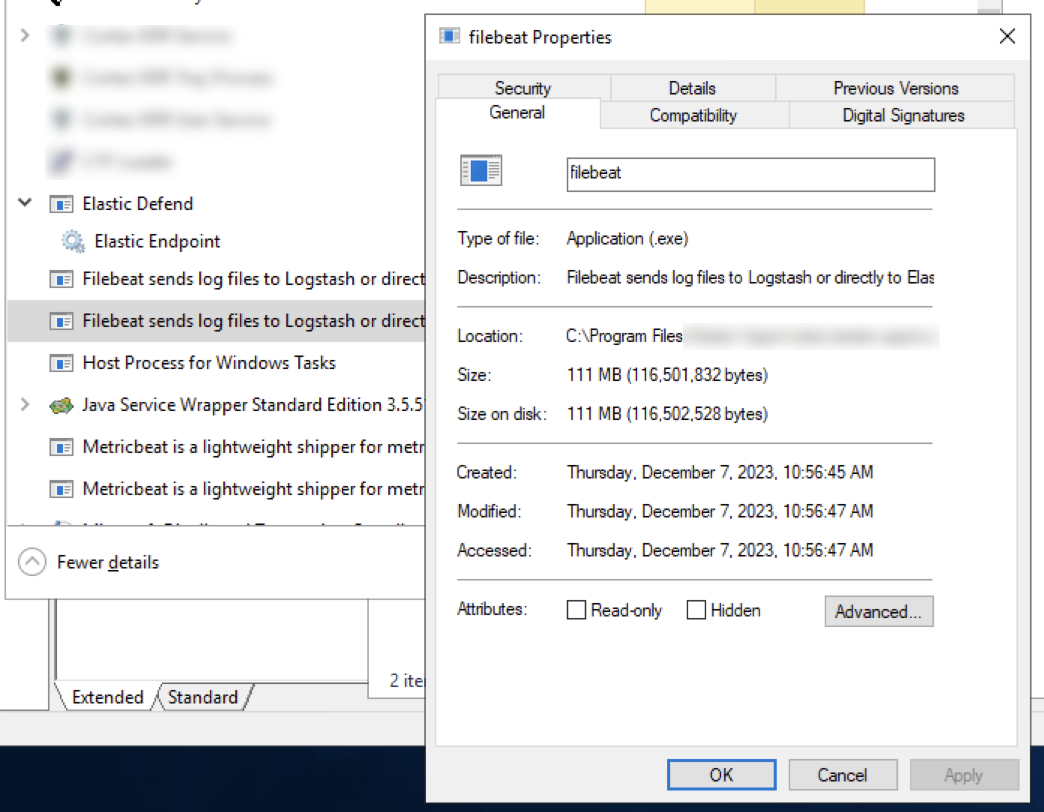
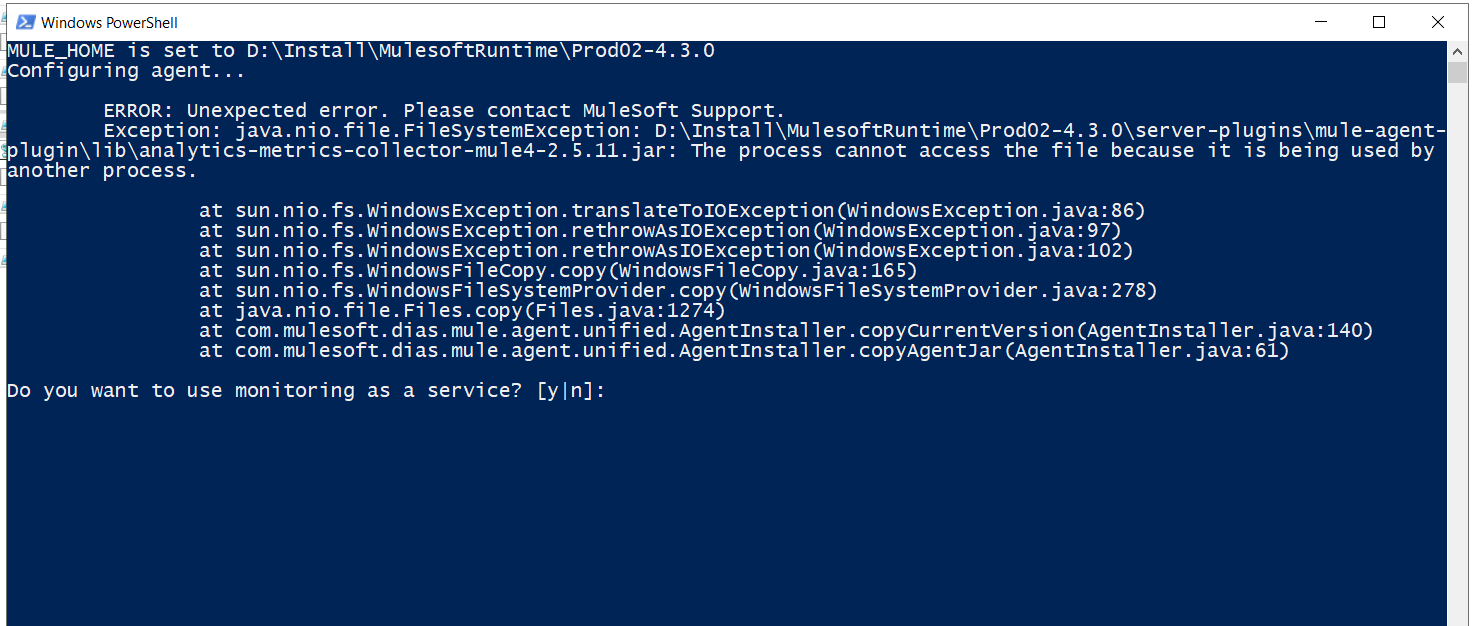
which is interfering with the MuleSoft Anypoint Monitoring's filebeat process. When you try to in Windows PowerShell session run the script .\am.ps1 start command to start the filebeat process it gets the following error message:
MULE_HOME is set to D:\Install\MuleSoftRuntime\Prod02-4.3.0
Configuring agent...
              ERROR: Unexpected error. Please contact MuleSoft Support.
              Exception: java.nio.file.FileSystemException: D:\Install\MuleSoftRuntime\Prod02-4.3.0\server-plugings\mule-agent-plugin\lib\analytics-metrics-collector-mule4-2.5.11.jar: The process cannot access the file because it is being used by another process.

                                at sun.nio.fs.WindowsException.translateToIOException(WIndowsException.java:86)
                                at sun.nio.fs.WindowsException.rethrowAsIOException(WIndowsException.java:97)
                                at sun.nio.fs.WindowsException.rethrowAsIOException(WIndowsException.java:102)
                                at sun.nio.fs.WindowsFileCopy.copy(WIndowsFileCopy.java:165)
                                at sun.nio.fs.WindowsFileSystemProvider.copy(WIndowsFileSystemProvider.java:278)
                                at java.niofile.Files..copy(Files.java:1274)
                                at com.mulesoft.dias.mule.agent.unified.AgentInstaller.copyCurrentVersion(AgentInstaller.java:140)
                                at com.mulesoft.dias.mule.agent.unified.AgentInstaller.copyAgentJar(AgentInstaller.java:61)

Do you want to user monitoring as a service? [y|n]:
It's documented in Install the Anypoint Monitoring agent:
You cannot install the Anypoint Monitoring agent on a server that has an existing filebeat instance running.
SOLUTION
1. Stop and uninstall the existing filebeat instance in Windows Task Manager and Services2. Use the PowerShell am.ps1 script to get the syntax options:
\am\bin> .\am.ps1 -help
DESCRIPTION: Run Anypoint Monitoring FileBeat
\am\bin\am.ps1 [options]

options:
-h show help and exit
-m [DIR] set home directory - defaults to MULE_HOME
-a [action] action to perform:
start - Start filebeat
stop - Stop filebeat
restart - Restart filebeat
check - Check connectivity
Here're examples of what to expect when checking the filebeat connectivity to MuleSoft Anypoint Monitoring log ingestion service:
For US Control Plane:
\am\bin> .\am.ps1 check
Checking connectivity
logstash: dias-ingestor-router.us-east-1.prod.cloudhub.io:443...
Connect to ingest... OK
For US-GovCloud Control Plane:
\am\bin> .\am.ps1 check
Checking connectivity
logstash: dias-ingestor-router.us-gov-west-1.gprod.msap.io:443...
Connect to ingest... OK
If filebeat process is not healthy use the PowerShell script to stop the process
\am\bin> .\am.ps1 stop
Stopping filebeat
Then use the PowerShell script to start the process
\am\bin> .\am.ps1 start
Starting filebeat
And check if the Log Search starts seeing log search queries.
ナレッジ記事番号
001117254
この記事で問題は解決されましたか?
ご意見をお待ちしております。
