組織を選択
The Compression module creates an invalid tar archive file
公開日: Apr 2, 2025
解決策
SYMPTOM
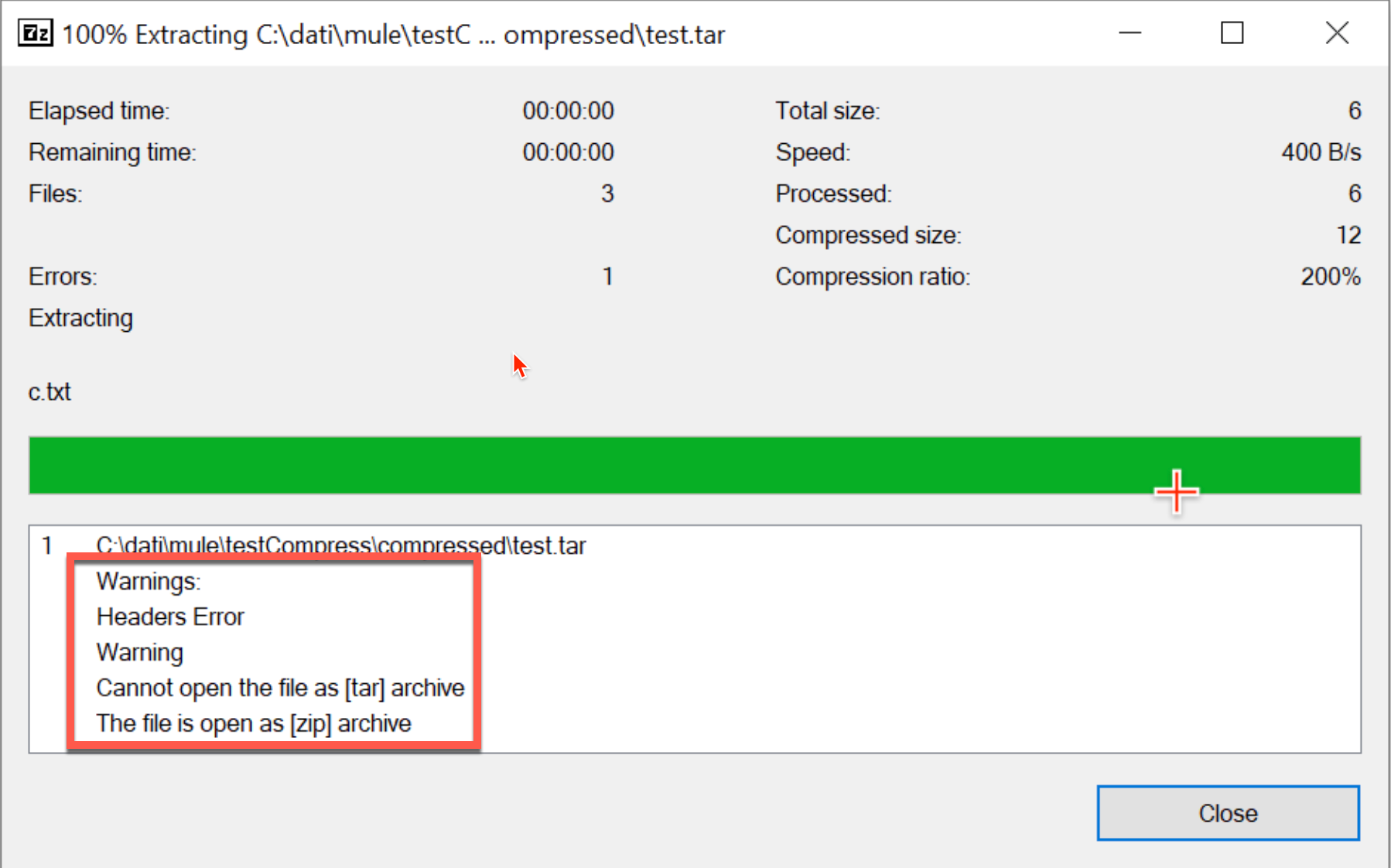
When working with the Compression module you create a tar archive file with the format of "*.tar.gz", the file cannot be opened as a tar archive with 7-zip or using the command "tar -xvf <filename>.tar.gz" in Unix/Linux. The method "Force ZIP64" of the Archive processor is selected (checked).Sample application flow
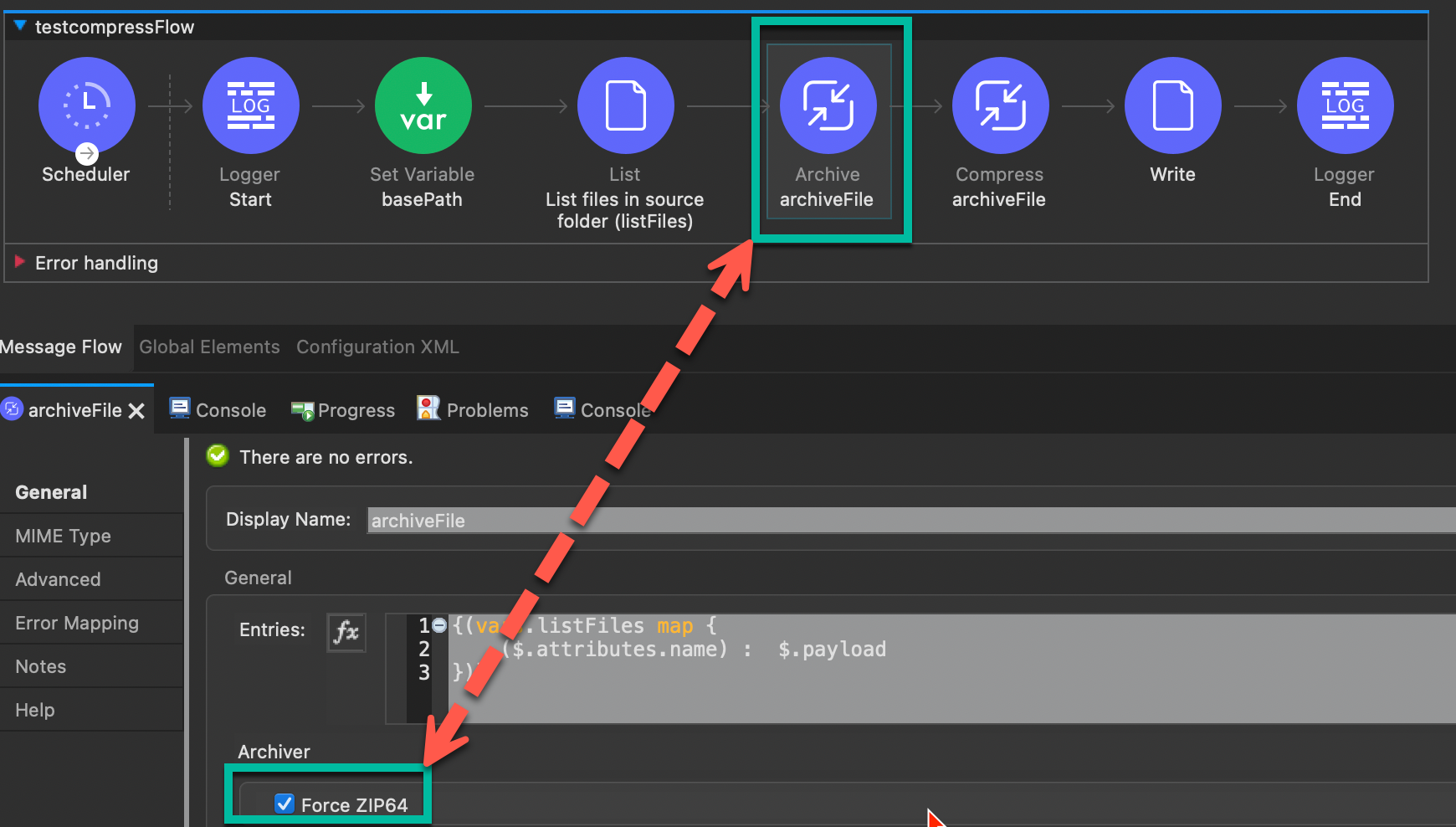
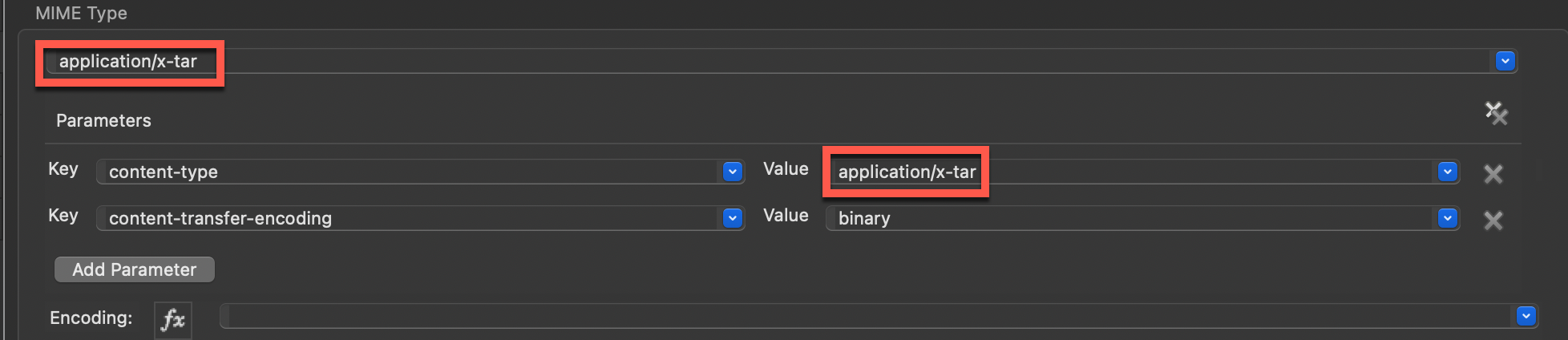
Set the MIME Type of both Archive & Compress processors to "application/x-tar"
7-zip Warnings
Linux/Unix Error

CAUSE
The Compressor module only supports the "*.gz" format. It does not support the "*.tar" format.SOLUTION
Change the write file format to "*.gz". You should be able to gunzip that file in any operating system. Follow the example at "https://docs.mulesoft.com/compression-module/2.2/compression-module-compress-decompress-example".Note:
The "Force Zip64" field of the Archive processor enables you to archive files and byte arrays greater than 4 GB as documented in "https://docs.mulesoft.com/compression-module/2.2/compression-documentation". Set this method appropriately.
ナレッジ記事番号
001117661
この記事で問題は解決されましたか?
ご意見をお待ちしております。
