Выбрать организацию
Getting a blank screen when connecting to Exchange or Anypoint Platform from Studio
Дата публикации: Mar 2, 2024
Решение
SYMPTOM
You are getting a blank screen when trying to connect to Anypoint Platform or Exchange using Studio 6 or 7.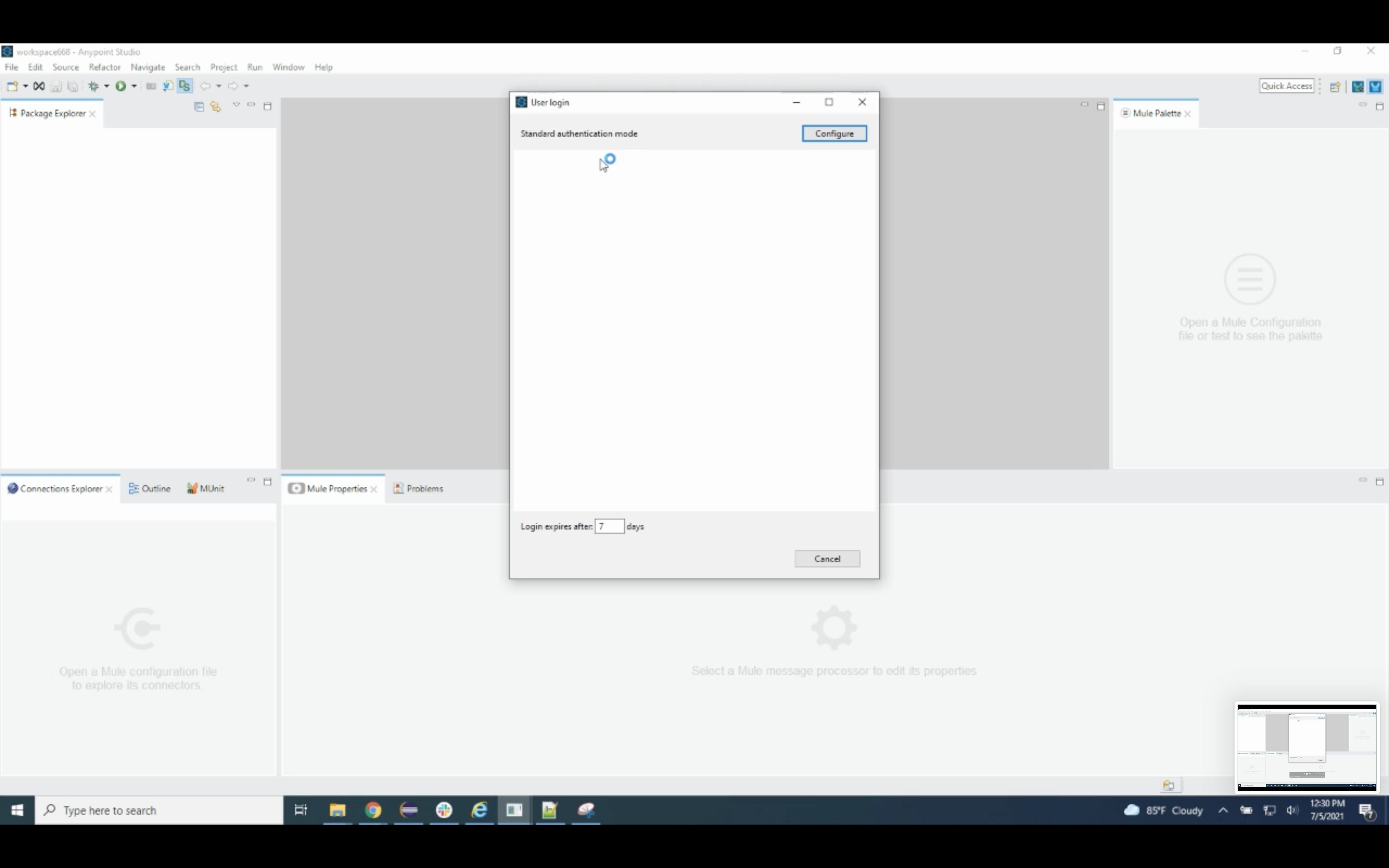
CAUSE
This could be due to permissions or a separate known issue.ALTERNATIVE SOLUTION
- Please go to https://anypoint.mulesoft.com -> Access Management -> Users -> Runtime Manager -> confirm you have Runtime permissions for that environment
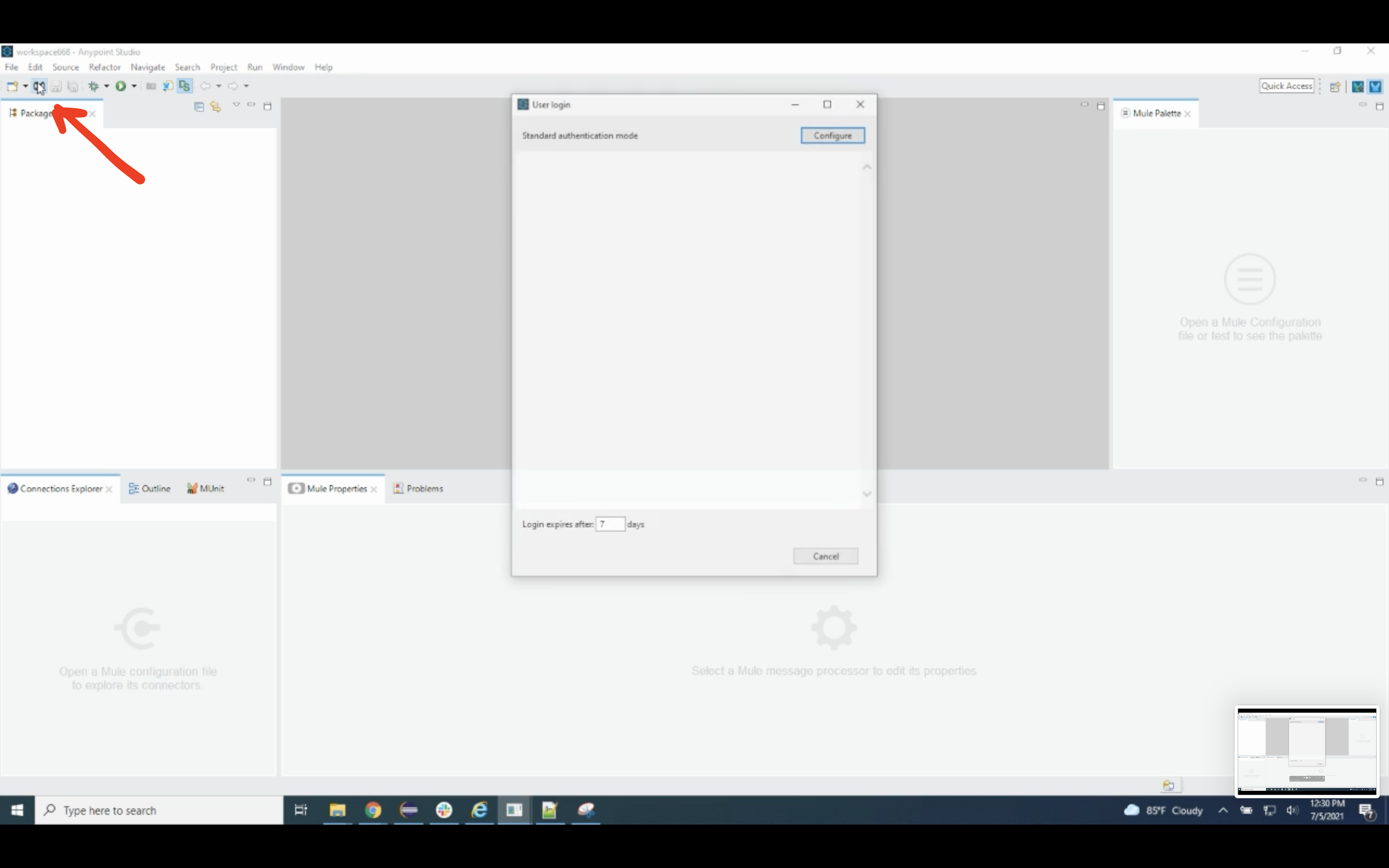
- Log in to Studio -> Click on the Exchange button from the top left menu bar on the screen.
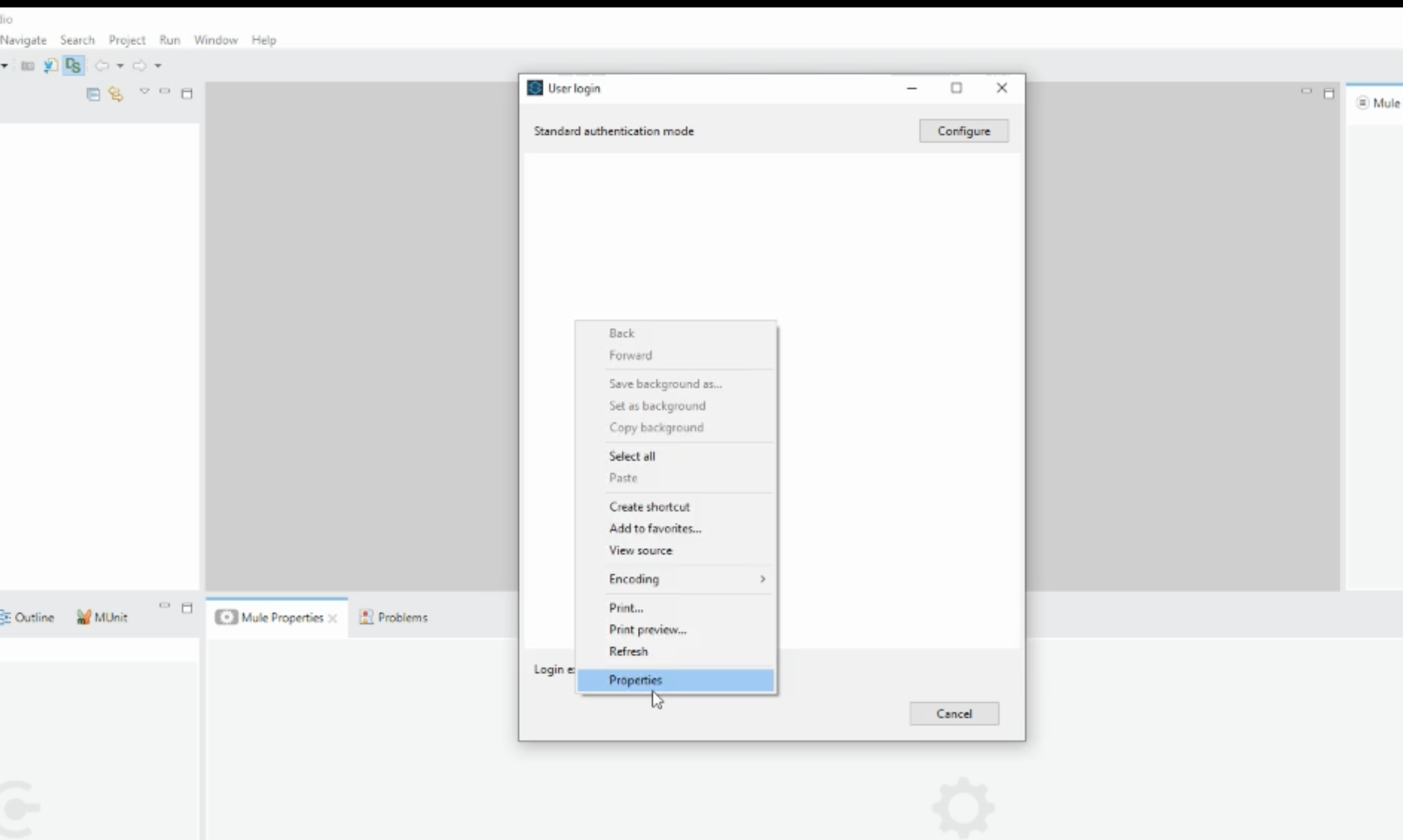
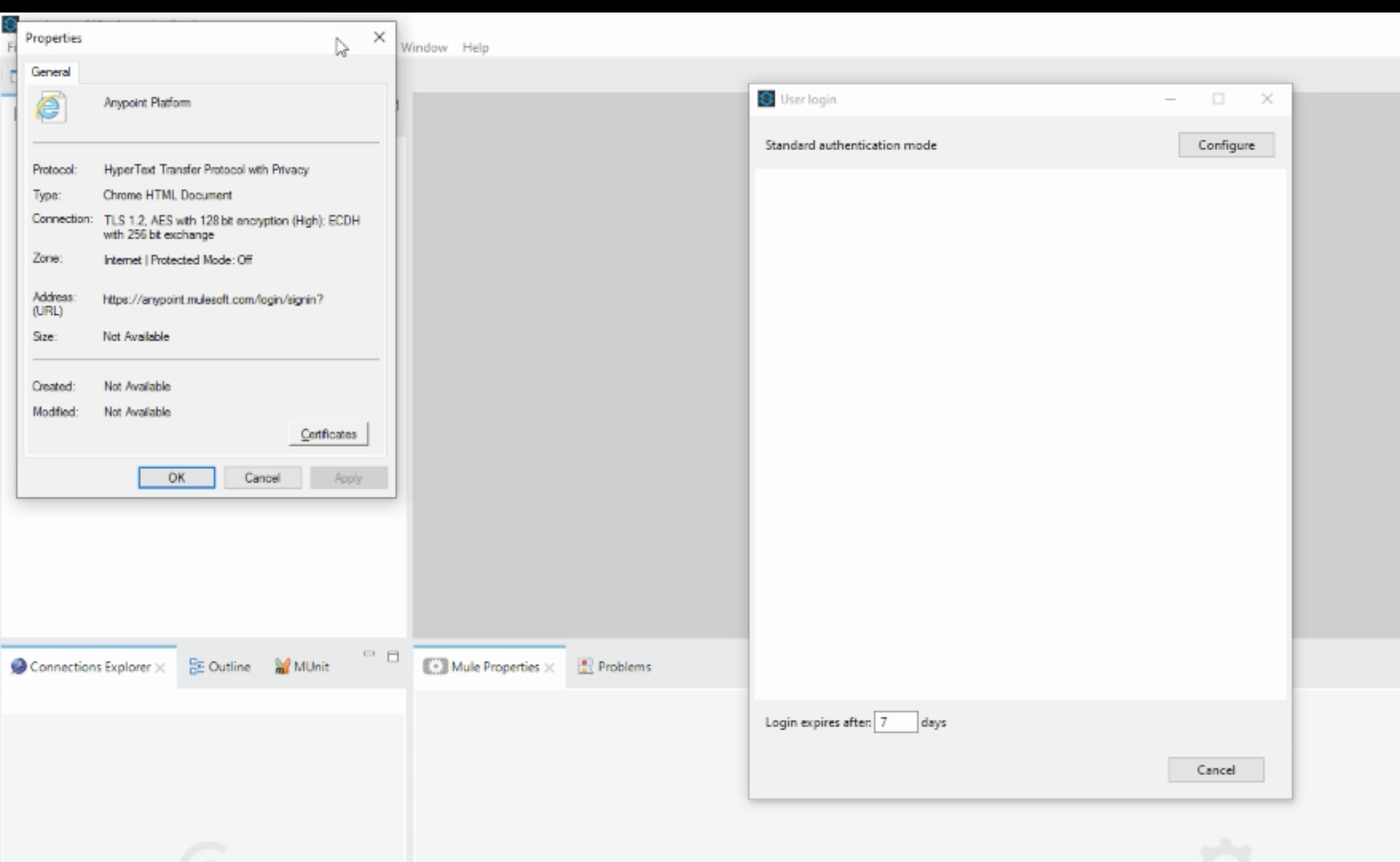
- You will see a blank screen popping up. Right-click on the blank screen and click on "properties".
- You will see that the browser where the connection is happening is Internet Explorer.
- Close the blank screen.
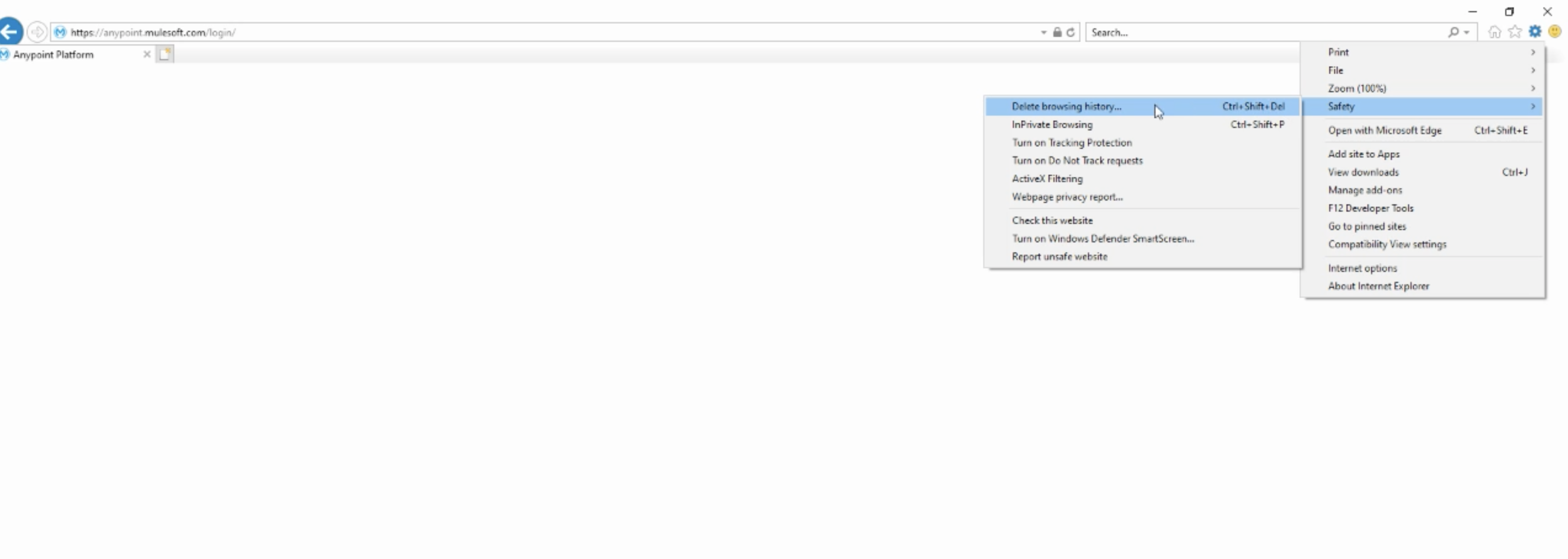
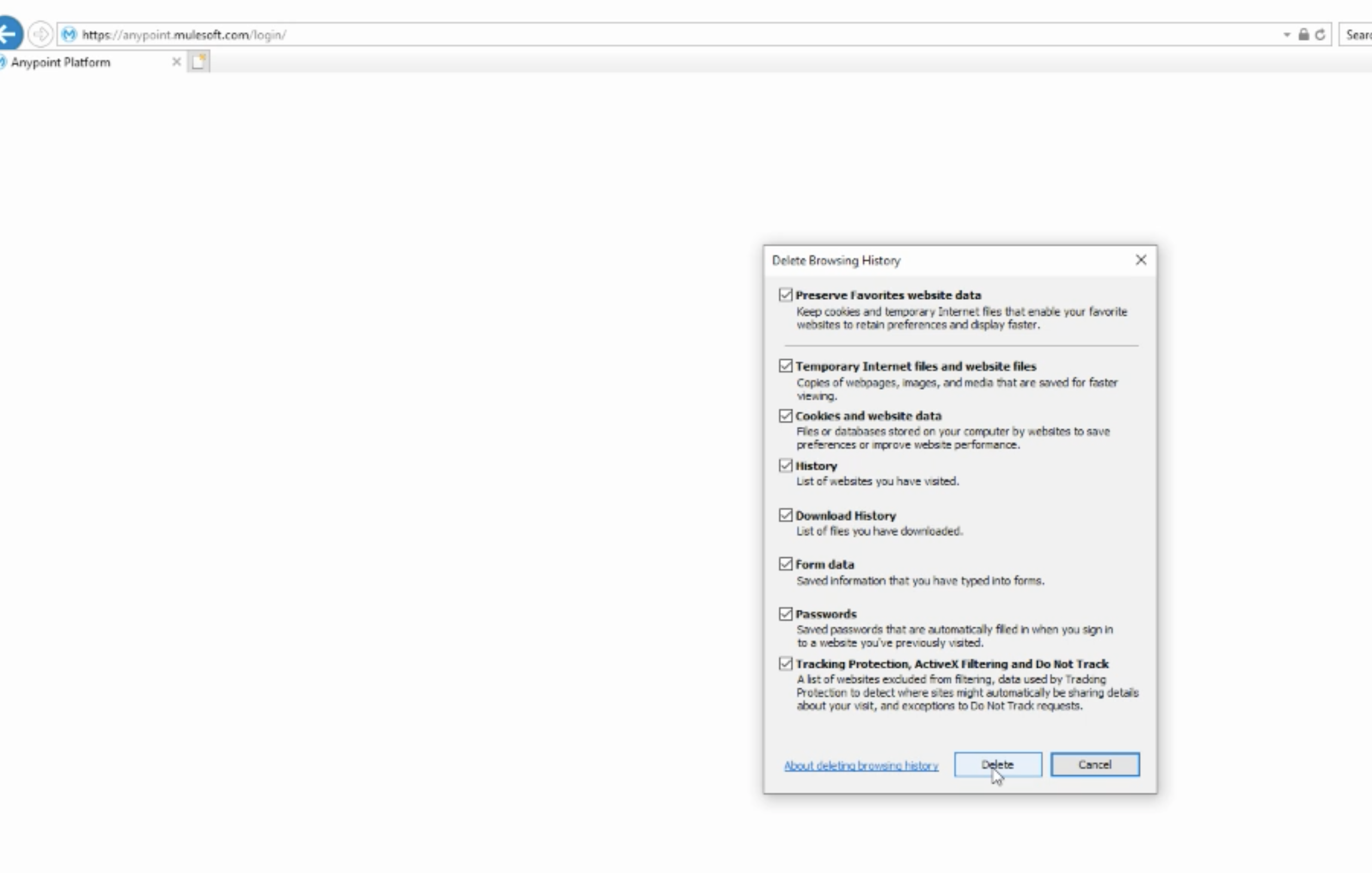
- Open Internet Explorer -> Click on the settings button at the top right corner of the screen -> Select "Safety" -> Click "Delete Browsing History" -> Click the Delete button.
- Now redirect to the Studio and again click on the Exchange button from the top left menu bar.
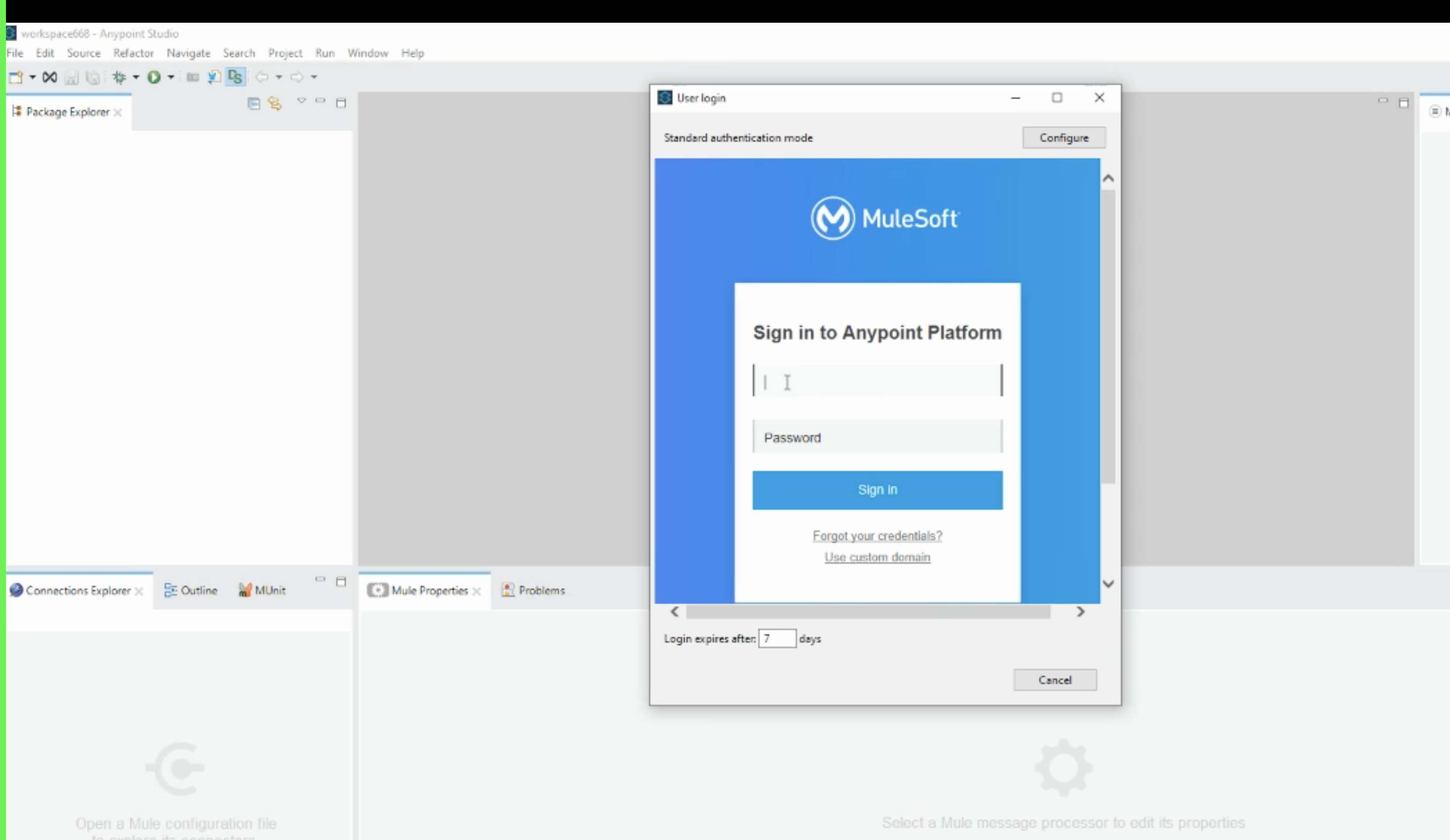
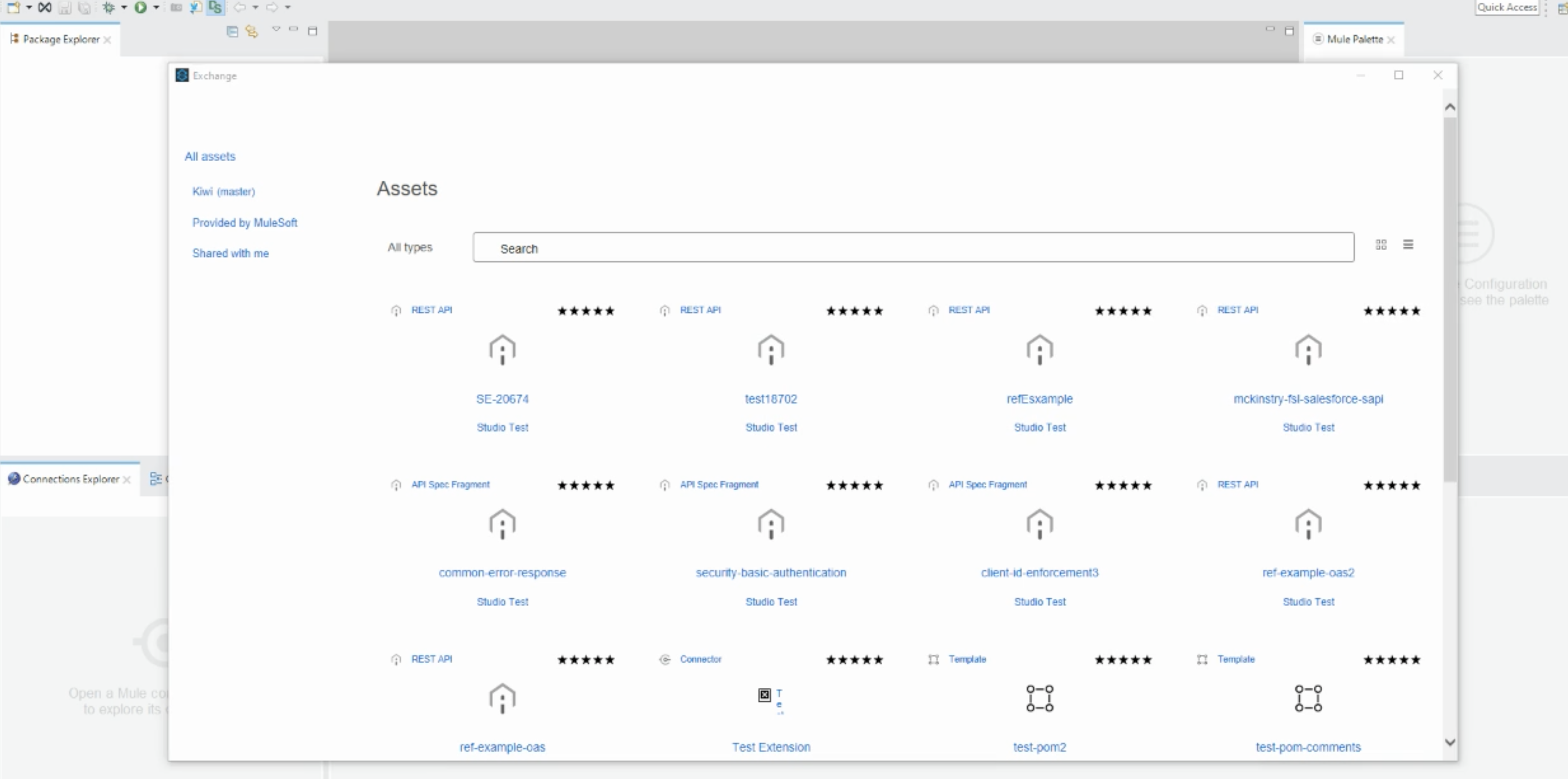
- You will be able to see the Anypoint platform sign-in page. Enter your credentials. You will be connected to the Exchange.
Номер статьи базы знаний
001121213
Эта статья решила вашу проблему?
Оставьте свой отзыв, чтобы мы могли стать лучше!
