組織を選択
Unable to create a private space in CloudHub 2.0: FAILED - Usage exceeds limits. Please check with your admin to increase quotas. Requested: 1.00, Limit: 0.00
公開日: Aug 1, 2025
解決策
SYMPTOM
When creating a private space in CloudHub 2.0: you get the error message "FAILED - Usage exceeds limits. Please check with your admin to increase quotas. Requested: 1.00, Limit: 0.00"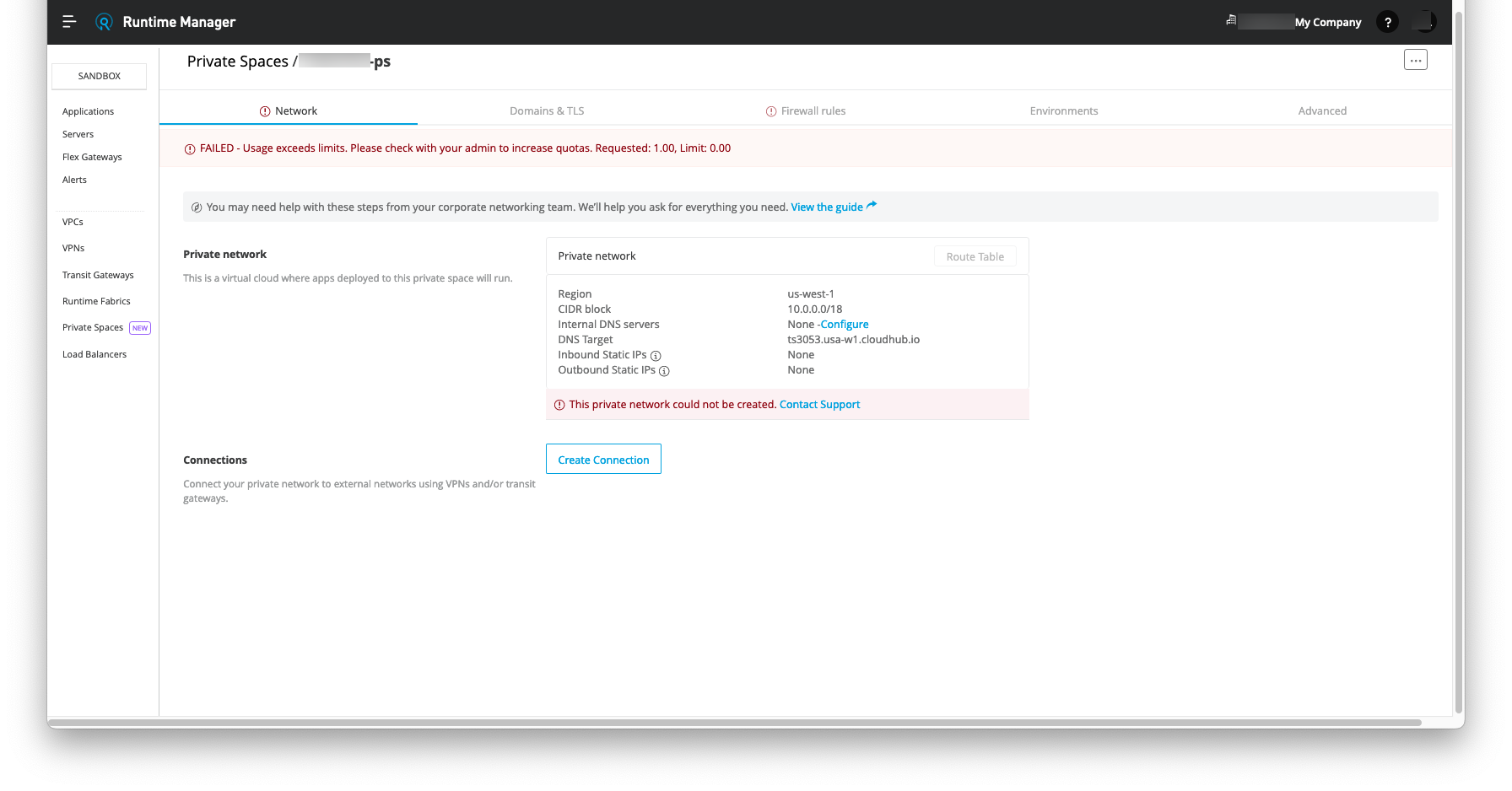
CAUSE
Private space entitlements are based on of VPC's entitlements. If VPC entitlement at your org level is limited to 2 and if you already used them (either Private spaces in CloudHub 2.0 or CloudHub VPC in CloudHub 1.0) then you will not be able to create further private space in Cloudhub 2.0. You may work with your Customer Success for the option of increasing the number of entitlements.SOLUTION
Free up any VPCs from Business Group of your Oganization: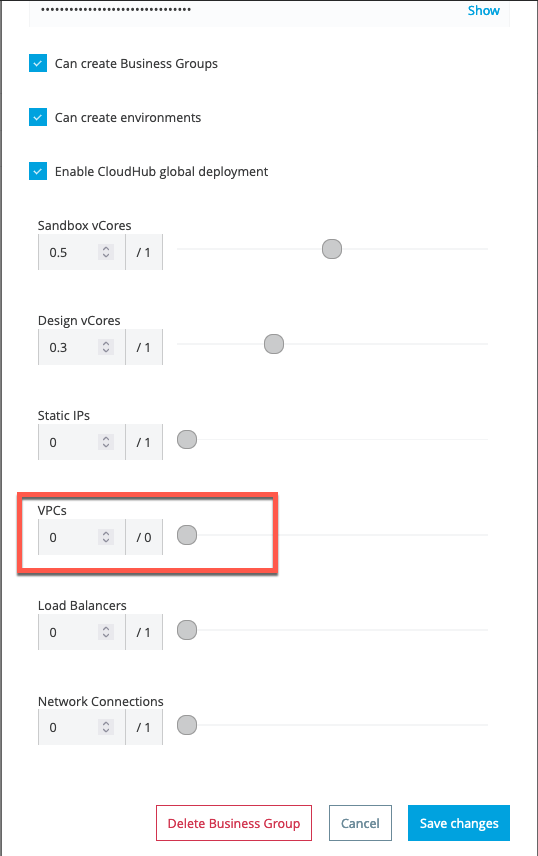
Refresh the the Runtime Manager page:
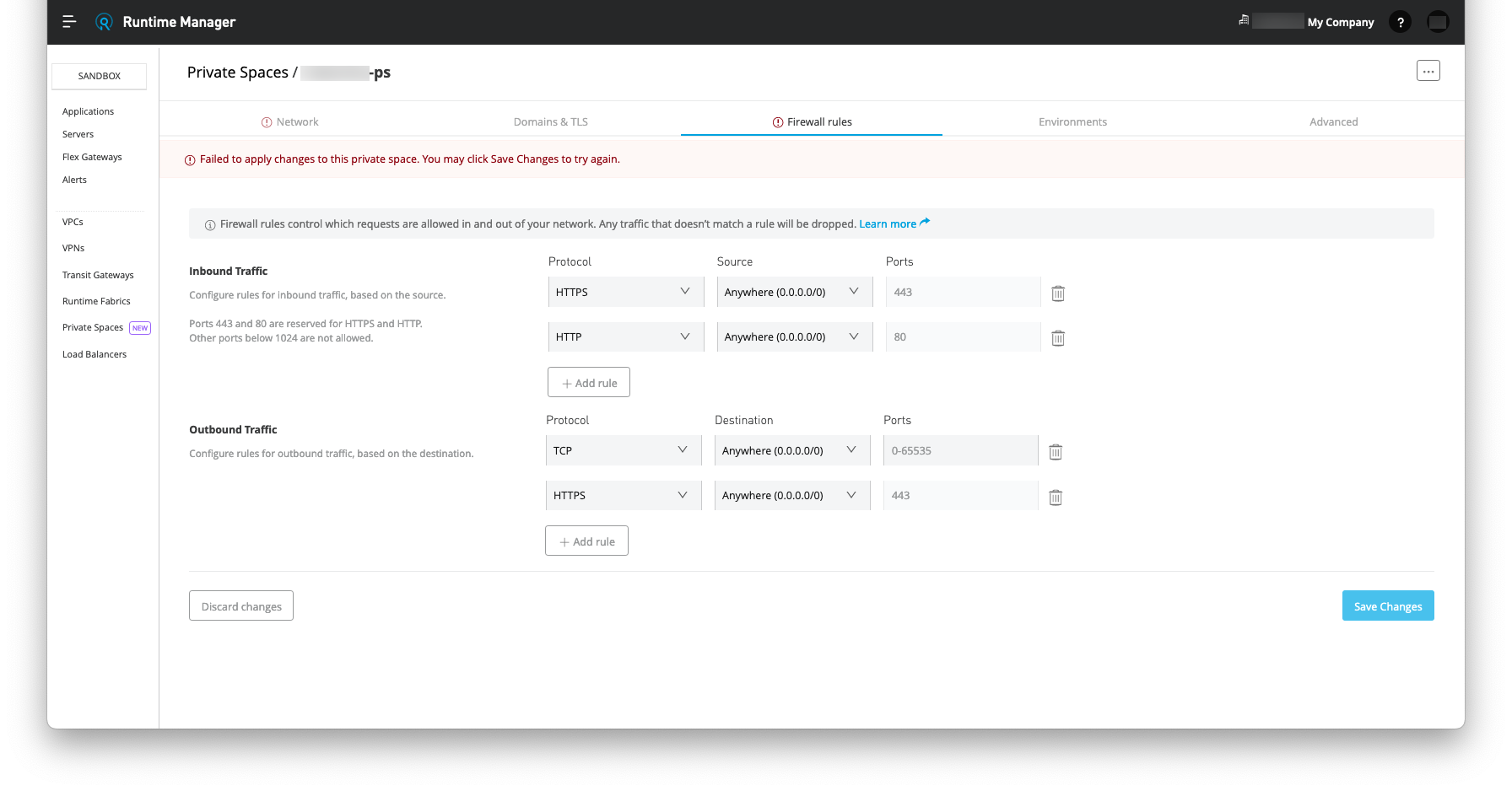
and confirm the Firewall rules tab's error is cleared:
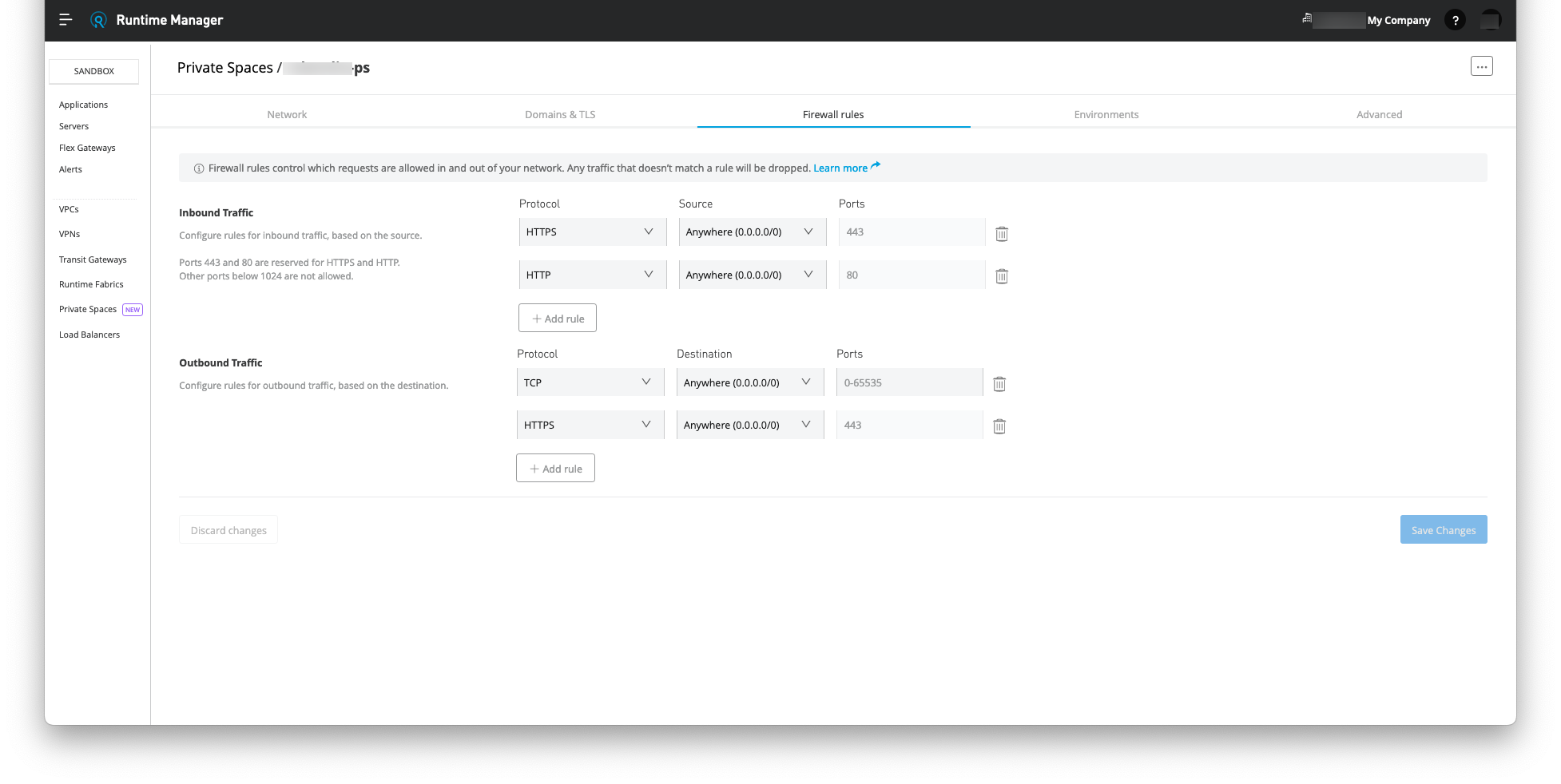
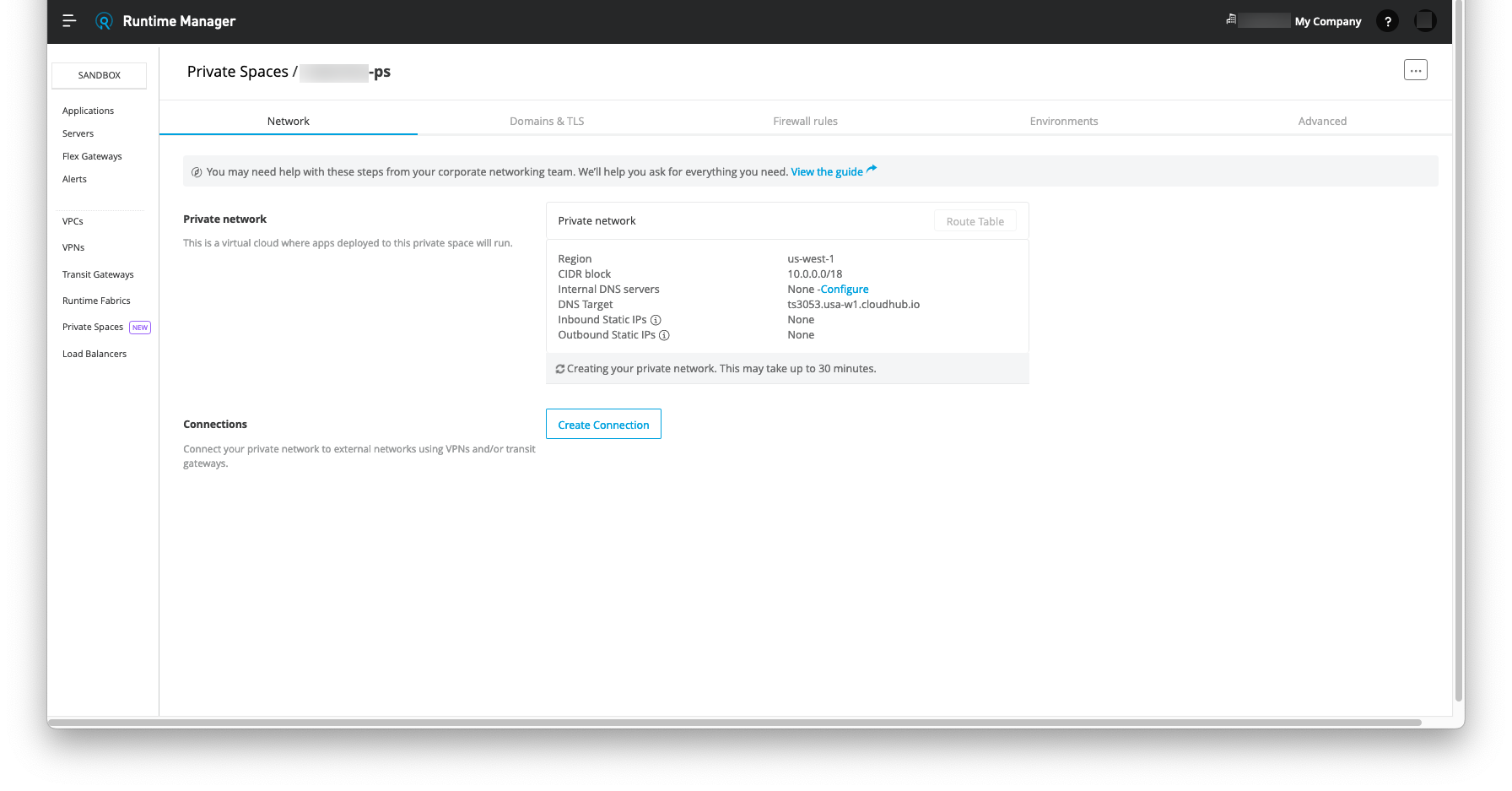
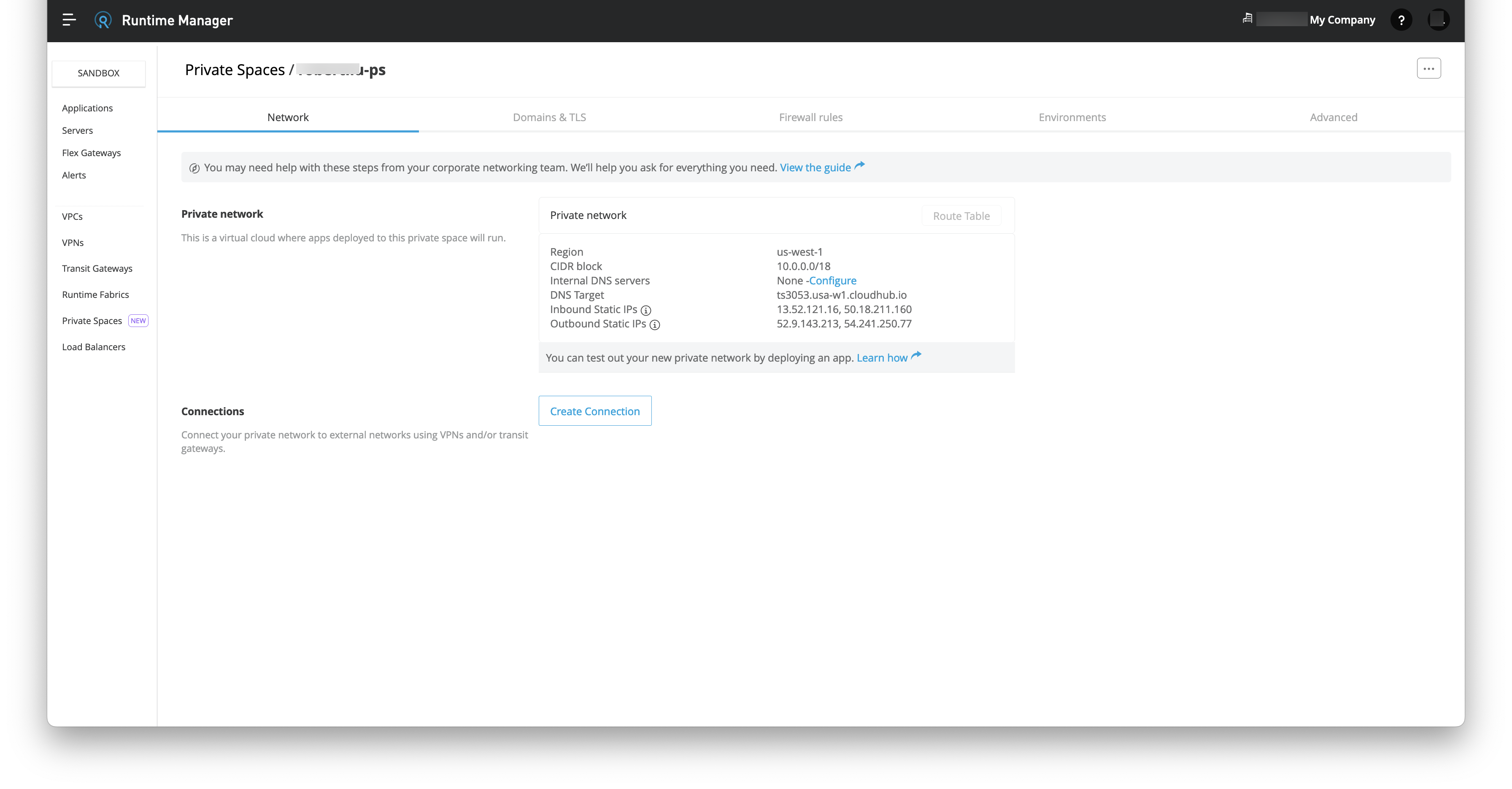
Navigate to the Network tab to confirm the creation of private network is started and completed after 30 minutes:
ナレッジ記事番号
001121962
この記事で問題は解決されましたか?
ご意見をお待ちしております。
