조직 선택
FAQs on B2C Commerce image fingerprint
게시 일자: Mar 5, 2024
솔루션
Q1: What is an image fingerprint?
The 10-digit hash value in an image URL that begins with "dw" is called a fingerprint.
A fingerprint is a hash value of the image file and is unique to each image.
A new fingerprint is generated each time the image is updated. This mechanism prevents the storefront page from rendering an image from a stale cache.
Q2: If I want to display the latest images on the storefront, how should I set the URL for the images?
Image URLs are typically specified in the src attribute of the <img> HTML tag. To ensure that the latest image is displayed, you should specify the image URL in one of the following ways:
- Within an ISML template: Use one of the URLUtils methods.
- Within a content asset: Use $staticlink$.
The image URLs generated by these methods include a fingerprint, which ensures that the most recent version of the image is referenced.
For more information, refer to the following documentation:
Q3: Can I access images without fingerprints?
Yes, you can access images using URLs that do not include fingerprints. However, this may lead to stale image issues due to caching.
Q4: What will be the result if I access an image with an old fingerprinted URL?
You can still access images using an old fingerprinted URL; however, because the fingerprint corresponds to a previous version of the image, the outdated image may be displayed. This is due to caching and the fact that the fingerprint does not reflect the updated image.
Q5: How does image fingerprinting and caching work?
We will illustrate this with an example.
When accessing a storefront page, the request passes through the eCDN zone, the Web Adapter, and the application server, as illustrated below:
Browser --> eCDN --> Web Adapter --> App ServerLet's say there is a controller named SampleImage-Start. Within this controller, an ISML template renders the following <img> tag. Note that the image URL is generated by calling a method from URLUtils:
<img src="${URLUtils.staticURL(URLUtils.CONTEXT_LIBRARY, 'RefArchSharedLibrary', 'codey.png')}" alt="codey" />If you access the storefront page mapped to SampleImage-Start, an HTML document is returned to the browser. The above <img> tag is rendered as follows. Notice the 10-digit fingerprint (beginning with "dw") included in the image URL:
<img src="/on/demandware.static/-/Library-Sites-RefArchSharedLibrary/default/dw6cc4a9c4/codey.png" alt="codey" />Once the browser encounters the <img> tag in the HTML document, it sends a request for the image using the above URL.
This request passes through the eCDN zone, the Dynamic Imaging Service (DIS), the Web Adapter, and the application server, as shown below:
Browser --> eCDN --> DIS* --> Web Adapter --> App Server
*Only if image transformation parameters are specified.
When you access the storefront page calling SampleImage-Start, you will see that the URL path of codey.png is prepended with its fingerprint: dw6cc4a9c4.
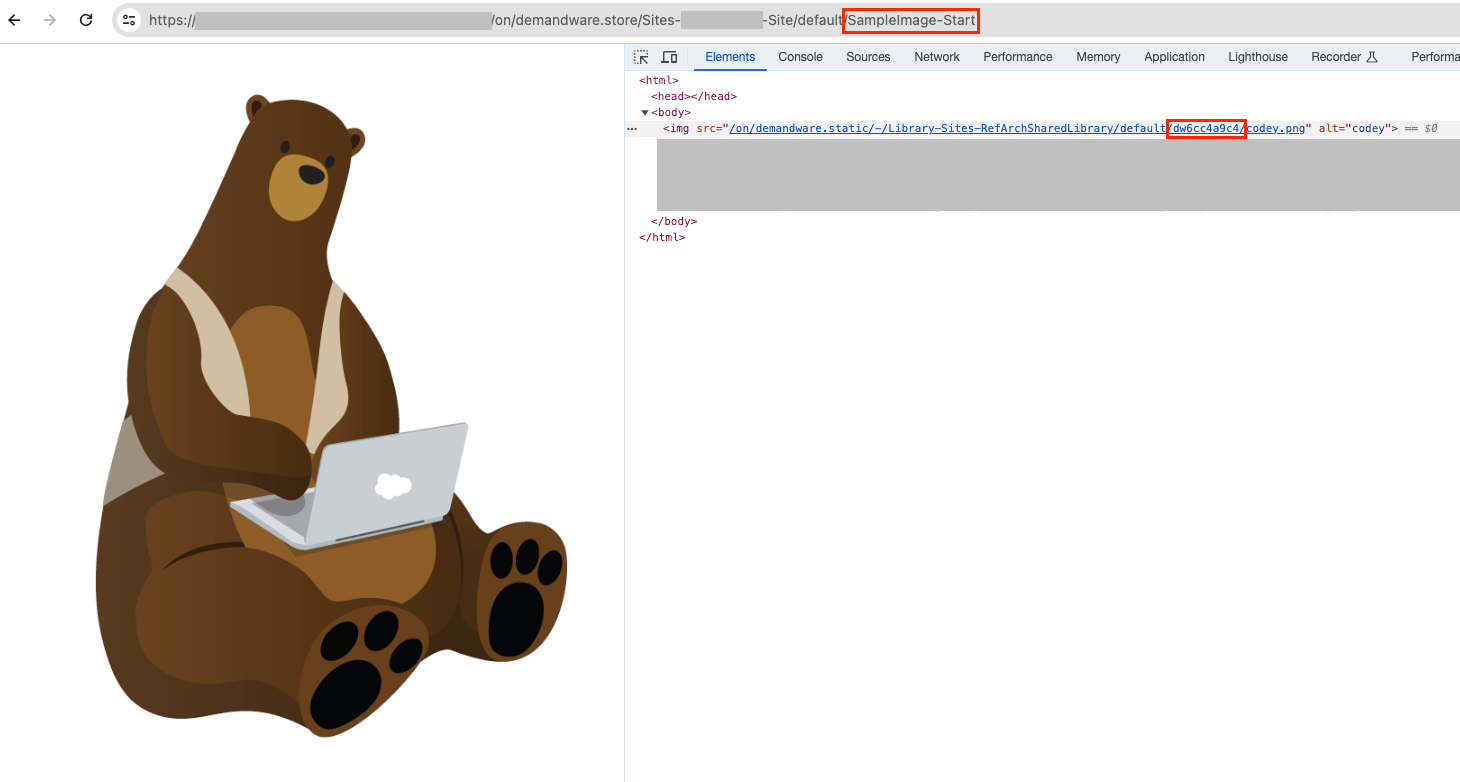
Image files uploaded to a B2C Commerce instance via WebDAV reside in the file system accessible by the app server.
When a shopper accesses a storefront page displaying an image, the image is initially served by the app server. It is then cached in the Web Adapter, DIS, and eCDN zone, and served from these layers subsequently.
Now, suppose you want to change the image but keep the same file path. After the merchant uploads a new version of codey.png to the same path, shoppers visiting SampleImage-Start will see that the image URL in the <img> tag is generated with a new fingerprint value (e.g., dw2e82d815), as shown below. This change occurs because the binary data of codey.png has been updated:
<img src="/on/demandware.static/-/Library-Sites-RefArchSharedLibrary/default/dw2e82d815/codey.png" alt="codey" />The browser then sends a request to this new image URL. Since this URL has not been previously requested, it results in cache misses in the eCDN, DIS, and Web Adapter layers. Consequently, the image is served directly from the app server.
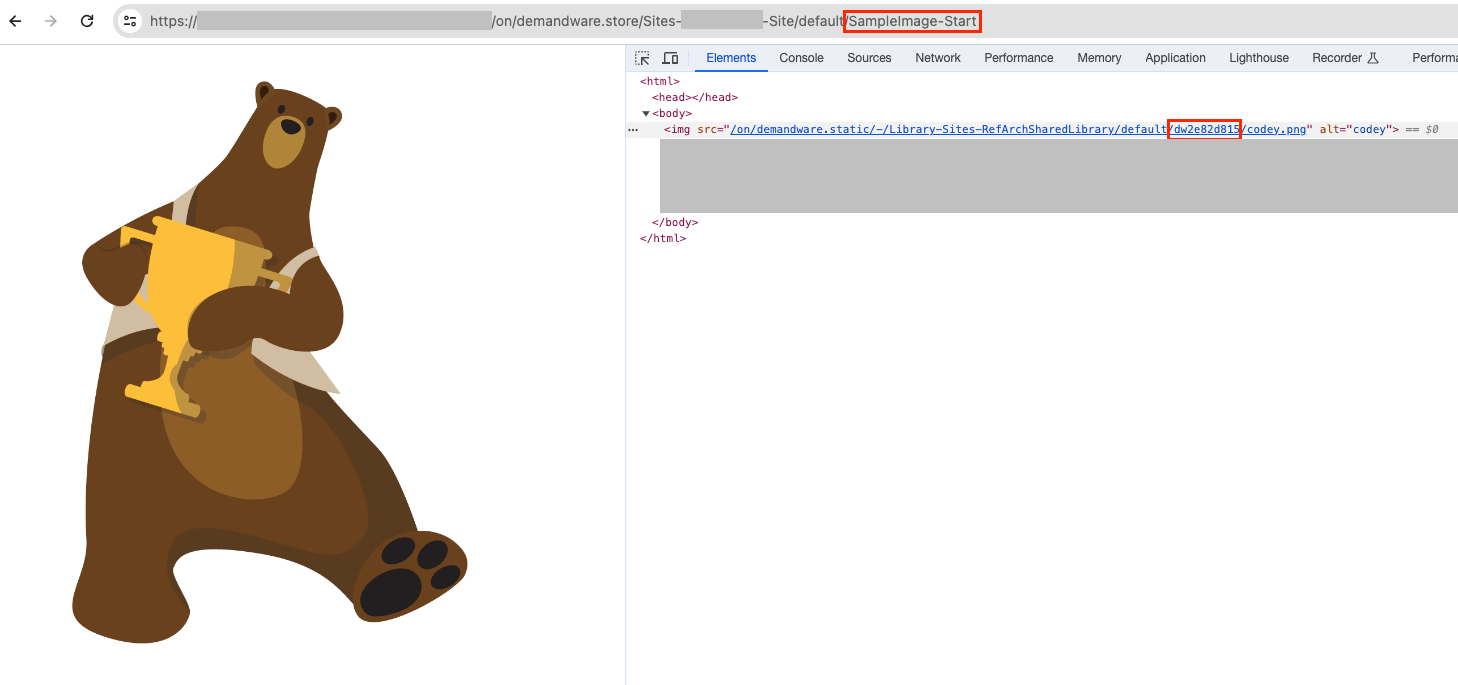
This updated image is then cached in the respective servers based on the configured TTL (Time-To-Live).
Q6: How does the image cache invalidation work?
As mentioned above, once an image is accessed, it is cached by the embedded CDN, DIS (if used), and Web Adapter.
These caches are deleted according to their respective TTL settings.
Embedded CDN
Caches are stored and deleted according to the TTL setting of the origin server (B2C Commerce instance).
The location of the origin server TTL settings is described in the "Web Adapter" section below.
There is no way for customers to delete the cache on the eCDN side.
DIS
Cache is stored and deleted according to the platform's internal TTL settings.
There is no way for customers to delete the cache on the DIS side.
Web Adapter
Caches are stored and deleted according to the TTL settings on the following two menus:
- Time to Live (TTL) of Static Content on the [Administration > Sites > Manage Sites > {Site} - Cache] page
- Time to Live (TTL) of Global Static Content on the [Administration > Sites > Manage Sites > Global Static Cache] page
- The minimum TTL of static content in the Production instance is 86,400 seconds (24 hours).
For more information on static content caching, please refer to the following document.
Content Cache
Knowledge 기사 번호
001128151
이 기사를 통해 문제를 해결했습니까?
개선을 위한 의견을 보내주세요.
