Sélectionner une organisation
How To Assign Background Color And Shape In The Same Cell
Date de publication: Feb 28, 2025
Tâche
Étapes
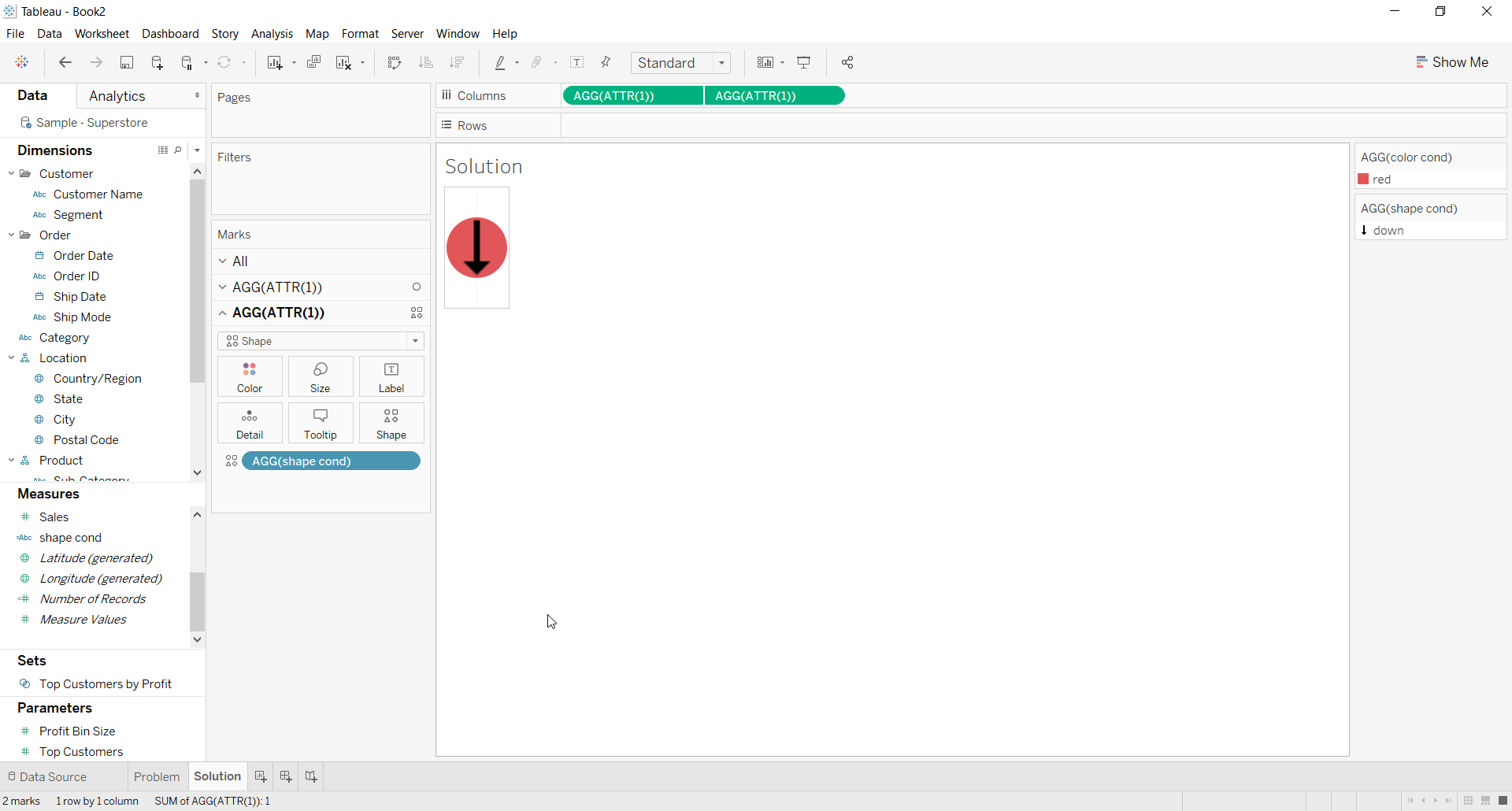
2. For the first ATTR(1) placeholder use Color calculation on the color shelf for the background color
3. For the second ATTR(1) placeholder use Shape calculation on the Shape shelf and choose a shape
4. Right click on second place holder and select Dual axis
5. Right click the axis and deselect Show Header
6. The Resulting view would look like below
Ressources supplémentaires

Numéro d’article de la base de connaissances
001453826
Cet article a-t-il résolu votre problème ?
Dites-nous ce que nous pouvons améliorer !
