Seleziona un'organizzazione
How To Assign Background Color And Shape In The Same Cell
Data pubblicazione: Feb 28, 2025
Operazione
Fasi
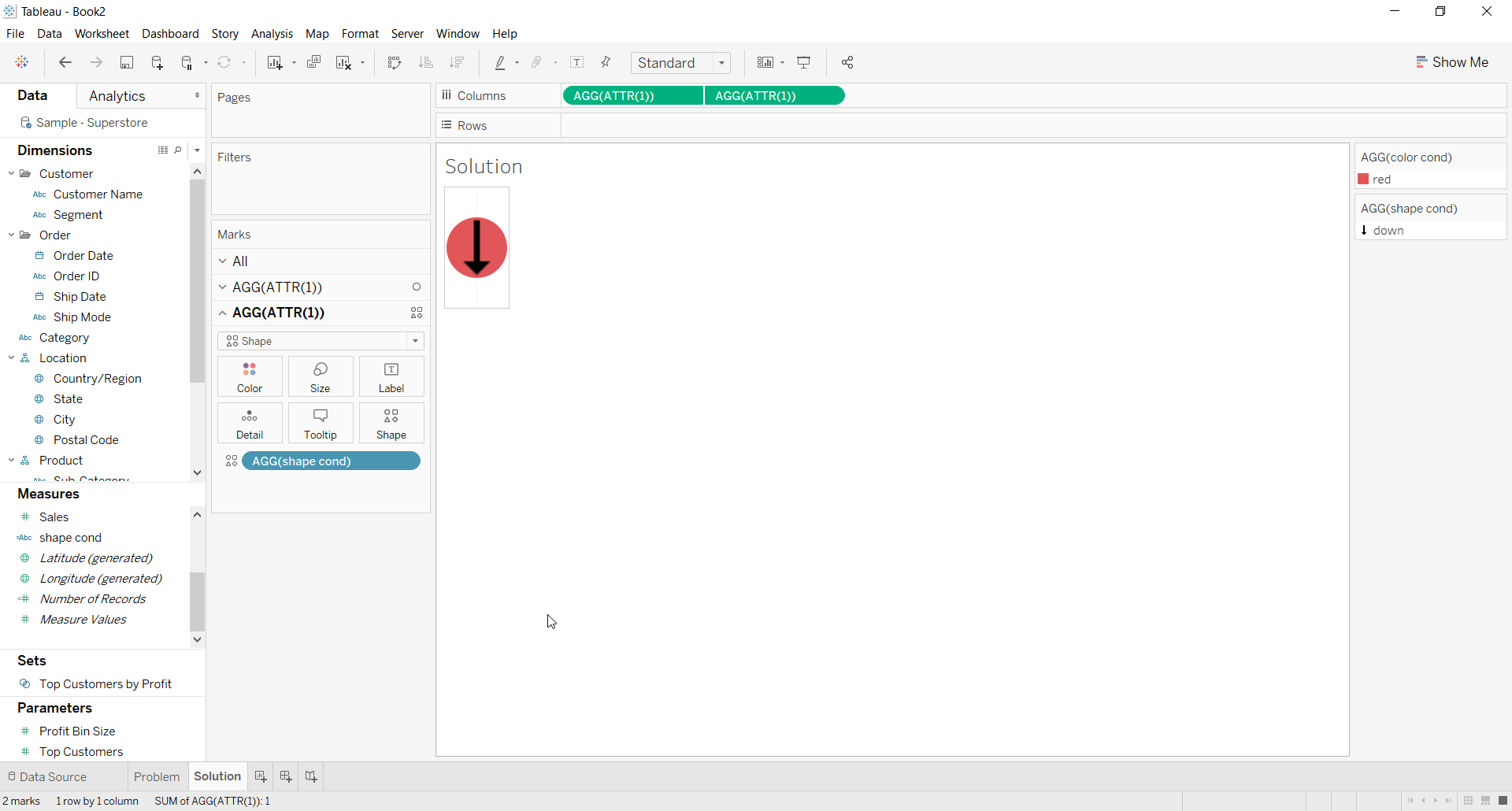
2. For the first ATTR(1) placeholder use Color calculation on the color shelf for the background color
3. For the second ATTR(1) placeholder use Shape calculation on the Shape shelf and choose a shape
4. Right click on second place holder and select Dual axis
5. Right click the axis and deselect Show Header
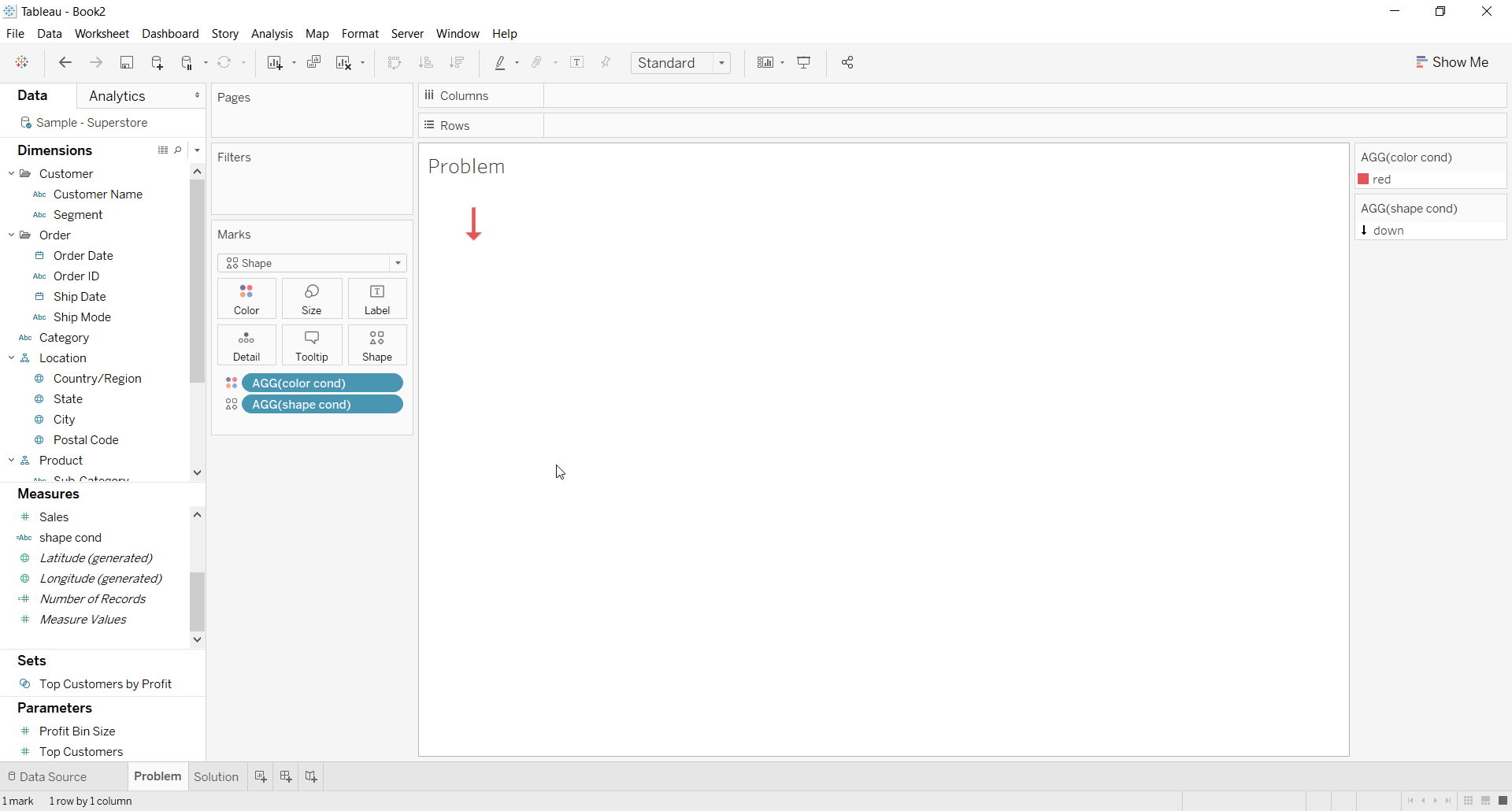
6. The Resulting view would look like below
Risorse aggiuntive
Numero articolo Knowledge
001453826
Questo articolo ha risolto il problema?
Facci sapere, così possiamo migliorare!
