組織を選択
How To Assign Background Color And Shape In The Same Cell
公開日: Feb 28, 2025
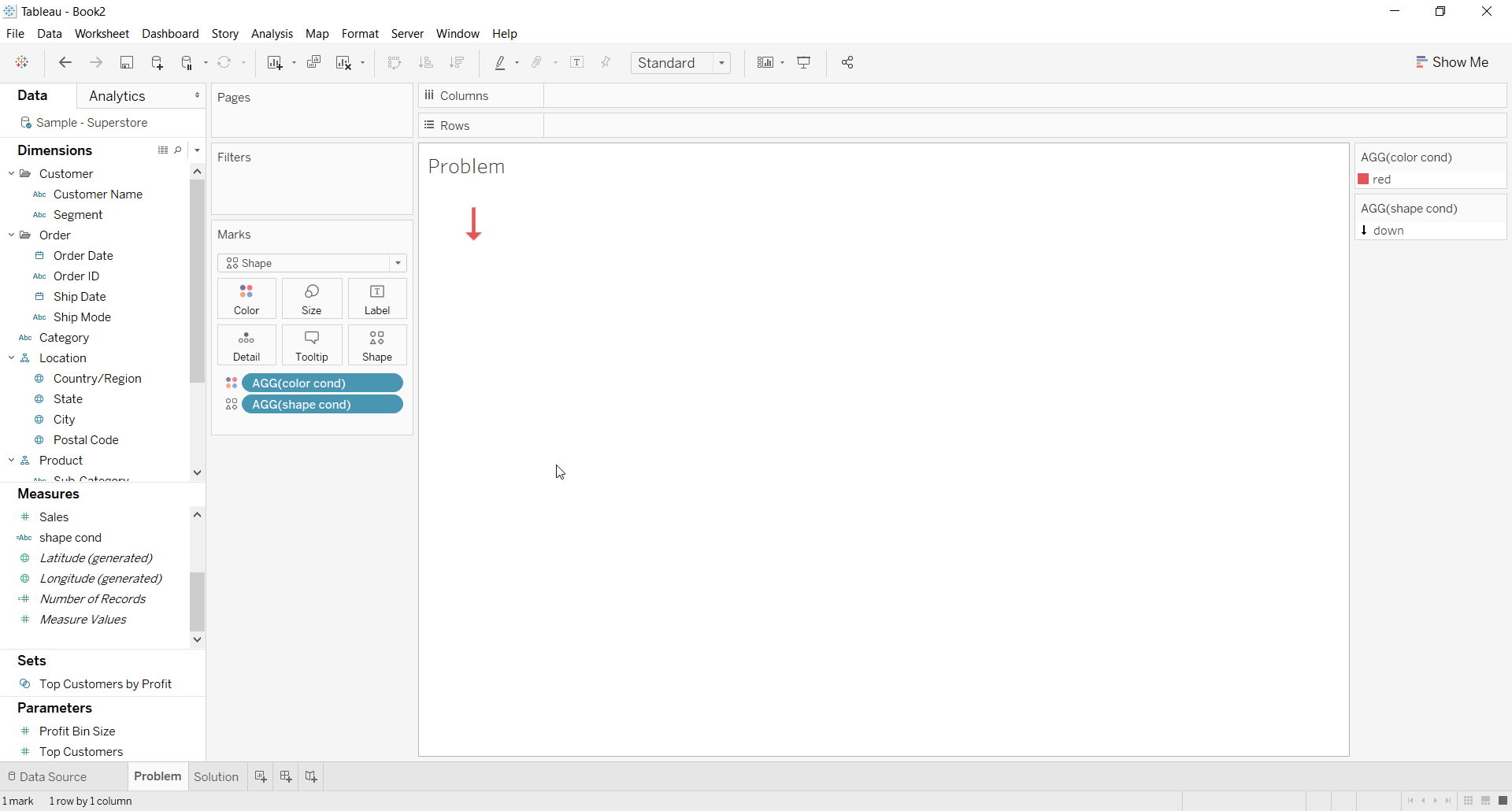
タスク
ステップ
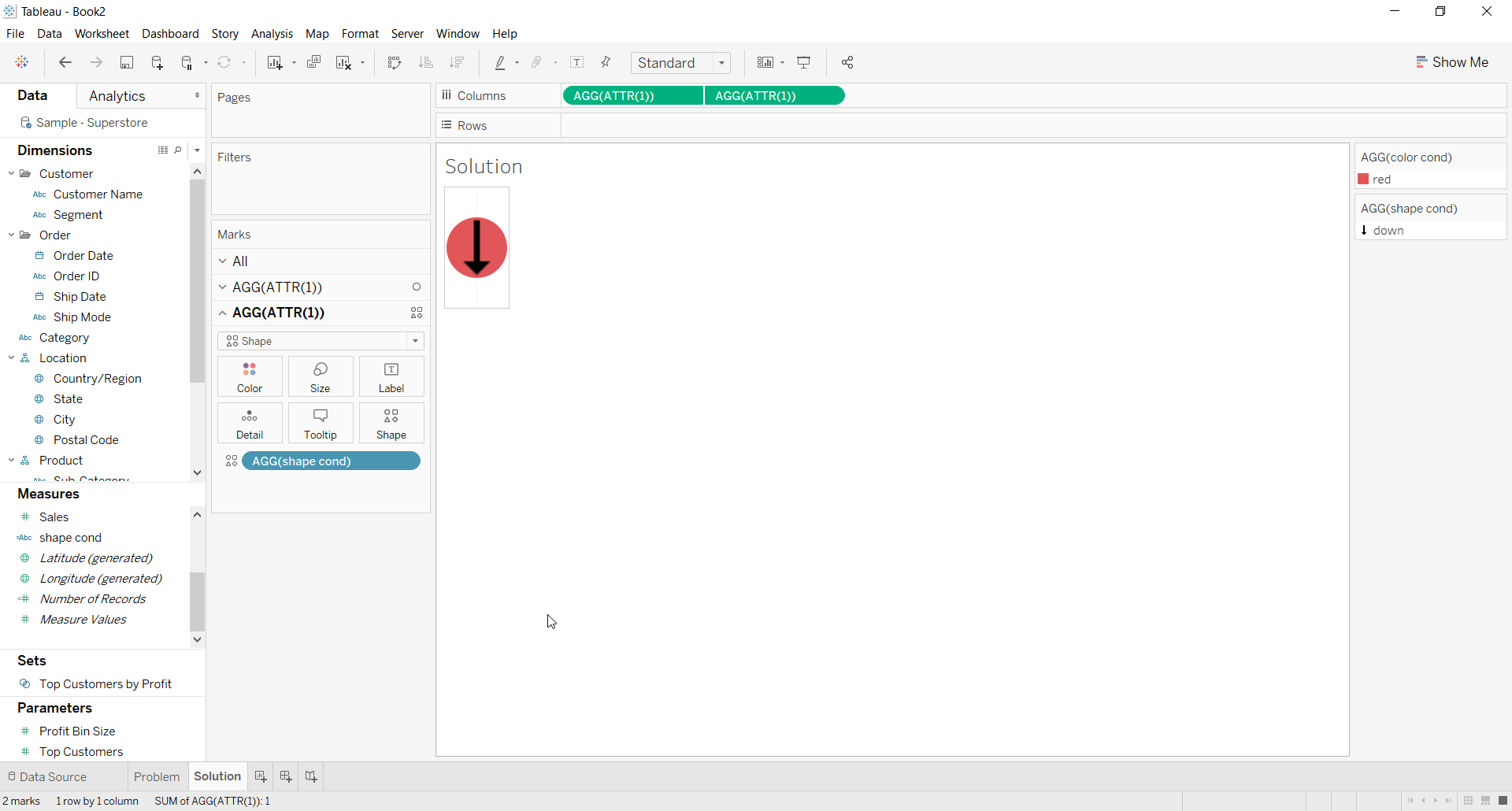
2. For the first ATTR(1) placeholder use Color calculation on the color shelf for the background color
3. For the second ATTR(1) placeholder use Shape calculation on the Shape shelf and choose a shape
4. Right click on second place holder and select Dual axis
5. Right click the axis and deselect Show Header
6. The Resulting view would look like below
その他のリソース
ナレッジ記事番号
001453826
この記事で問題は解決されましたか?
ご意見をお待ちしております。
