조직 선택
How To Assign Background Color And Shape In The Same Cell
게시 일자: Feb 28, 2025
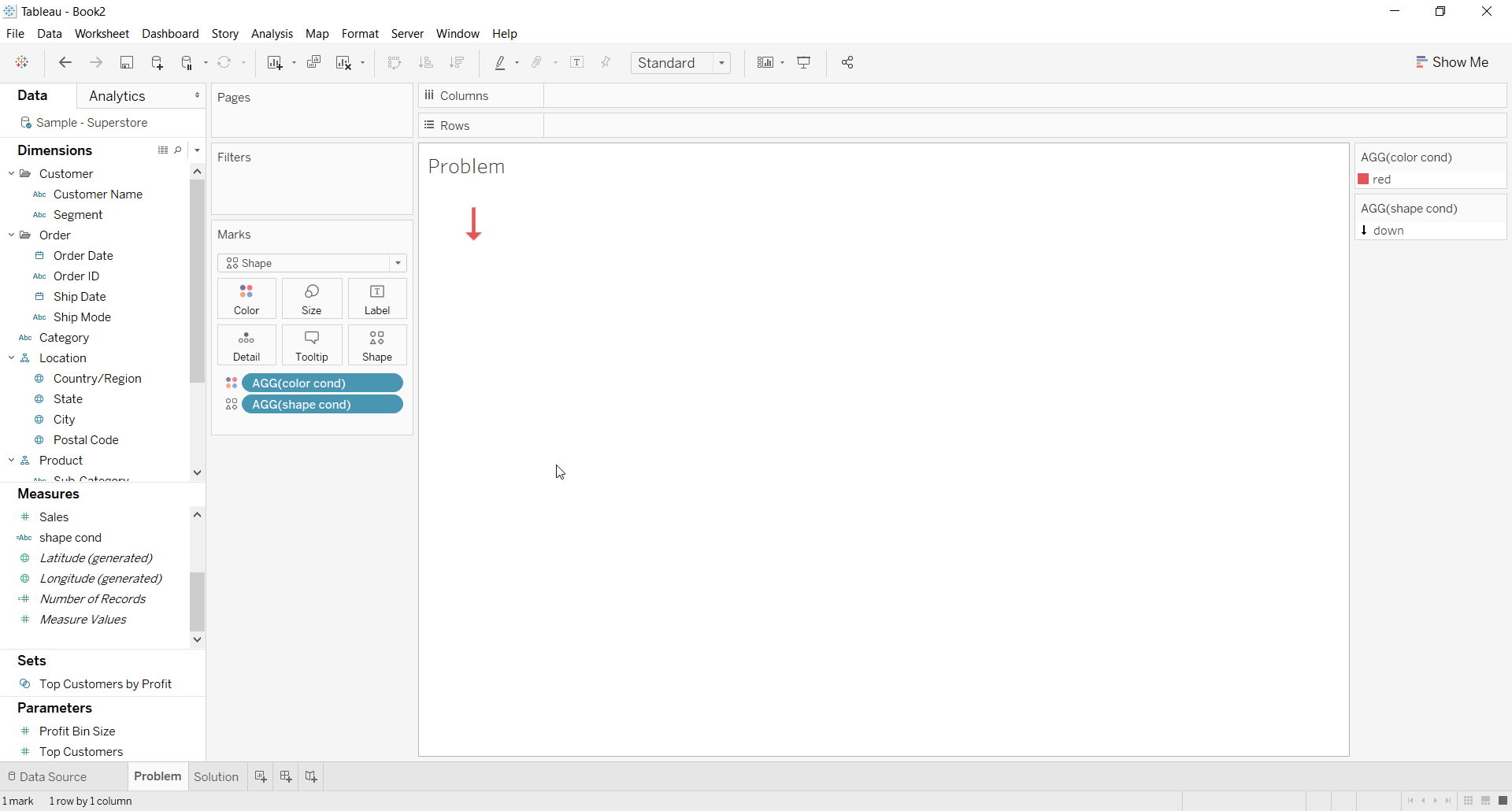
과업
단계
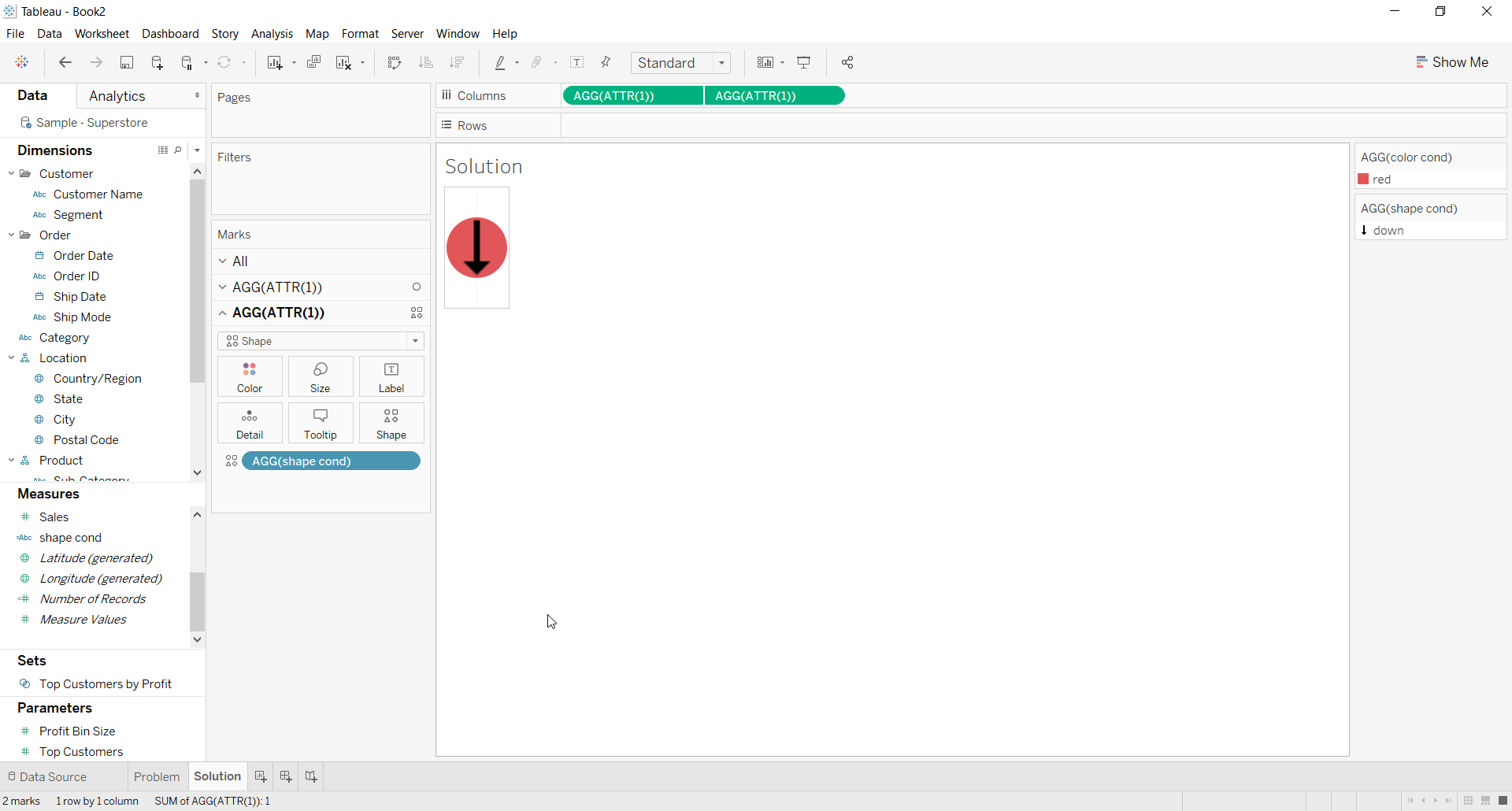
2. For the first ATTR(1) placeholder use Color calculation on the color shelf for the background color
3. For the second ATTR(1) placeholder use Shape calculation on the Shape shelf and choose a shape
4. Right click on second place holder and select Dual axis
5. Right click the axis and deselect Show Header
6. The Resulting view would look like below
추가 자원
Knowledge 기사 번호
001453826
이 기사를 통해 문제를 해결했습니까?
개선을 위한 의견을 보내주세요.
