Velg en organisasjon
How To Assign Background Color And Shape In The Same Cell
Publiseringsdato: Feb 28, 2025
Oppgave
Trinn
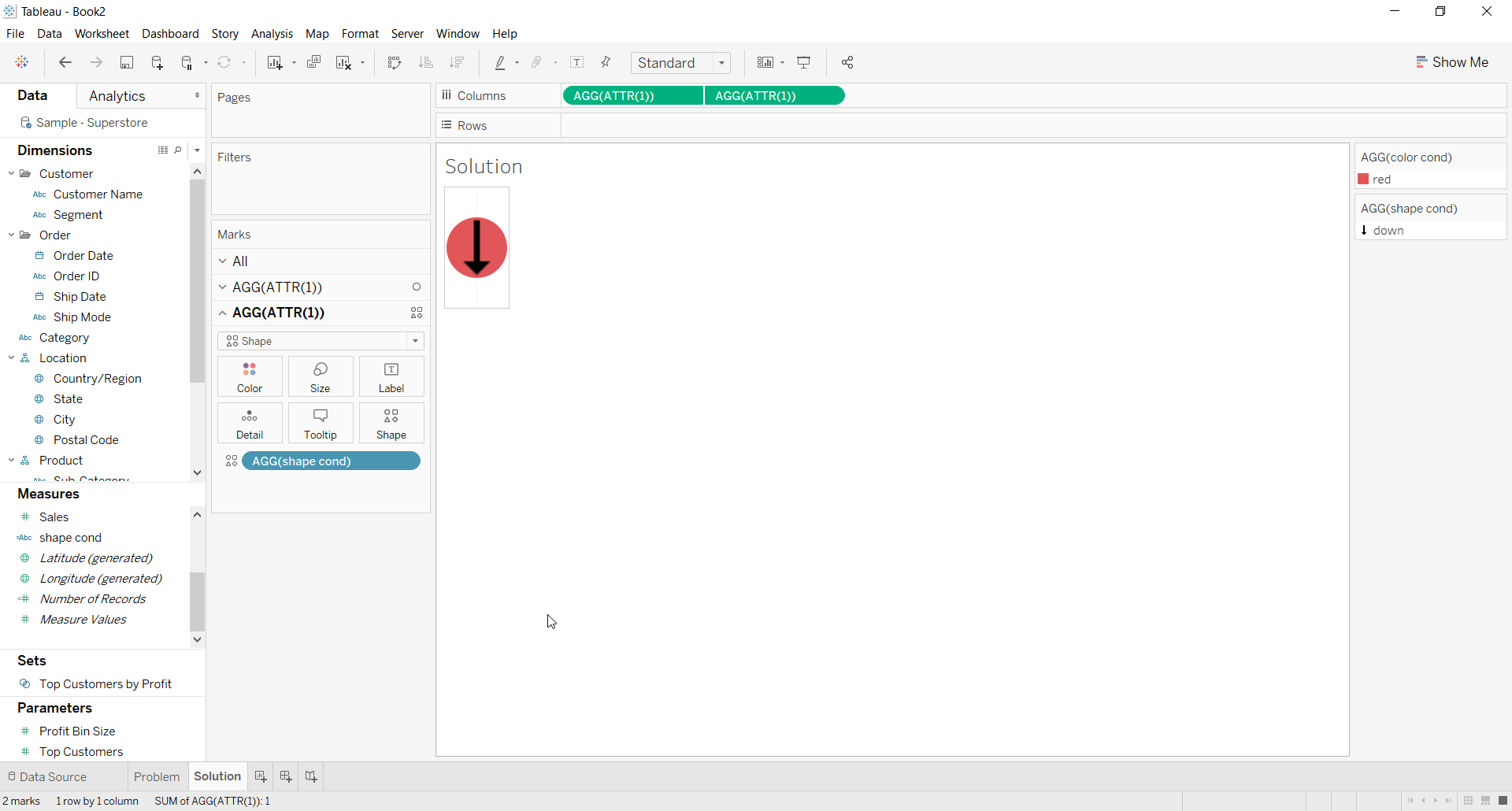
2. For the first ATTR(1) placeholder use Color calculation on the color shelf for the background color
3. For the second ATTR(1) placeholder use Shape calculation on the Shape shelf and choose a shape
4. Right click on second place holder and select Dual axis
5. Right click the axis and deselect Show Header
6. The Resulting view would look like below
Flere ressurser

Knowledge-artikkelnummer
001453826
Hjalp denne artikkelen med å løse problemet ditt?
La oss få vite det slik at vi kan forbedre!
