Valitse organisaatio
How to Filter Top N Items With a Button in Tableau
Julkaisupäivä: Feb 11, 2026
Tehtävä
Filter top n items with a button in Tableau.
Vaiheet
To filter the top n items with a button in Tableau, review the following:
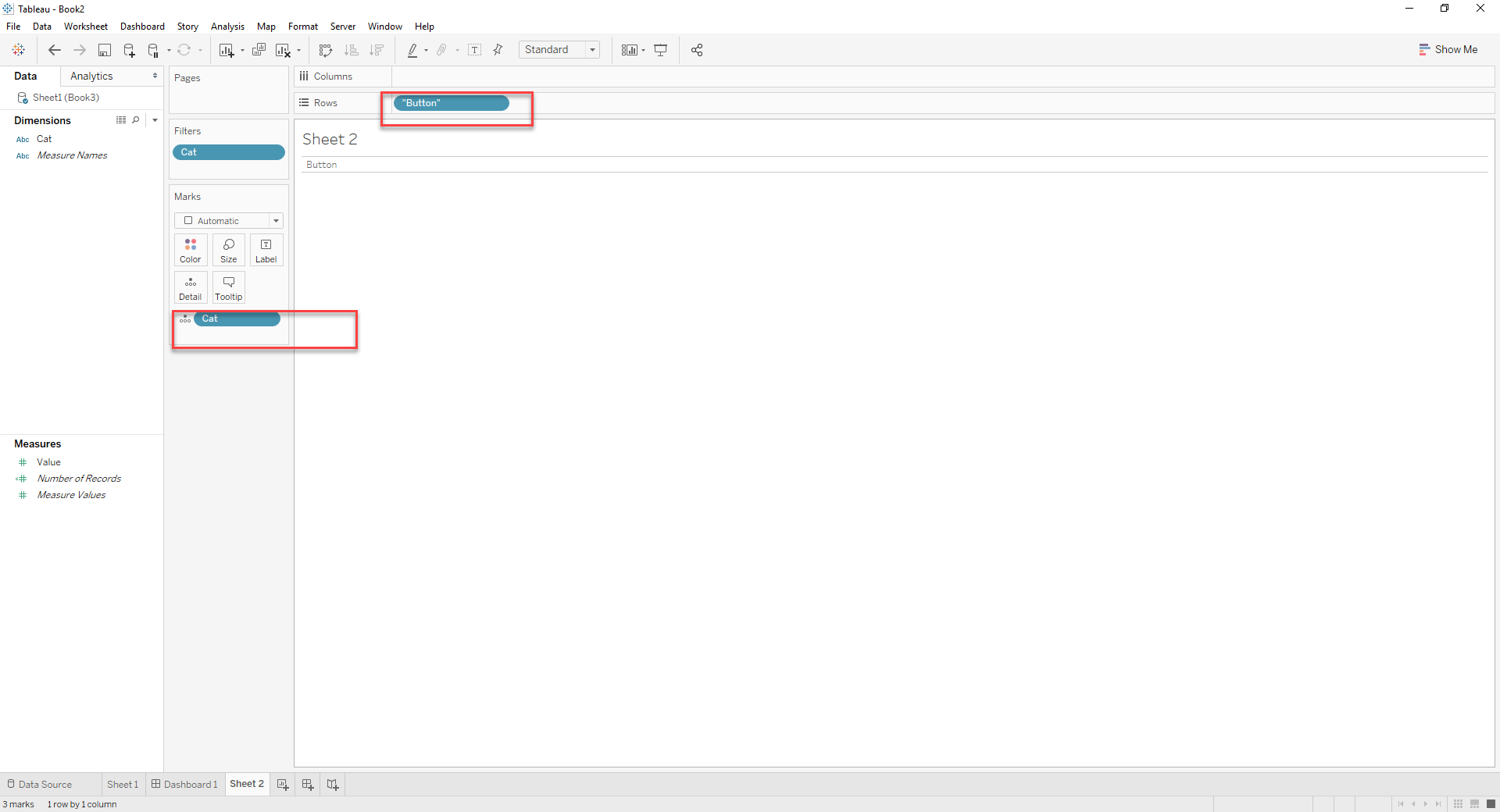
1. Create a sheet that behaves like a button
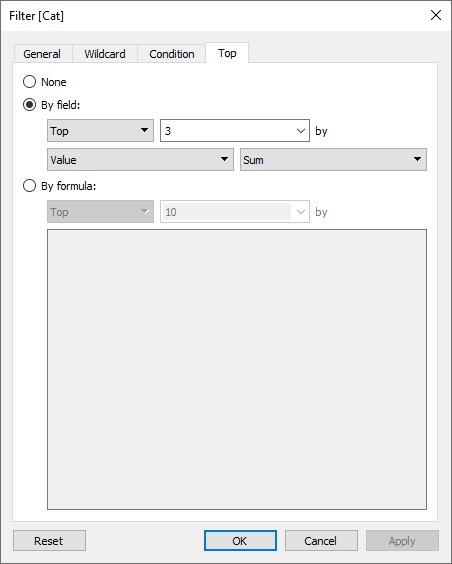
2. Create a filter like below
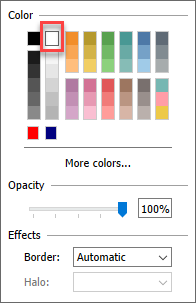
3. Click on color in the Marks card and choose white to hide the marks
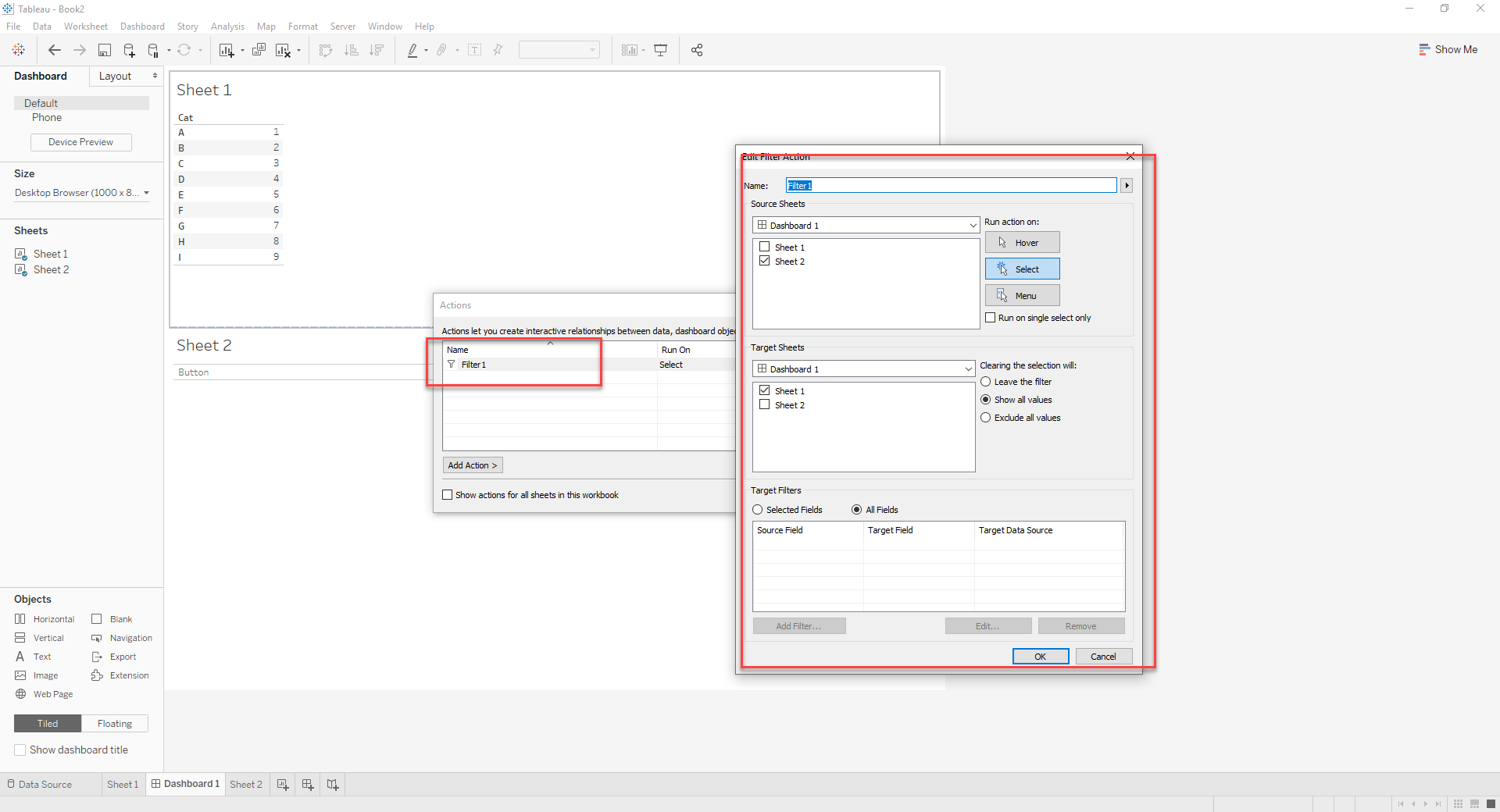
4. Create a filter action as below:
Result: Clicking on the button will filter top 3 rows .
Knowledge-artikkelin numero
001453844
Ratkaisiko tämä artikkeli ongelmasi?
Anna palautetta, jotta voimme kehittyä!
