Valitse organisaatio
Show/hide Text Box Content Based On Calculation
Julkaisupäivä: Apr 13, 2024
Tehtävä
Vaiheet
2. Create a calculated field blank with the formula : " " and drag it to rows
3. Create a place holder calculated field with formula : 1
4. Drag place holder to Shape and assign a filled shape
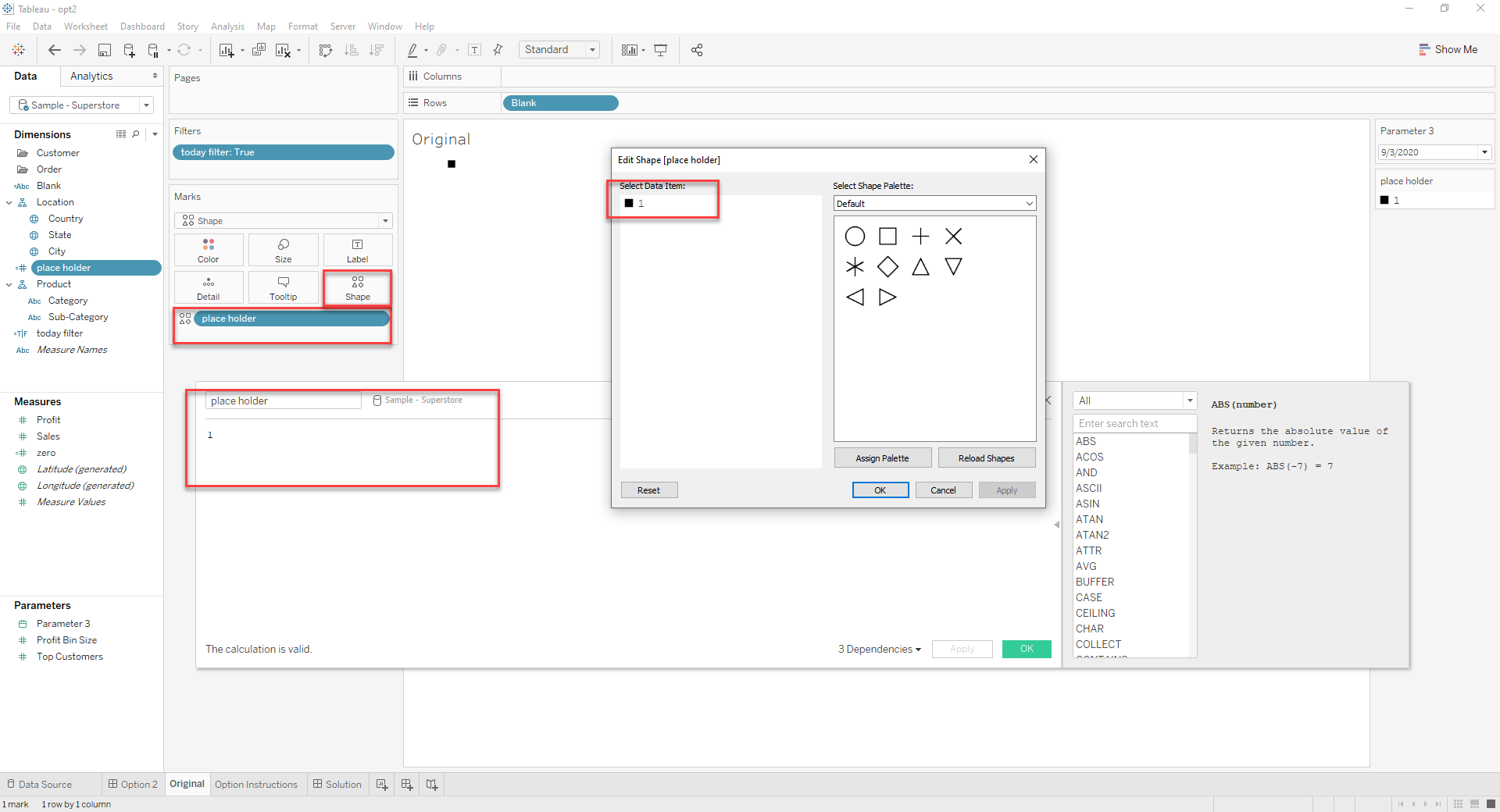
5. Create a parameter with all date values
6. Create a calculated field called today filter with formula: [Parameter 3]!=TODAY()
7. Drag this to Filters and select True
8. Click on Color in Marks Card and select the Opacity to 0%
8. Drag the "Blank" worksheet to the dashboard as a floating worksheet
9. Drag a floating Text object onto the dashboard
10. In the Edit Text dialog, enter the desired message and click OK
11. Position the floating Text object directly on top of the text or marks in the "Blank" worksheet
TIP: Use the Layout tab in left-land pane to set the exact X and Y position of floating objects
12. Right-click the floating Text object and select Floating Order > Send to Back
Lisäresurssit
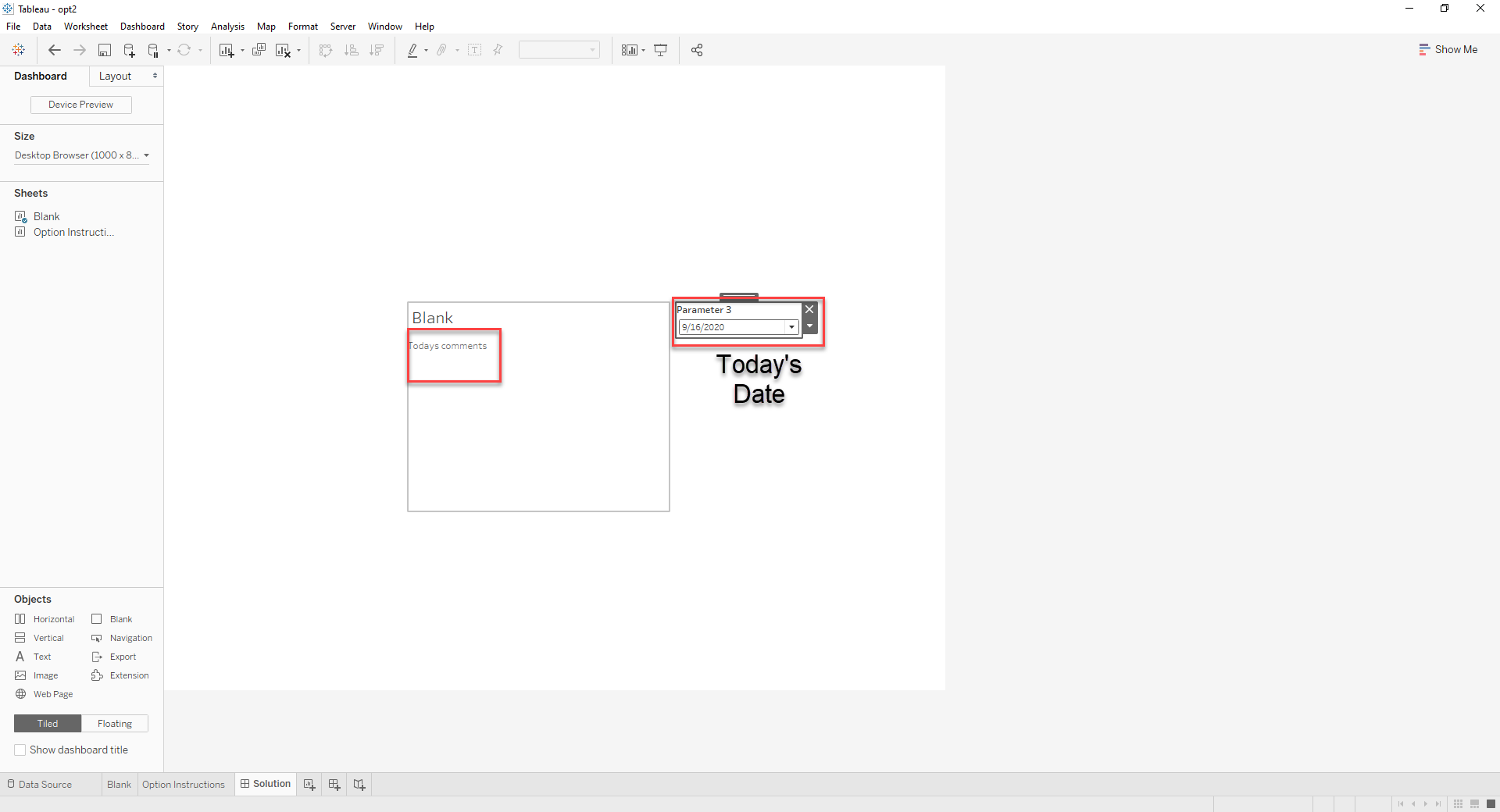
Today's date:
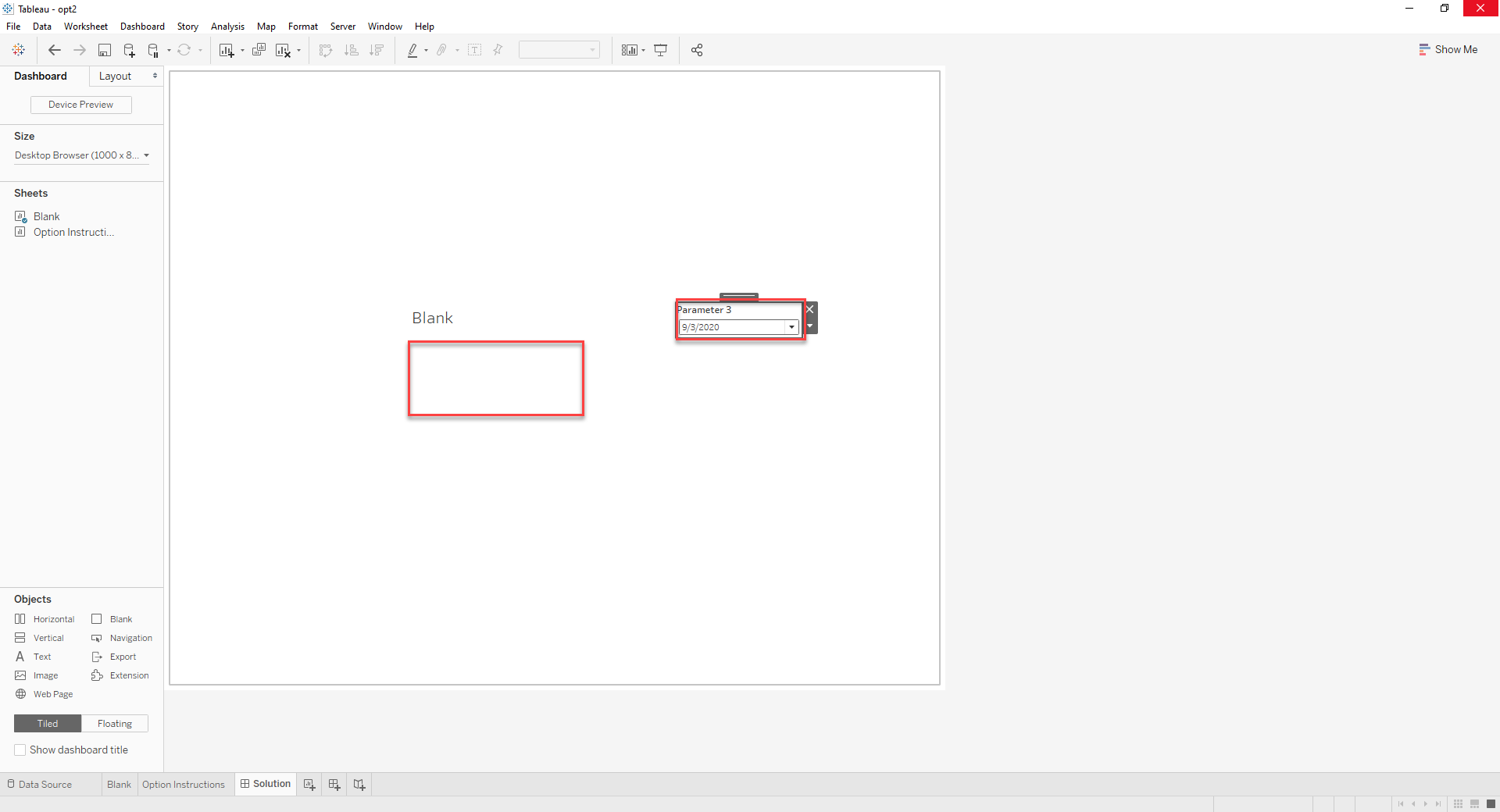
Any other date:
Knowledge-artikkelin numero
001453846
Ratkaisiko tämä artikkeli ongelmasi?
Anna palautetta, jotta voimme kehittyä!
