Выбрать организацию
How To Upload Photos Into The Map Visualization
Дата публикации: Feb 19, 2026
Задача
How to upload photos into the map visualization
Действия
If you are using a dimension to plot on the map for example States
1. Use State dimension on details and shapes
2. Upload the desired image in the Tableau repository Shapes folder
https://www.tableau.com/drive/custom-shapes
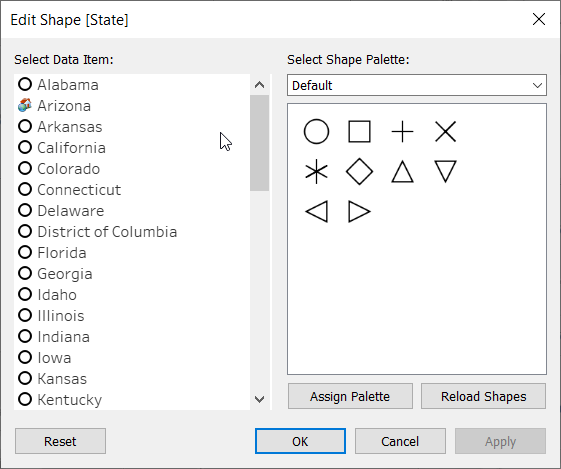
3) Assign the image to the dimension member
Option 2:
Use a background image of a map and plot the points at the desired locations
Building a View based on a Custom Background Map and Custom Shapes
Номер статьи базы знаний
001456634
Эта статья решила вашу проблему?
Оставьте свой отзыв, чтобы мы могли стать лучше!
