조직 선택
Reset Filter To The Latest Available Date Using A Reset Button
게시 일자: Apr 28, 2025
과업
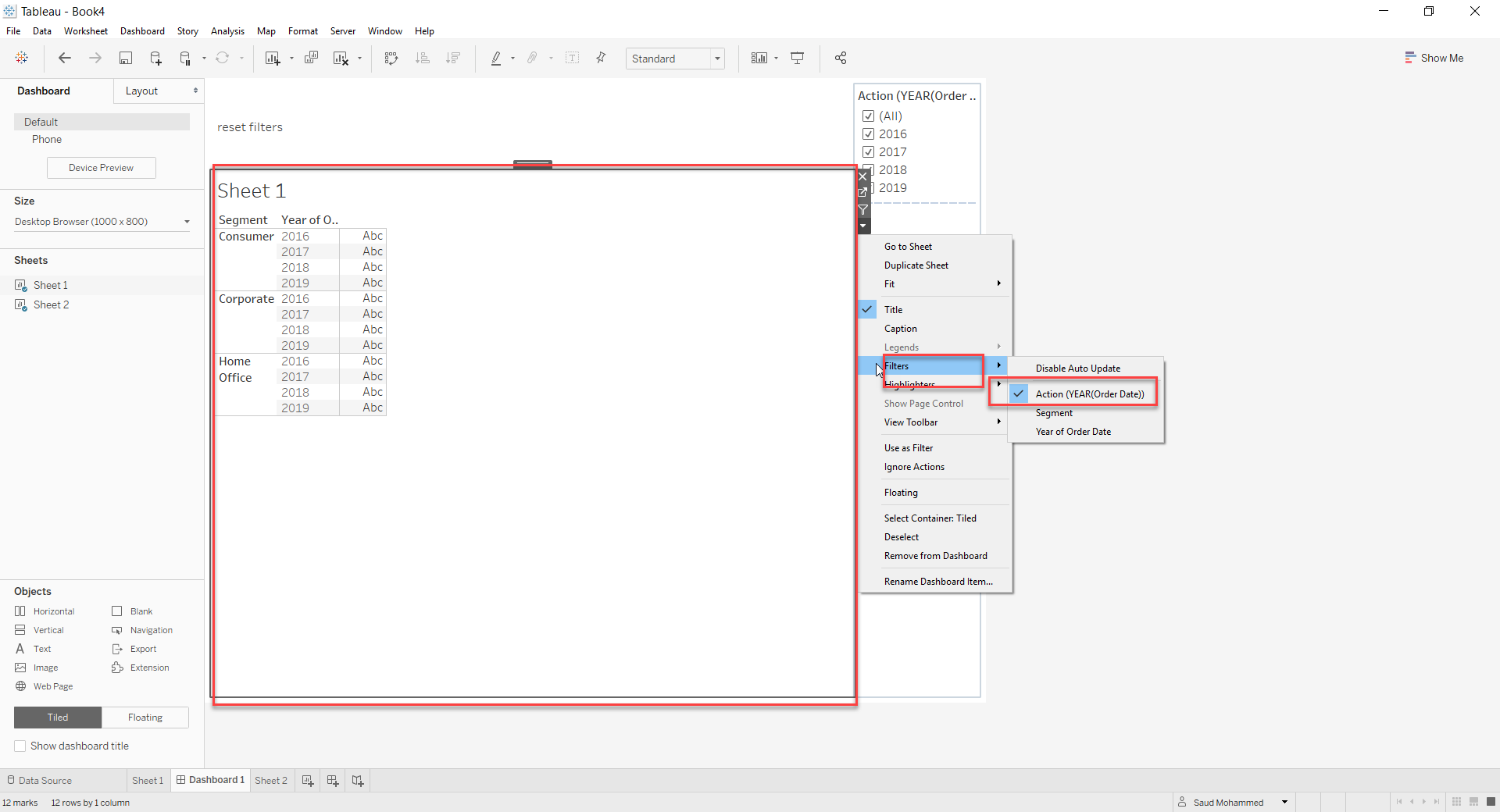
Reset Filter to the latest available date using a reset button. Example: Clicking on reset filters will choose reset the Year filter to latest year
단계
2. Drag Year(Order Date) on filters and select the latest year
3. Drag Year(Order Date) onto Detail in Marks Card
4. On the dashboard, drag the Main view sheet, Reset button sheet
5. Go to Dashboard -> Actions -> Filter action
In the Add Filter Action dialog, do the following:
- For Source Sheets, check only Reset Button
- For Run action on, choose Select
- For Target Sheets, check all worksheets that have filters that should be resettable
- For Clearing the selection will, select Show all values
- For Target Filters, choose Selected Fields
- Click Add Filter…
- In the Add Filter dialog, pick a dimension whose filter should be resettable and click OK
- Repeat the above two steps for all filters that should reset when the button is pressed.
- Note: there will be a "Missing fields on Reset Button" warning. This warning will not affect the solution and can be ignored.
- Click OK twice to close all dialogs
Knowledge 기사 번호
001456718
이 기사를 통해 문제를 해결했습니까?
개선을 위한 의견을 보내주세요.
