Välj en organisation
Sorting Monthly Values by the Values for the Current Month and Current Year
Publiceringsdatum: Apr 13, 2026
Uppgift
Sorting Monthly Values by the Values for the Current Month. Example: Sorting monthly sales value for category by current month and year sales
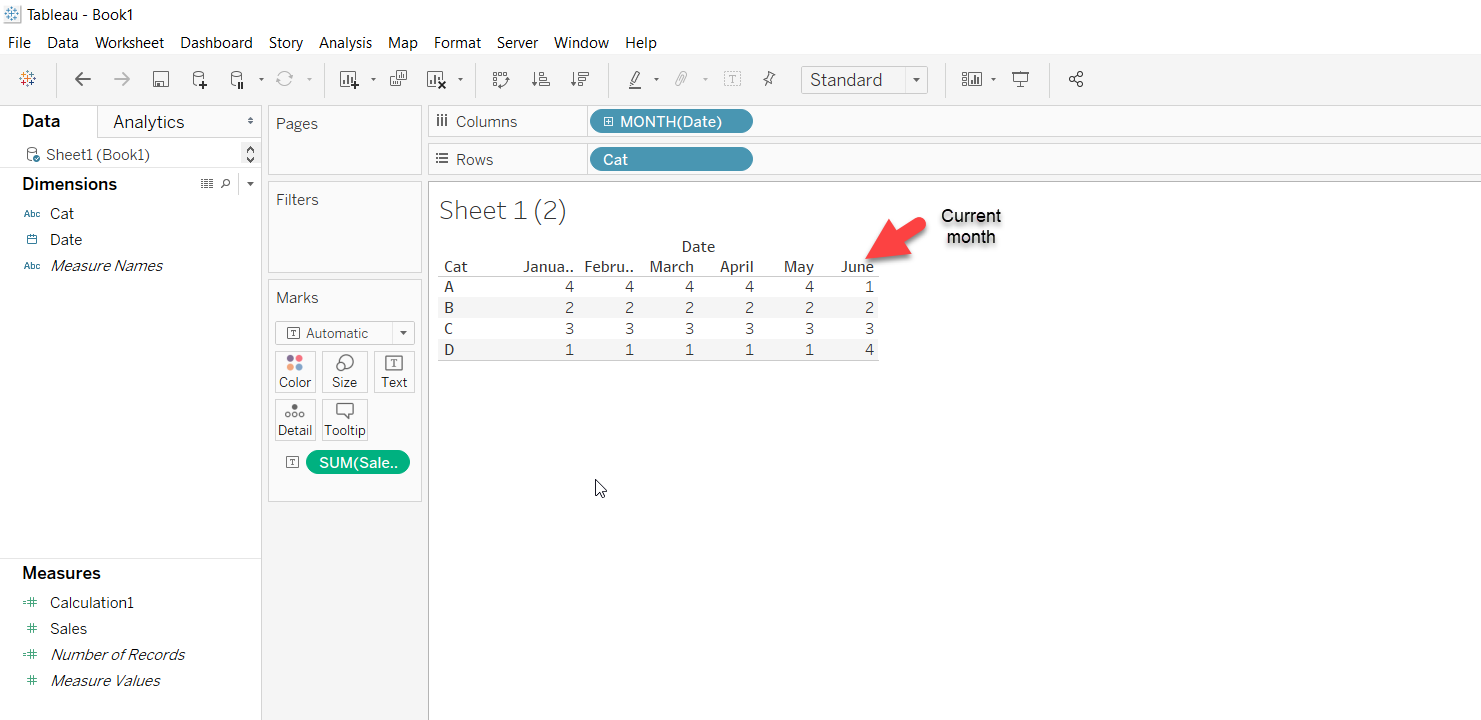
Steg
2. Create a calculated field Sort calc like below:
if YEAR([Order Date]) = YEAR(today()) and MONTH([Order Date]) = MONTH(today())
then ([Sales]) end
3. Right click on dimension in rows -> Sort -> Sort by field -> choose Sort calc as the field in descending order
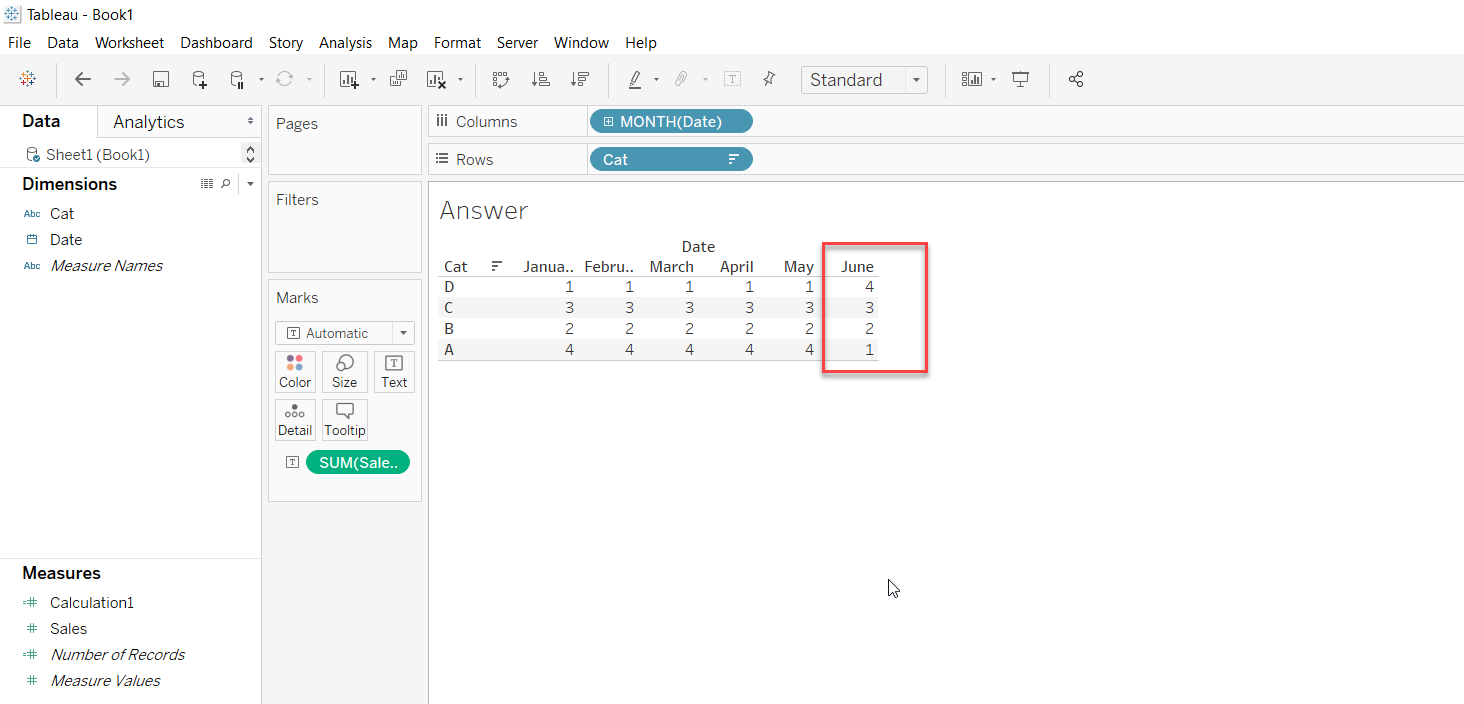
The final result looks like below with all sales values sorted by current month sales i.e. June :
Knowledge-artikelnummer
001456723
Löste denna artikel ditt problem?
Berätta för oss vad vi kan förbättra!
