組織を選択
How can we change Teradata's port number in the Connector
公開日: Apr 21, 2025
タスク
If we change the port number (e.g. 1029), how can we set the port number in the Teradata Connector in Tableau Desktop?
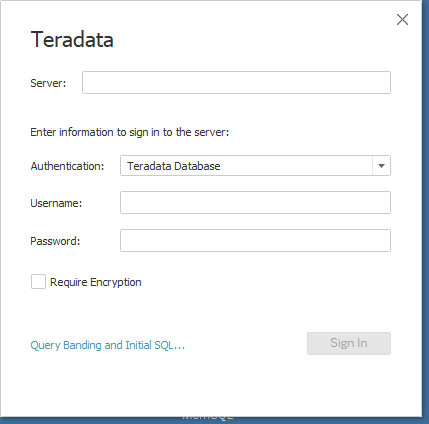
ステップ
Create a TDC file (teradata.tdc) to set the non-default port number.
Example:
<?xml version='1.0' encoding='utf-8' ?>
<connection-customization class='teradata' enabled='true' version='8.10'>
<vendor name='teradata'/>
<driver name='teradata'/>
<customizations>
<customization name='odbc-connect-string-extras' value='TDMSPortNumber=1029' />
</customizations>
</connection-customization>
<connection-customization class='teradata' enabled='true' version='8.10'>
<vendor name='teradata'/>
<driver name='teradata'/>
<customizations>
<customization name='odbc-connect-string-extras' value='TDMSPortNumber=1029' />
</customizations>
</connection-customization>
Save the file in the "Datasources" folder according to each Tableau product. Details can be found in the documentation for installing TDC and properties files - https://help.tableau.com/current/pro/desktop/en-us/connect_customize.htm#installing-tdc-and-properties-files
ナレッジ記事番号
001456761
この記事で問題は解決されましたか?
ご意見をお待ちしております。
