Seleziona un'organizzazione
How to Use the Results of a Table Calculation in Another Worksheet (Other Workbook) Without Table Calculation Setting
Data pubblicazione: May 6, 2025
Operazione
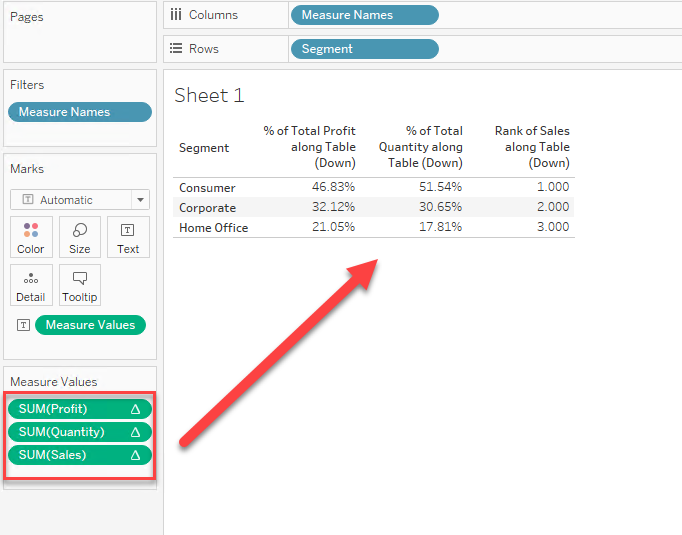
How to show the result of table calculation in another worksheet (Other Workbook) as a normal measure without Table Calculation Settings.
Fasi
Steps are as follows:
1. Select data by [Worksheet] > [Copy] > [Data]
2. Move to [Data Source] Tab and press [Ctrl + V].
3. Set the relationship between the two data sources.
Please check the attached video and workbook for details.
Numero articolo Knowledge
001456807
Questo articolo ha risolto il problema?
Facci sapere, così possiamo migliorare!
