Select An Org
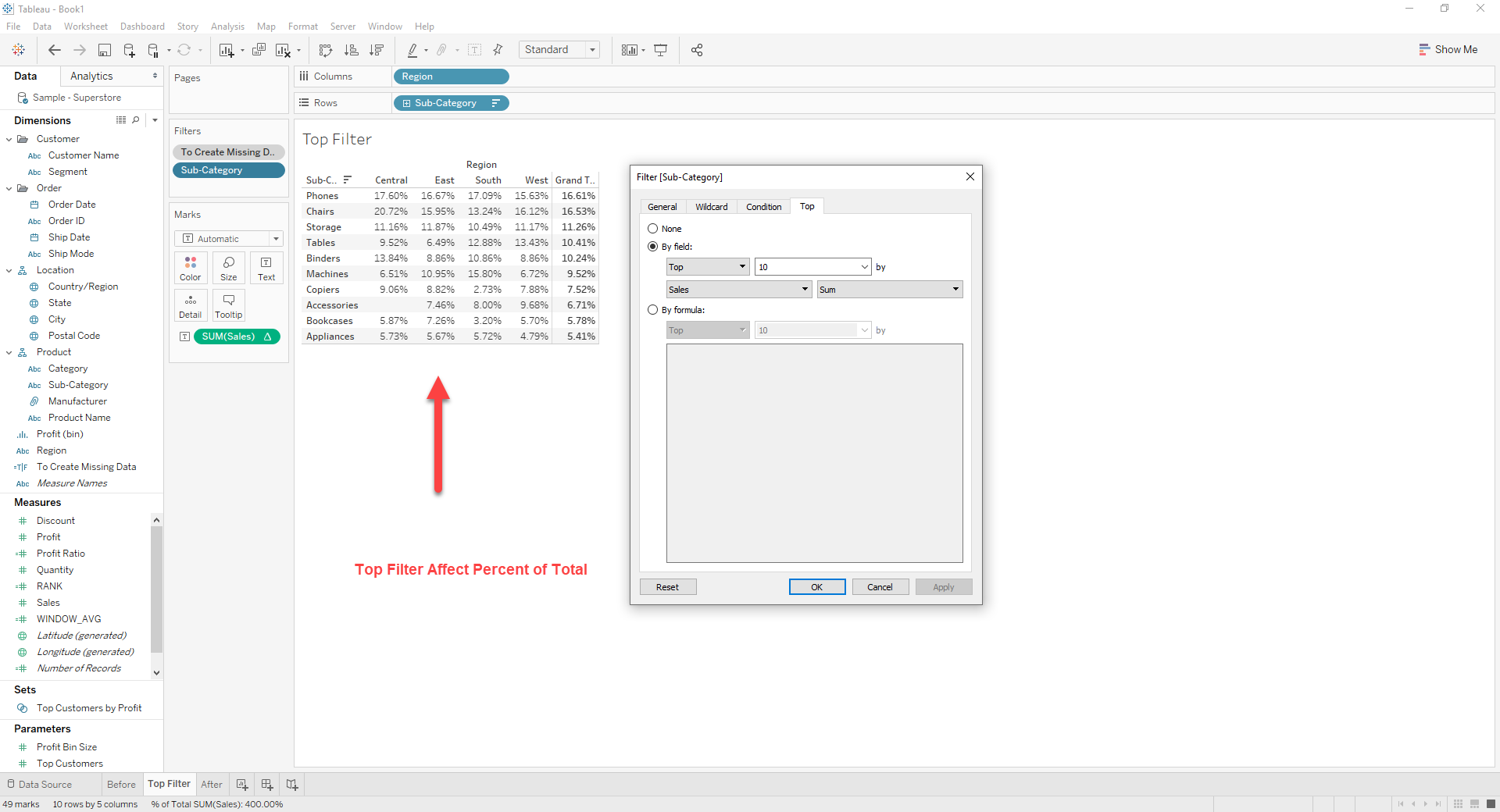
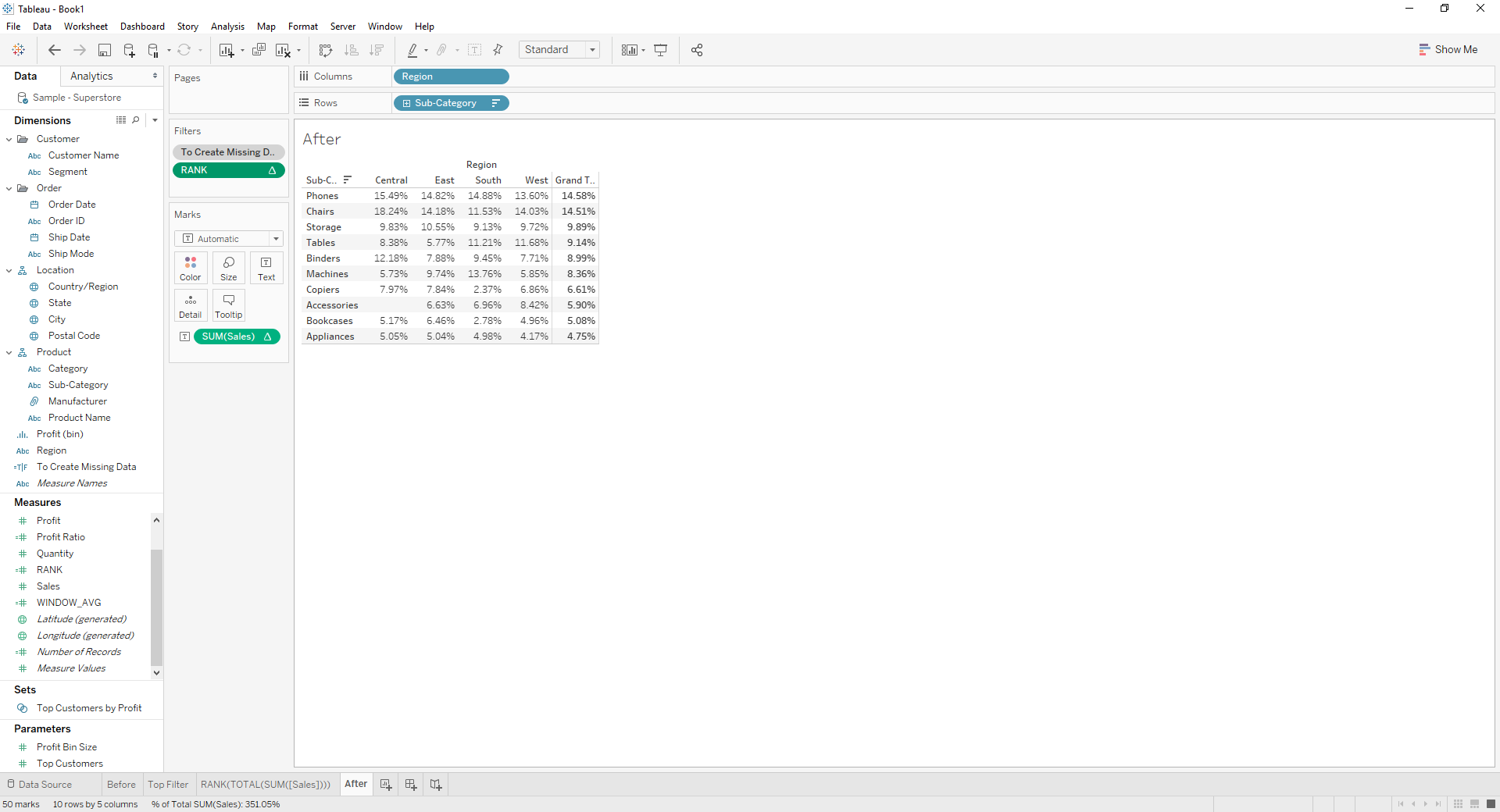
How To Keep Top 10 Sub-Category by Total Sales While Showing Percent of Total with Missing Data
Publish Date: Apr 13, 2024
Task
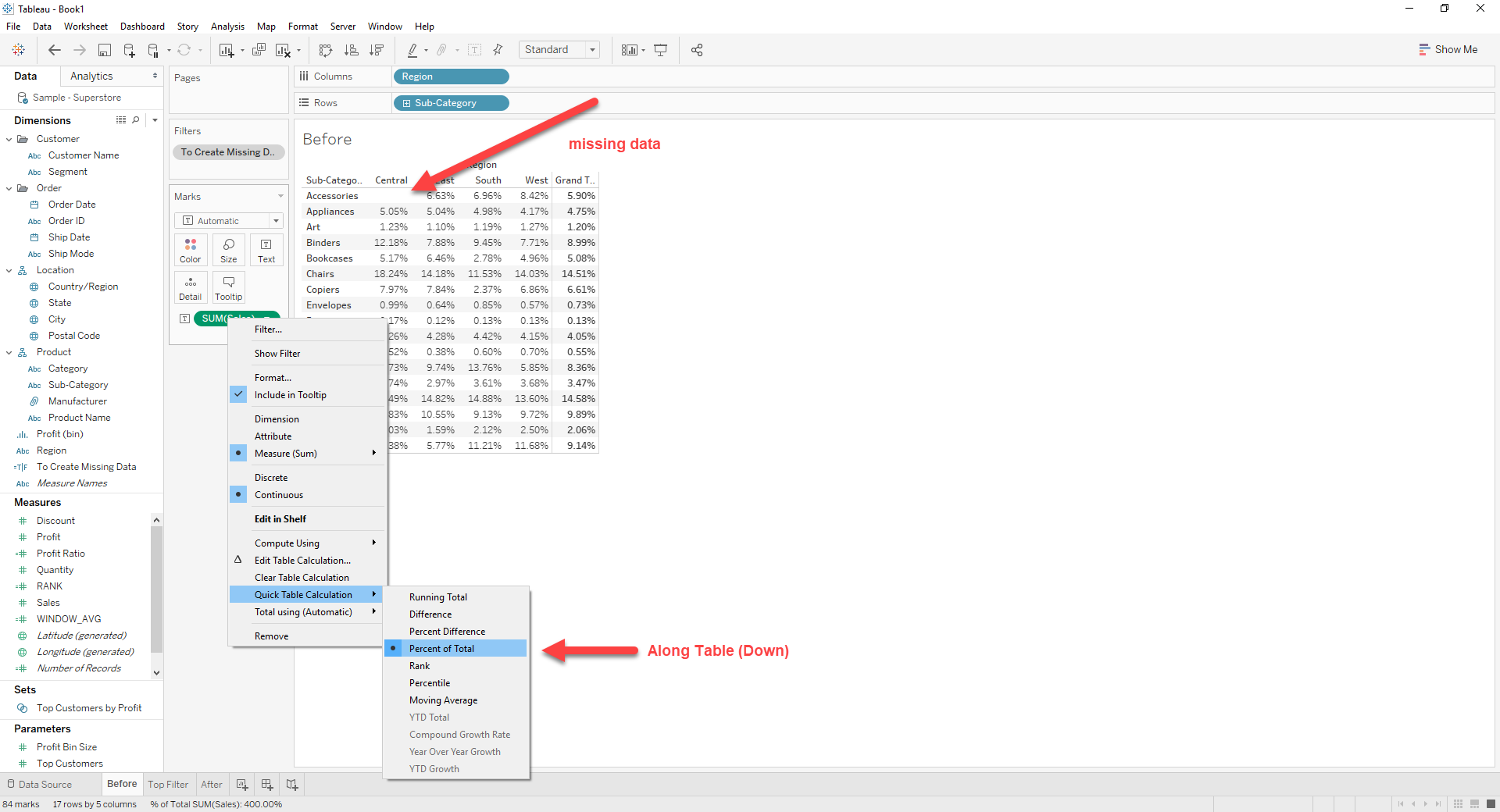
This occurs when using [Percent of Total] in Quick Table Calculation.
Steps
[WINDOW_AVG]
WINDOW_AVG(TOTAL(SUM([Sales])))
[RANK]
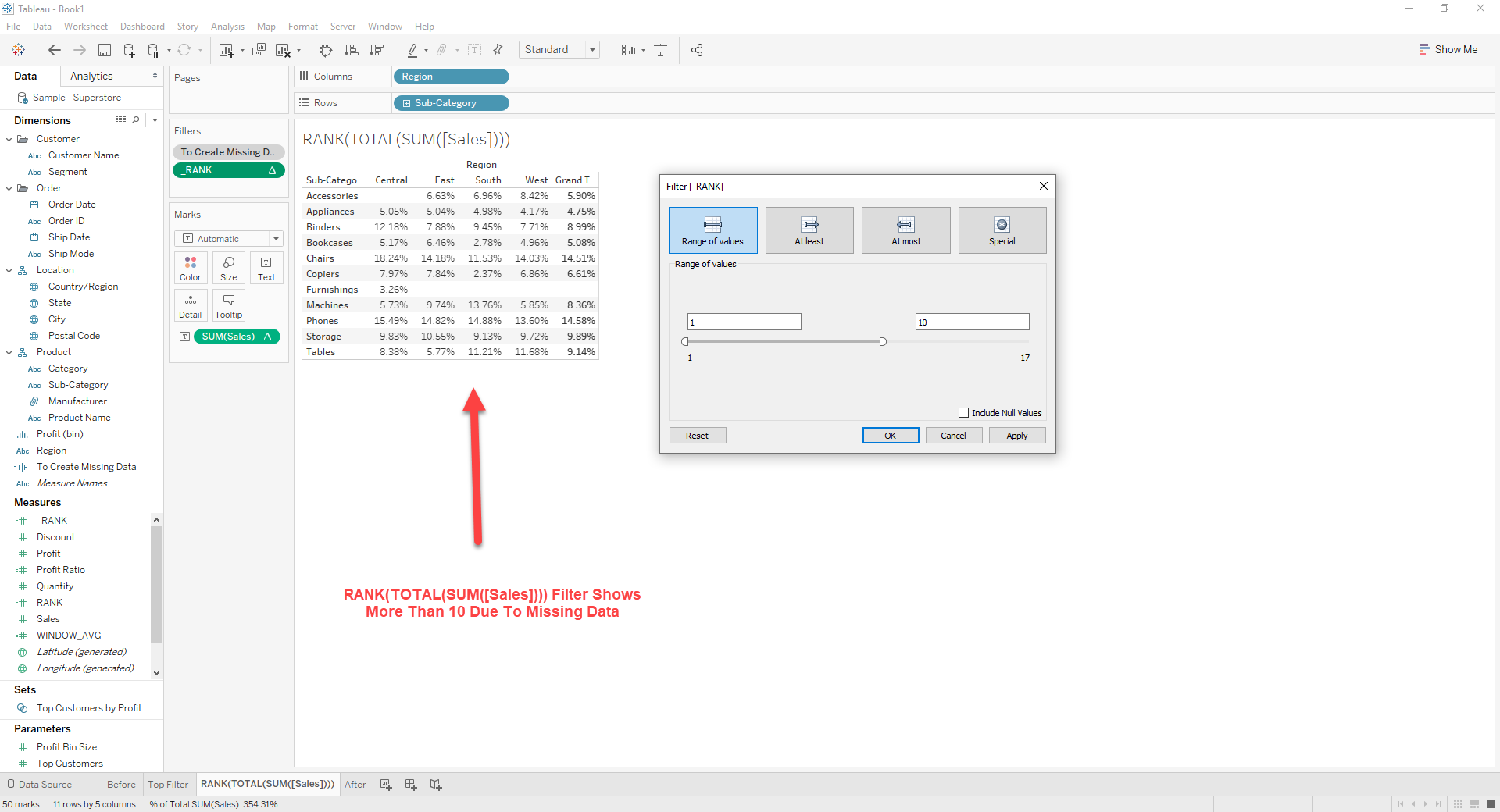
RANK(WINDOW_AVG)
2. Drag [RANK] to [Filter]
3. Right click on [RANK] -> [Edit Table Calculation]
Set Nested Calculations as bellow
[RANK] : Table (down)
[WINDOW_AVG] : Table (across)
4. Right click on [RANK] -> [Edit Filter]
Set Range of Values as 1 ~ 10
Additional Resources
Knowledge Article Number
001456825
Did this article solve your issue?
Let us know so we can improve!
