Valitse organisaatio
How to Display Only One Country on the Map
Julkaisupäivä: Apr 13, 2024
Tehtävä
How to display only one country on the map without other country on background.
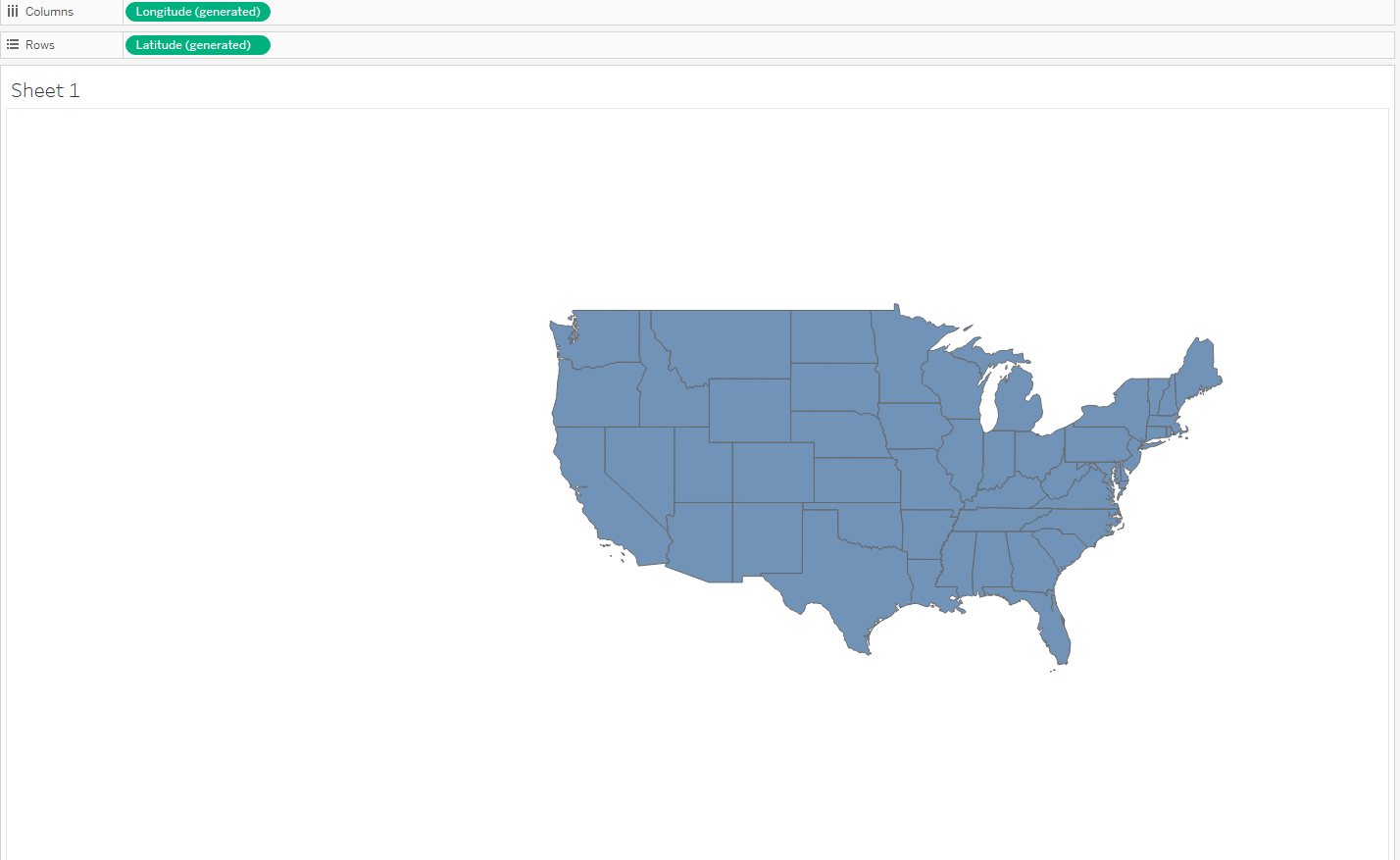
Vaiheet
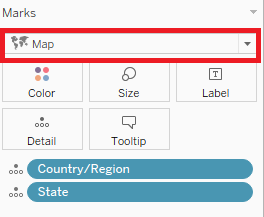
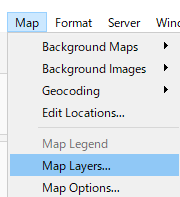
2. On the menu bar, Click on [Map] > [Map layers] to open map layer side menu.
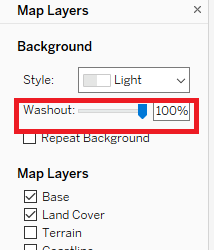
3. On the map layer side menu, set the "Washout" to 100%.
※Please refer to the attached "Display Only One Country Example.twbx" for more details.
Knowledge-artikkelin numero
001456833
Ratkaisiko tämä artikkeli ongelmasi?
Anna palautetta, jotta voimme kehittyä!
