Выбрать организацию
How to Display Only One Country on the Map
Дата публикации: Apr 13, 2024
Задача
How to display only one country on the map without other country on background.
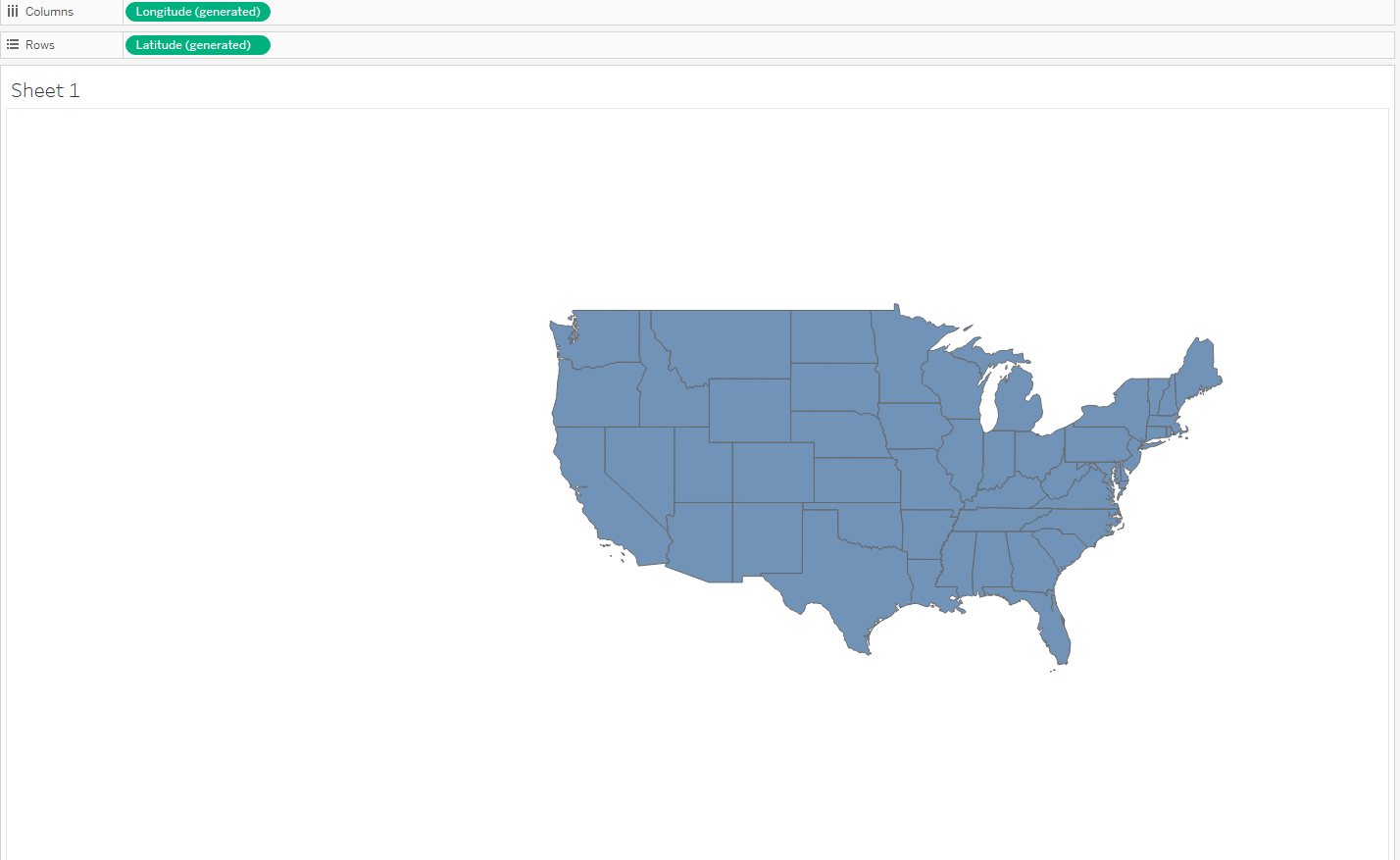
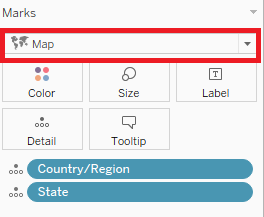
Действия
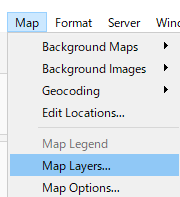
2. On the menu bar, Click on [Map] > [Map layers] to open map layer side menu.
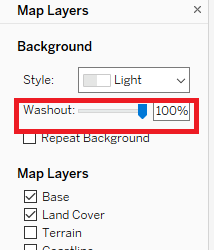
3. On the map layer side menu, set the "Washout" to 100%.
※Please refer to the attached "Display Only One Country Example.twbx" for more details.
Номер статьи базы знаний
001456833
Эта статья решила вашу проблему?
Оставьте свой отзыв, чтобы мы могли стать лучше!
