조직 선택
How To Merge 2 Different Scatter Plots
게시 일자: Apr 21, 2025
과업
How to merge 2 different scatter plots
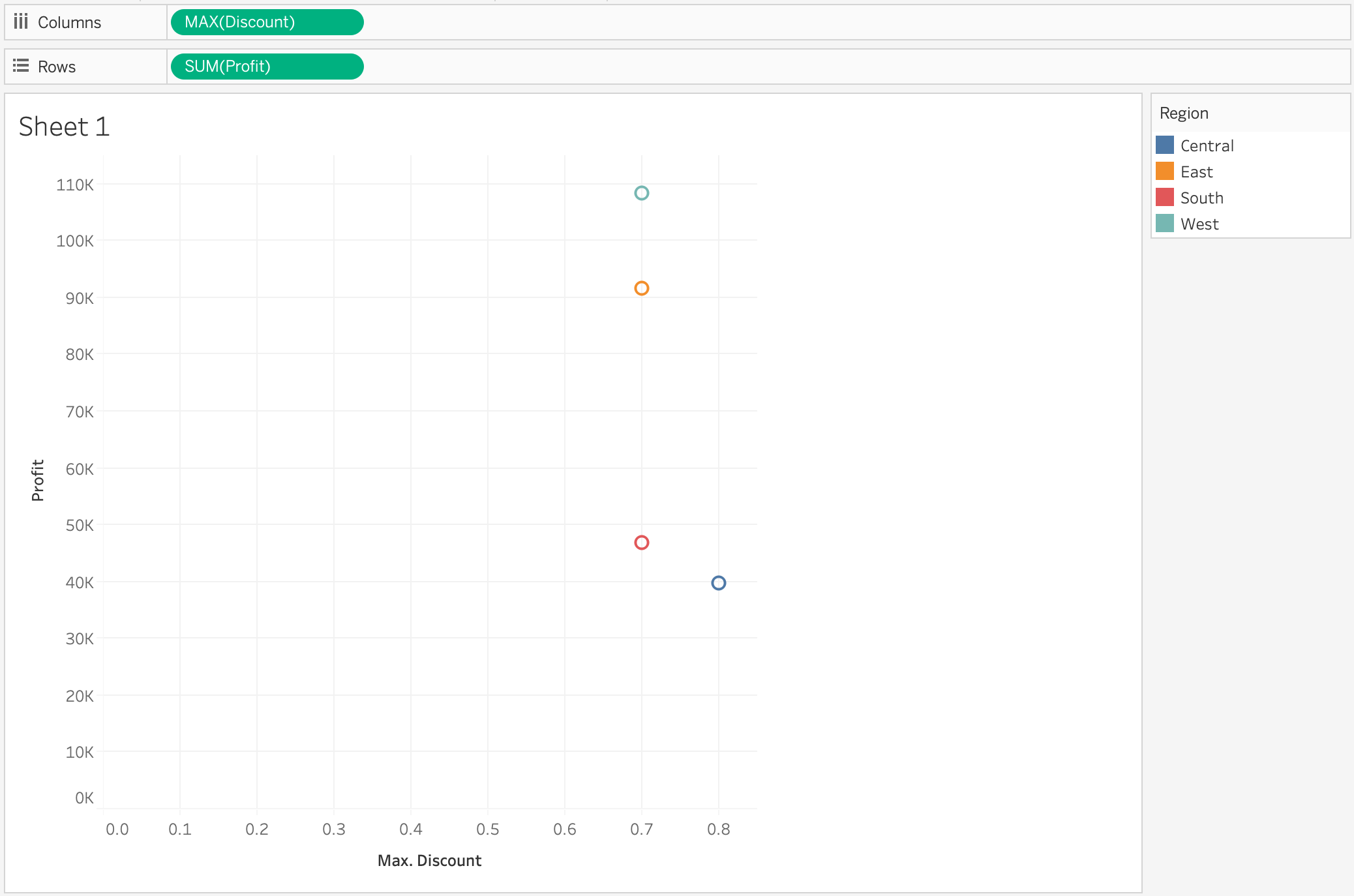
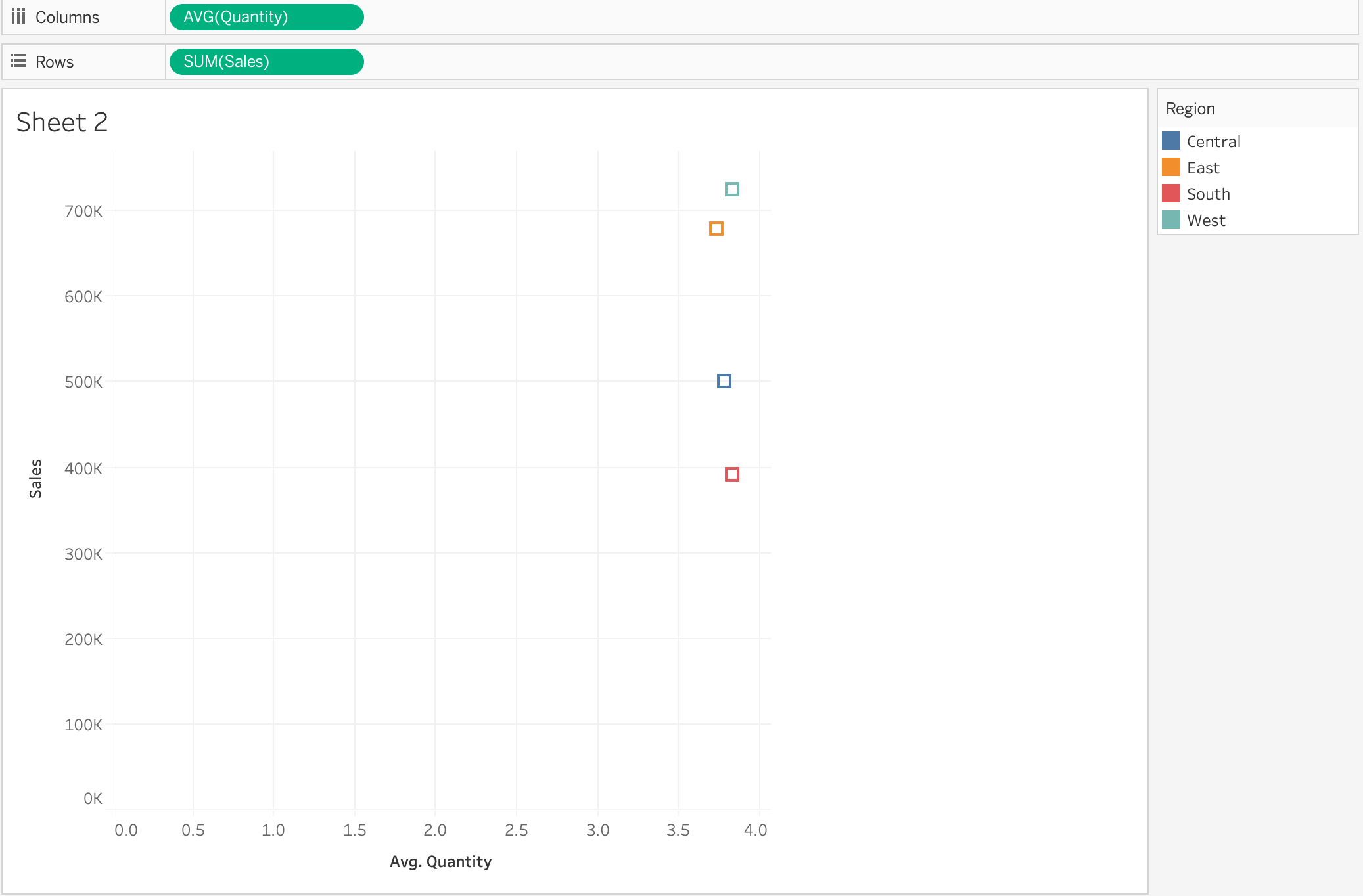
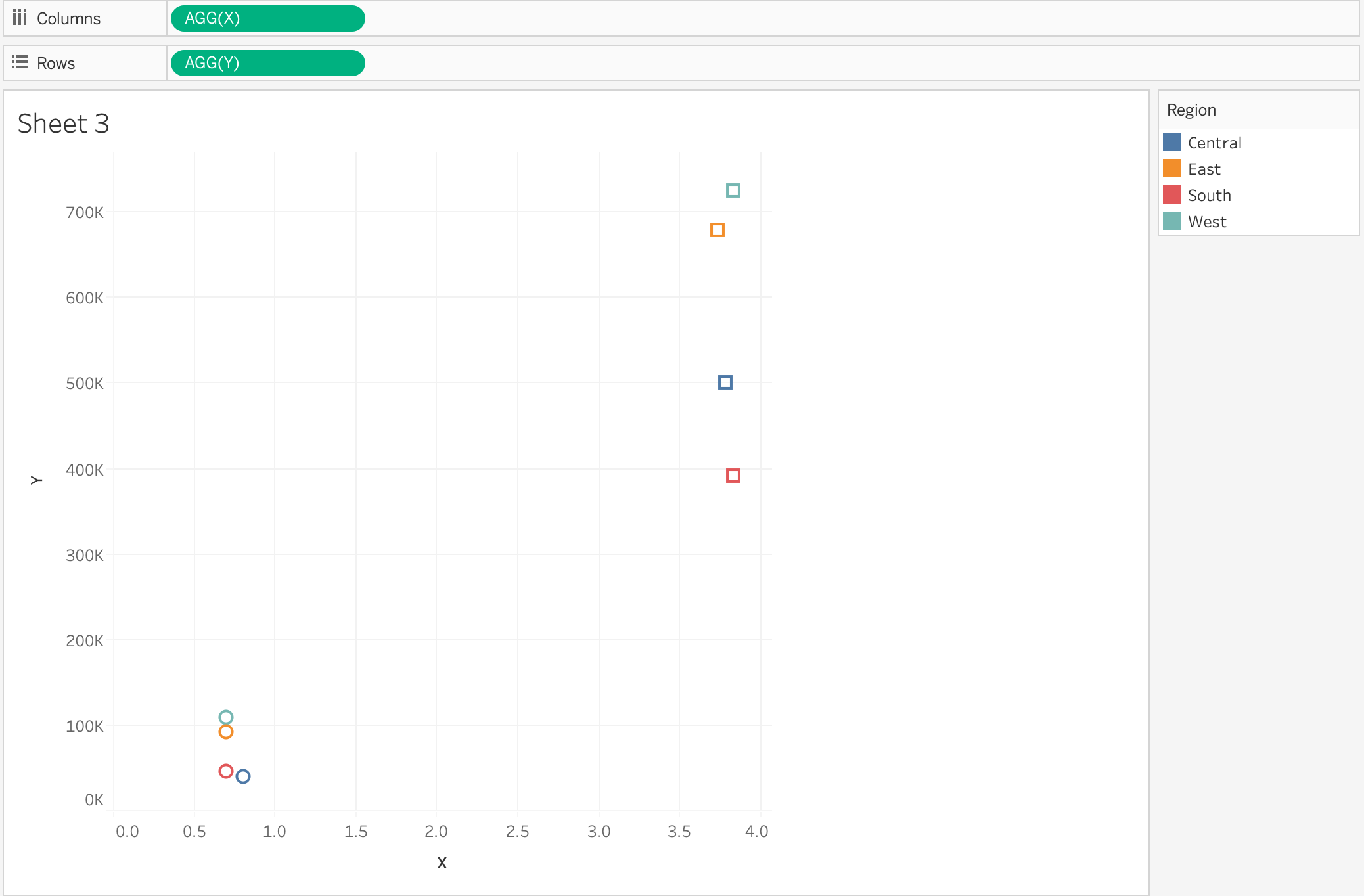
Merge 2 scatter slots like the following:
into 1 scatter plot
단계
2. Drag [Orders] to the [Orders] in campus to union by itself
3. Create following calculations
X:
IF ATTR([Table Name])='Orders' THEN MAX([Discount]) ELSE AVG([Quantity]) END
Y:
IF ATTR([Table Name])='Orders' THEN SUM([Profit]) ELSE SUM([Sales]) END
4. Drag [Y] to [Rows], [X] to [Columns], [Region] to [Color], [Table Name] to [Shape]
추가 자원
1. drag [Table Name] to [Filter]
2. select 'Orders'
3. right click on [Table Name] in [Filter] > Add to context
Knowledge 기사 번호
001456924
이 기사를 통해 문제를 해결했습니까?
개선을 위한 의견을 보내주세요.
