組織を選択
How to Add Grid Lines for the Right (Second) Axis When Using Dual Axis
公開日: Apr 13, 2024
タスク
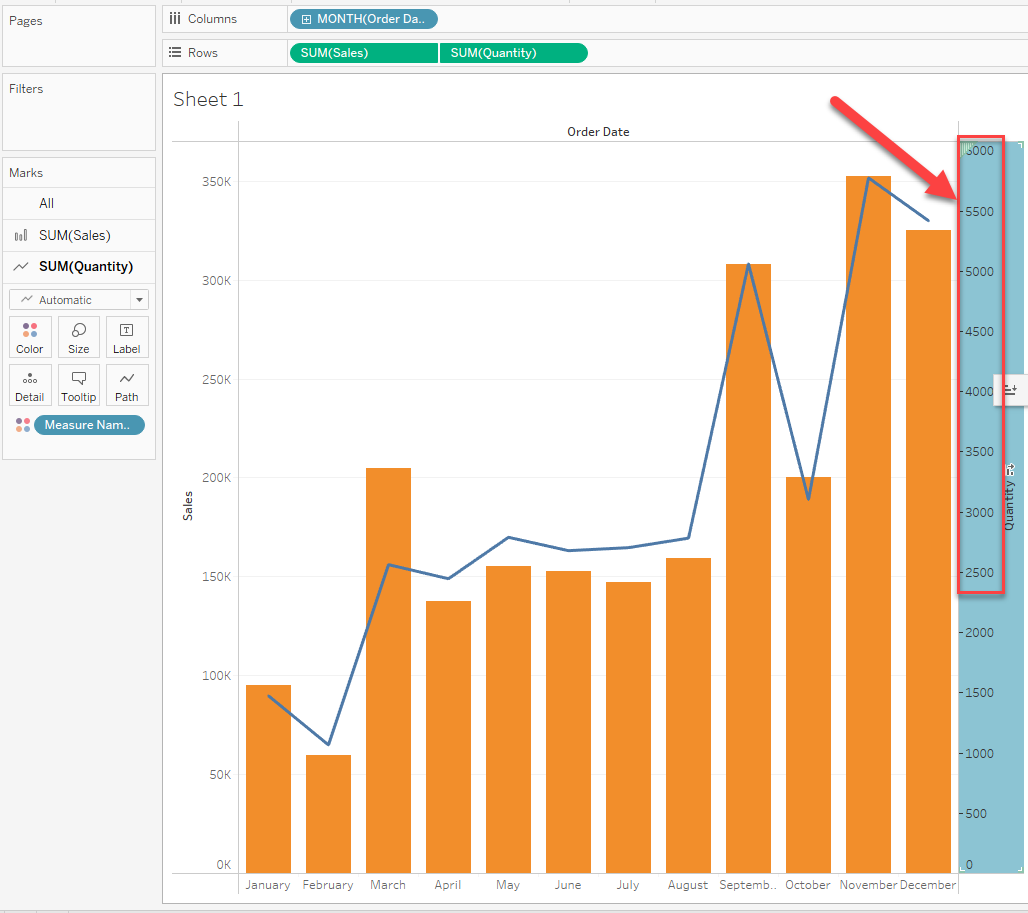
How to display the gridline of the right axis (second axis) when using dual axis,
As shown below, the graph only shows the left grid lines in the view.
ステップ
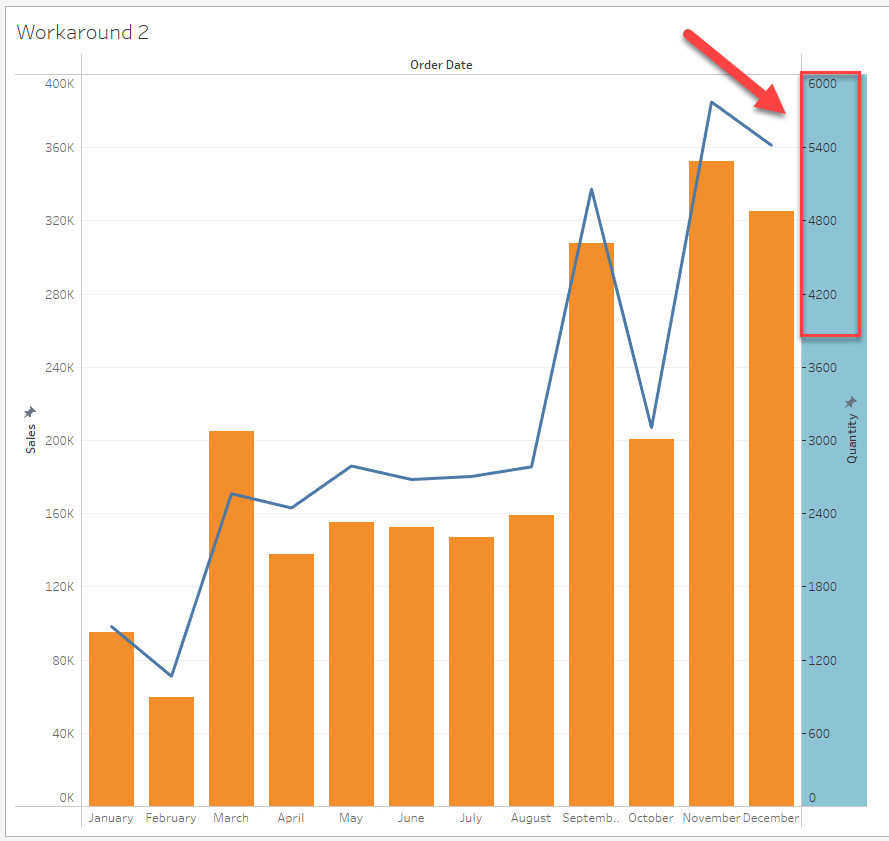
There are two possible workarounds to show the right grid lines:
1. Add reference lines as grid lines.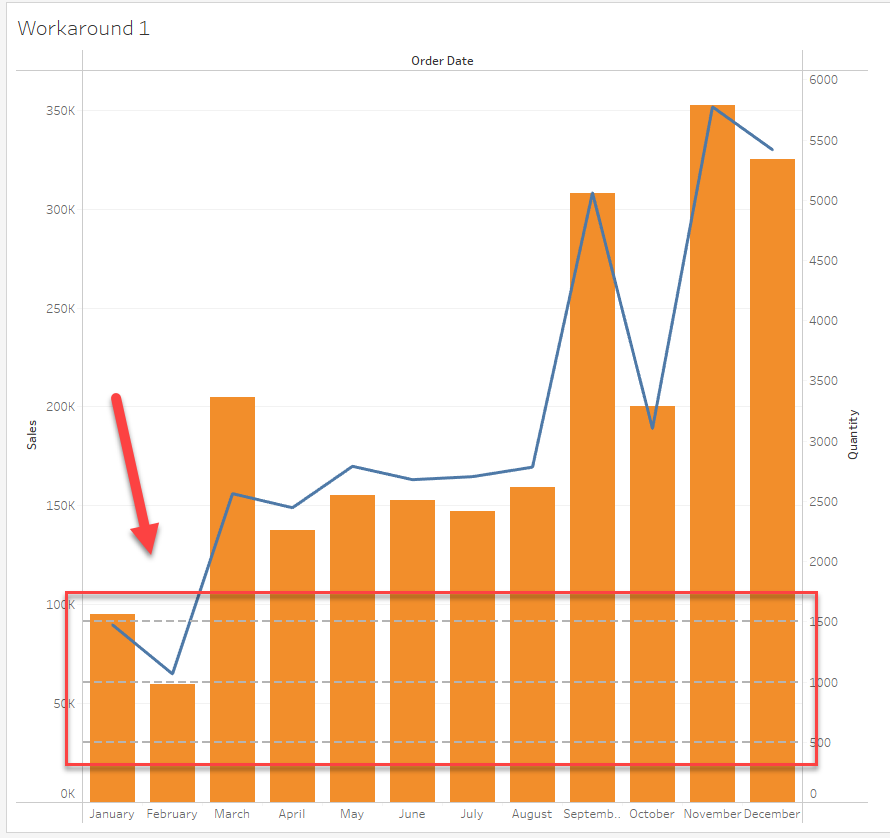
2. Adjust the range of the right axis to match the left grid lines.
Please check the attached workbook and video for details.
ナレッジ記事番号
001458335
この記事で問題は解決されましたか?
ご意見をお待ちしております。
