Select An Org
How to Combine Tooltip and Export Image in Tableau Desktop
Publish Date: Sep 24, 2025
Task
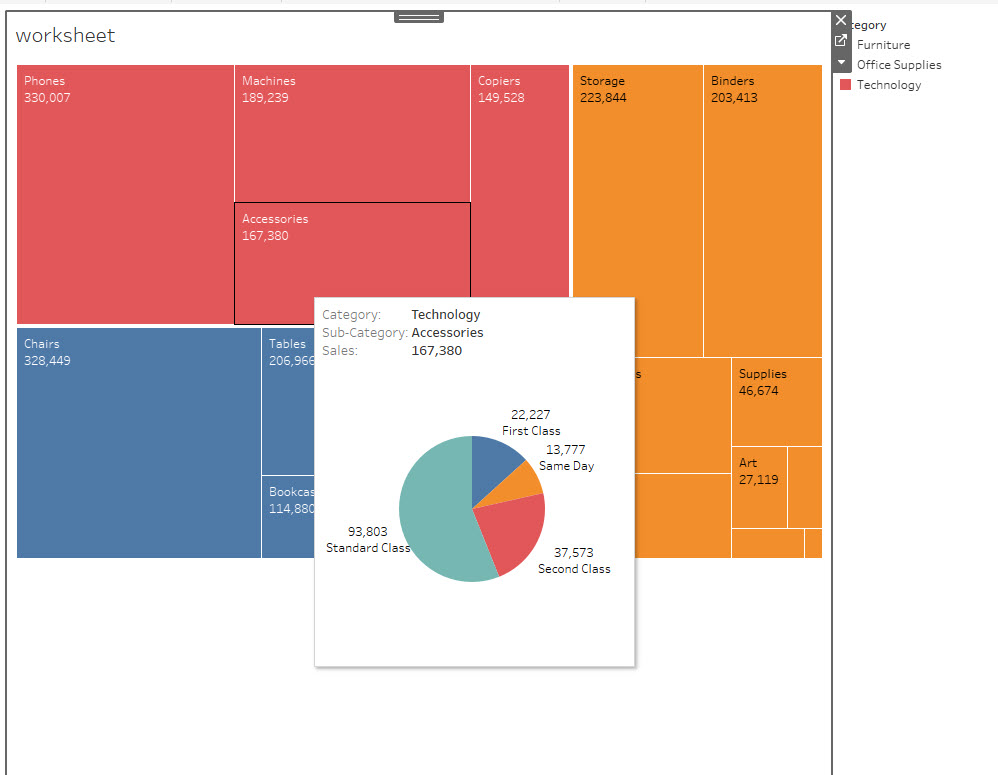
Steps
Consider the following workarounds.
Option 1:
Use a screenshot capture tool to create the image.Option 2:
Add the tooltip contents to a dashboard and export the image of the dashboard.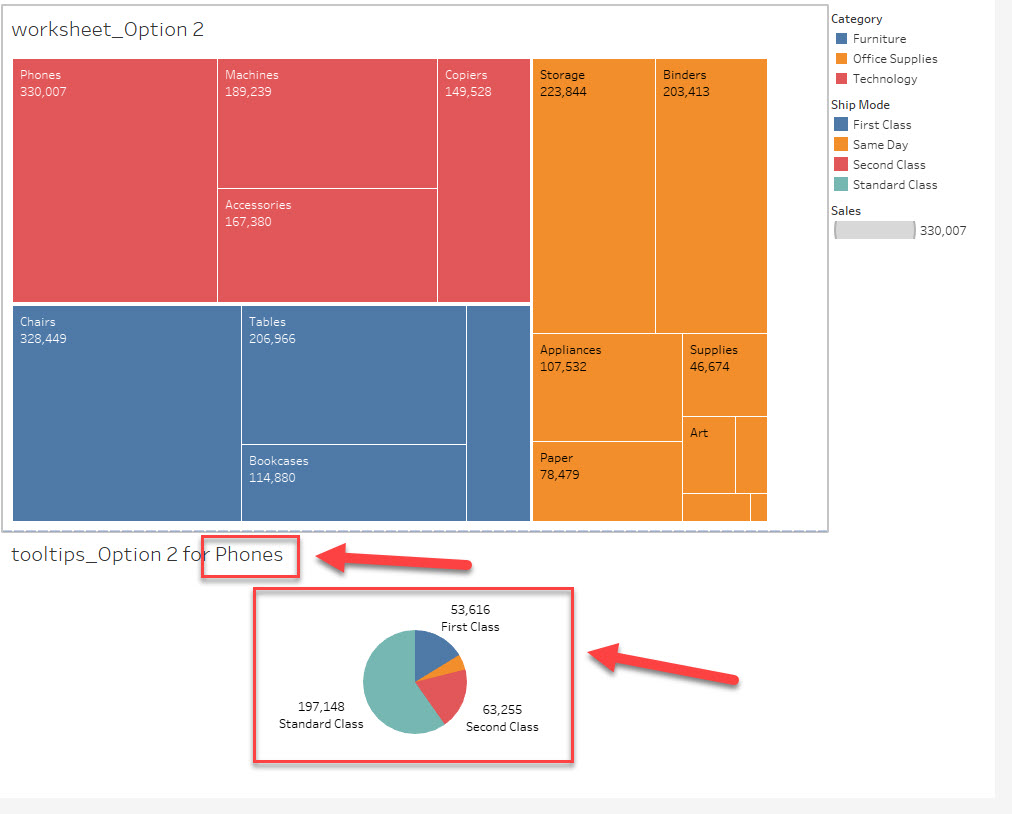
For text contents in tooltips: use parameter action.
For views in tooltips: use filter action.
Please refer to the attached workbook, tooltips.twbx, for details.
Additional Resources
Knowledge Article Number
001458372
Did this article solve your issue?
Let us know so we can improve!
