Seleziona un'organizzazione
How to Combine Tooltip and Export Image in Tableau Desktop
Data pubblicazione: Sep 24, 2025
Operazione
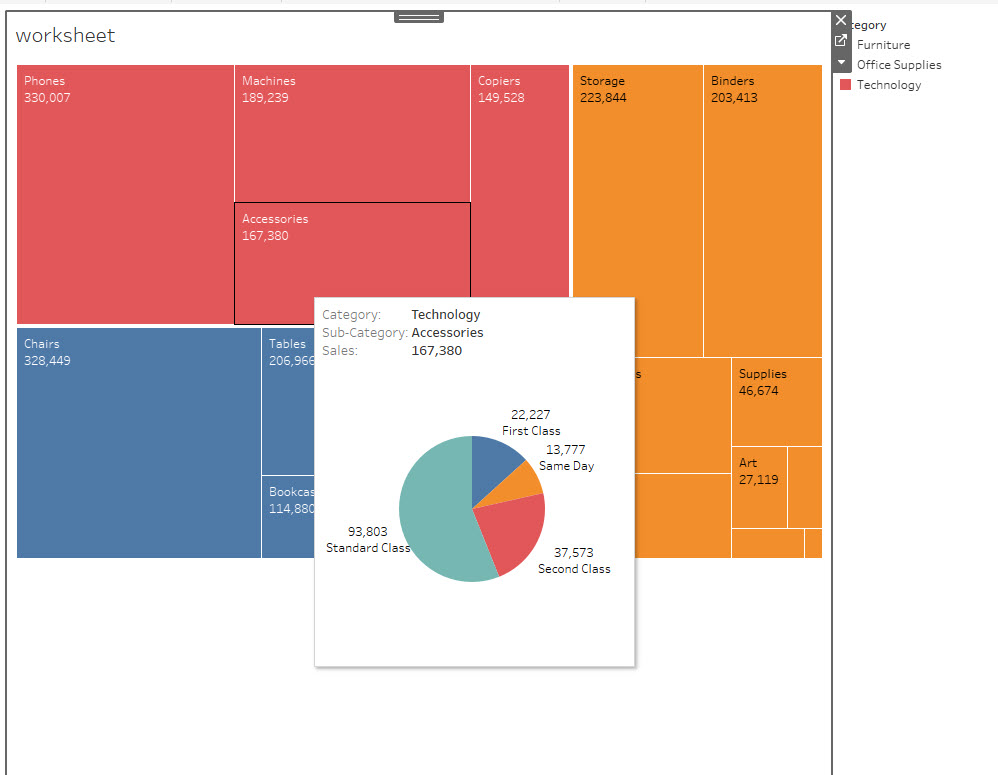
Fasi
Consider the following workarounds.
Option 1:
Use a screenshot capture tool to create the image.Option 2:
Add the tooltip contents to a dashboard and export the image of the dashboard.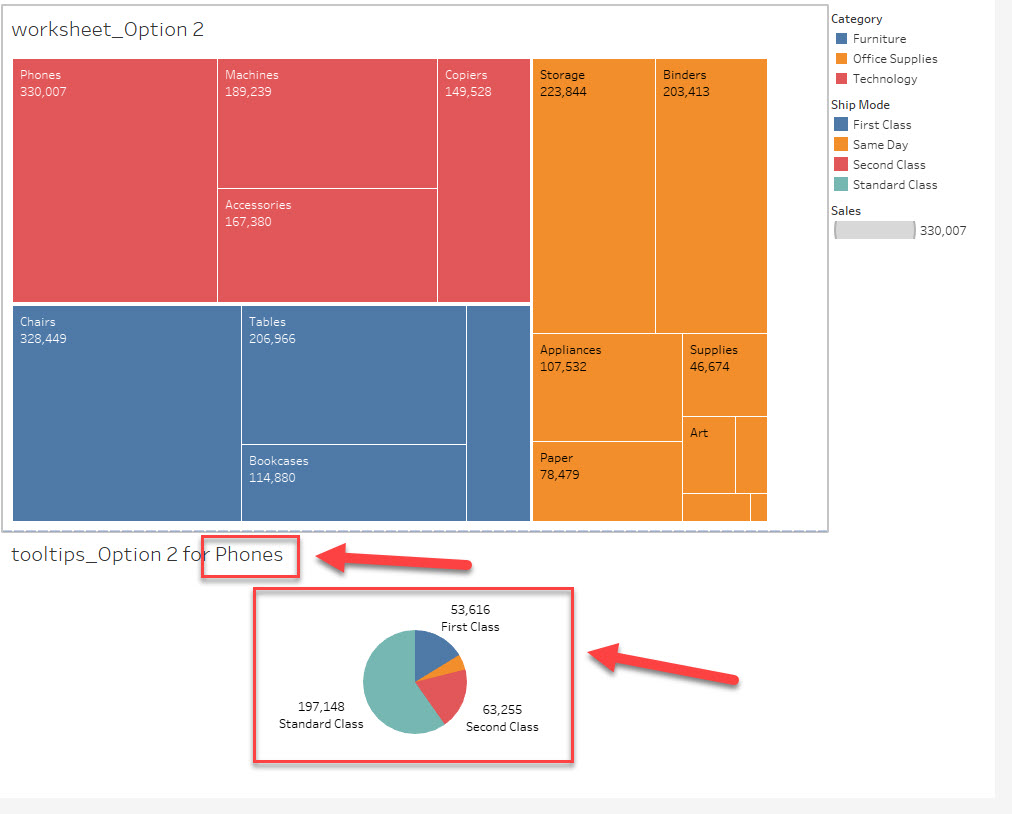
For text contents in tooltips: use parameter action.
For views in tooltips: use filter action.
Please refer to the attached workbook, tooltips.twbx, for details.
Risorse aggiuntive
Numero articolo Knowledge
001458372
Questo articolo ha risolto il problema?
Facci sapere, così possiamo migliorare!
