Выбрать организацию
How to Determine Which Region a Country Belongs to on a Tableau Map
Дата публикации: Apr 29, 2025
Задача
Действия
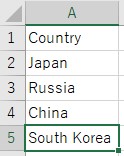
- Create a data source following way.
-
- Launch Tableau Desktop and connect to the data source you created.
- Drag and drop [ Longitude(generated) ] to Columns and [ Latitude(generated) ] to Rows.
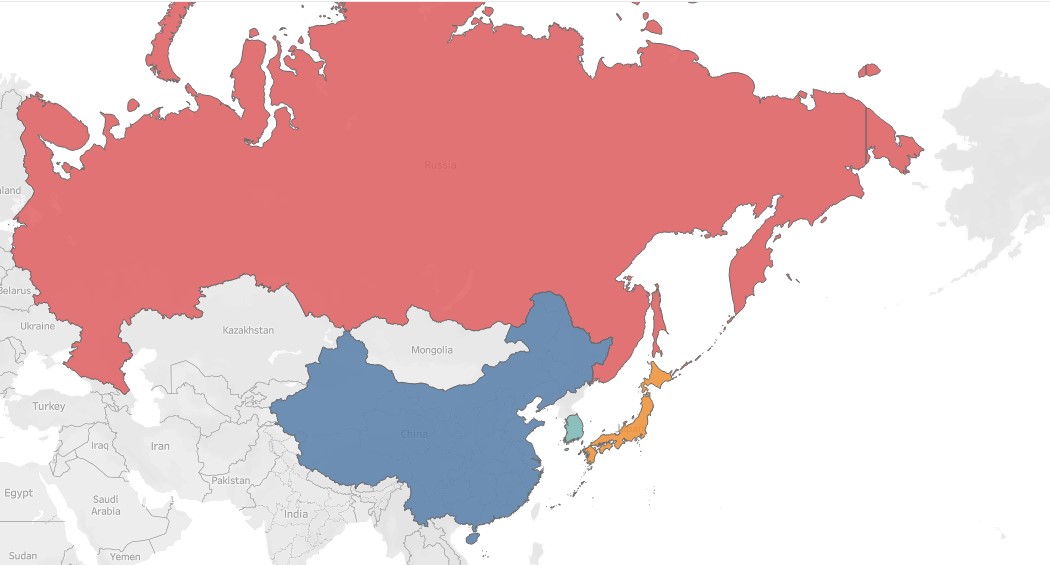
- Drag and drop [ Country ] to Color.
- Change the mark type to map.
- Zoom in on the target region and use color to determine which countries belong to the chosen region.
Номер статьи базы знаний
001458393
Эта статья решила вашу проблему?
Оставьте свой отзыв, чтобы мы могли стать лучше!
