Select An Org
How to export 'Field Name' and 'Remote Field Name' from Tableau Desktop
Publish Date: Sep 25, 2025
Task
How to export Field Name and Remote Field Name from Tableau Desktop?
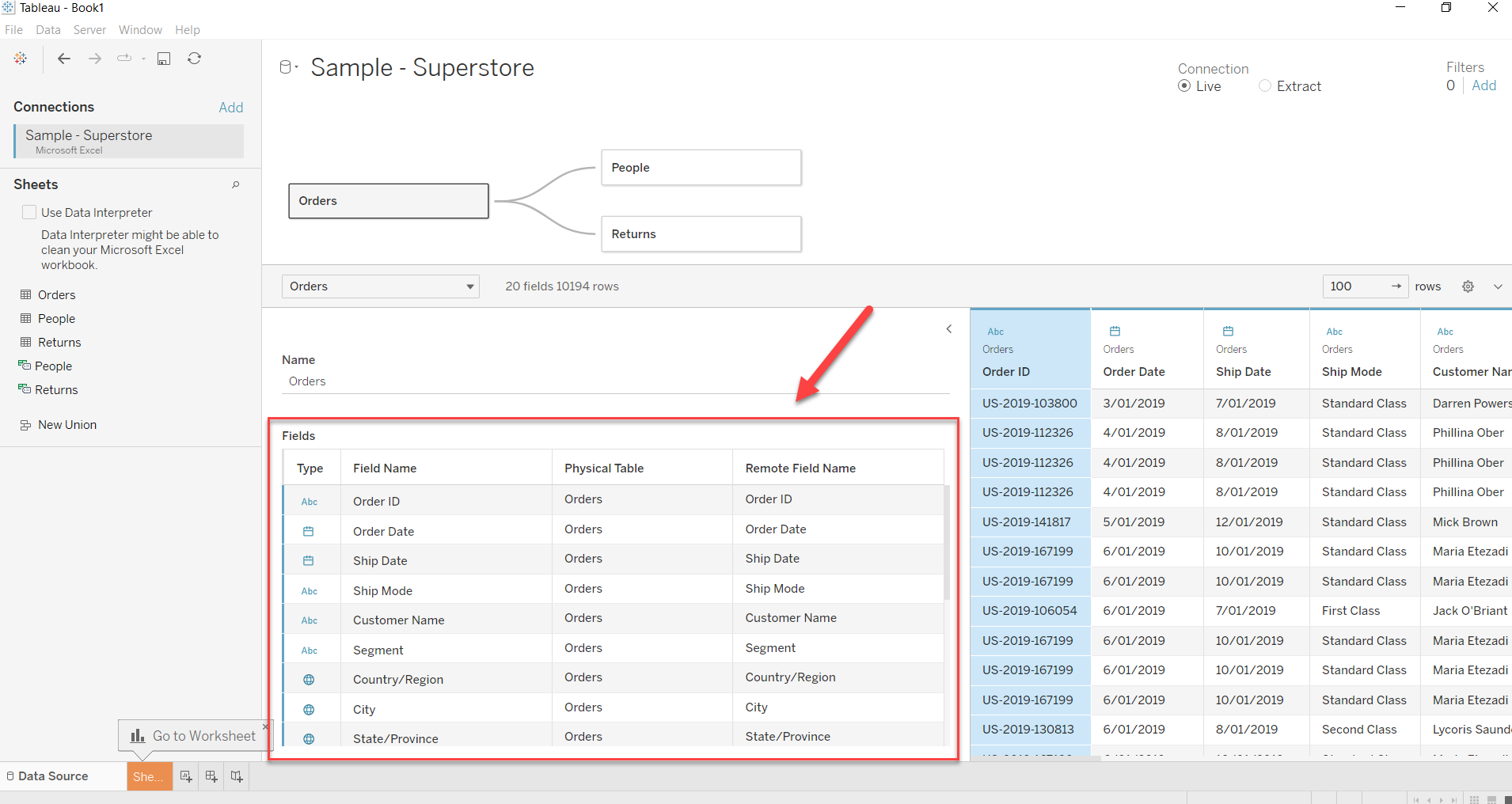
Steps
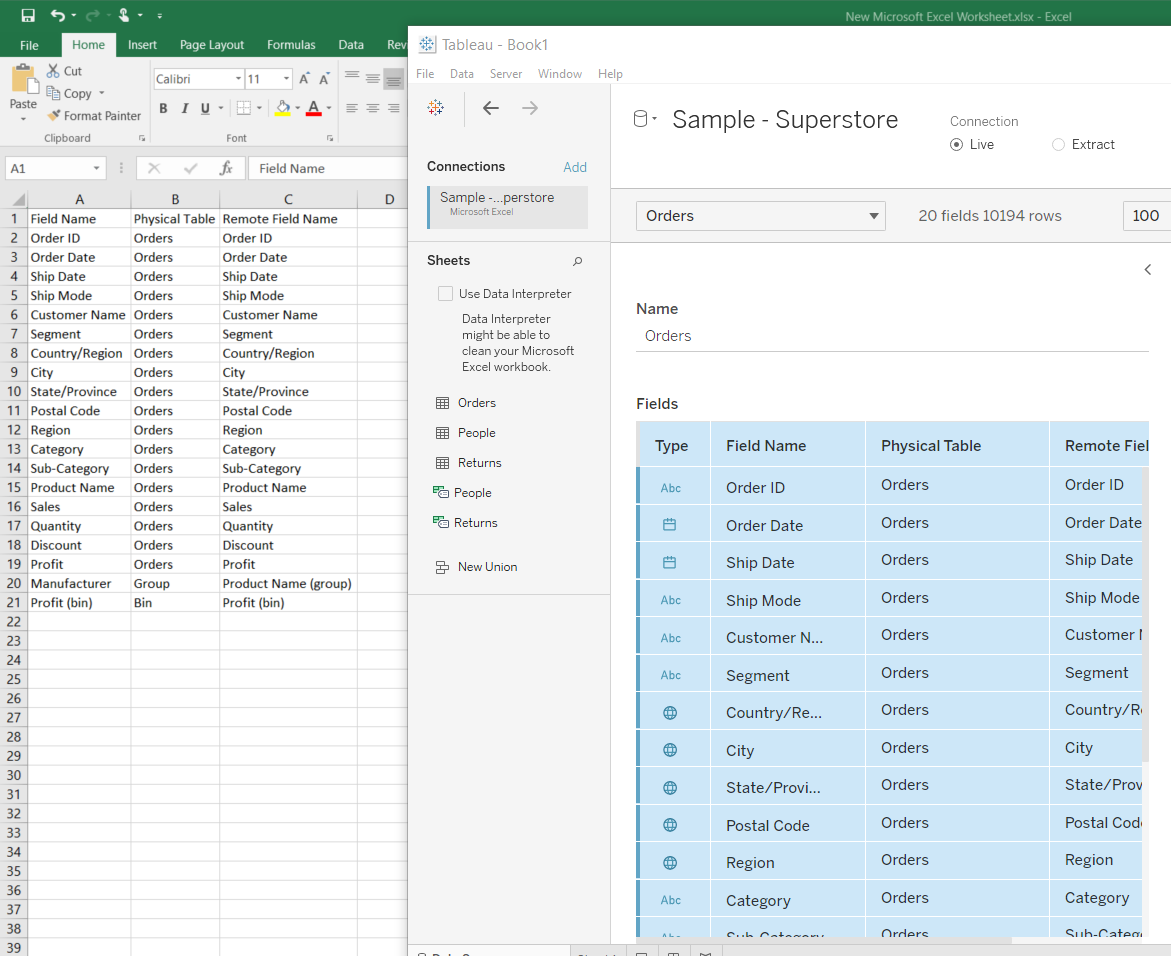
- Click on the row that you want to export and press CTRL to select multiple rows.
- After selecting the rows/fields, right click and select Copy Values to copy the fields.
- Press CTRL+V to paste/export the selected fields to Excel or Notepad.
Knowledge Article Number
001458686
Did this article solve your issue?
Let us know so we can improve!
