Sélectionner une organisation
How to export 'Field Name' and 'Remote Field Name' from Tableau Desktop
Date de publication: Sep 25, 2025
Tâche
How to export Field Name and Remote Field Name from Tableau Desktop?
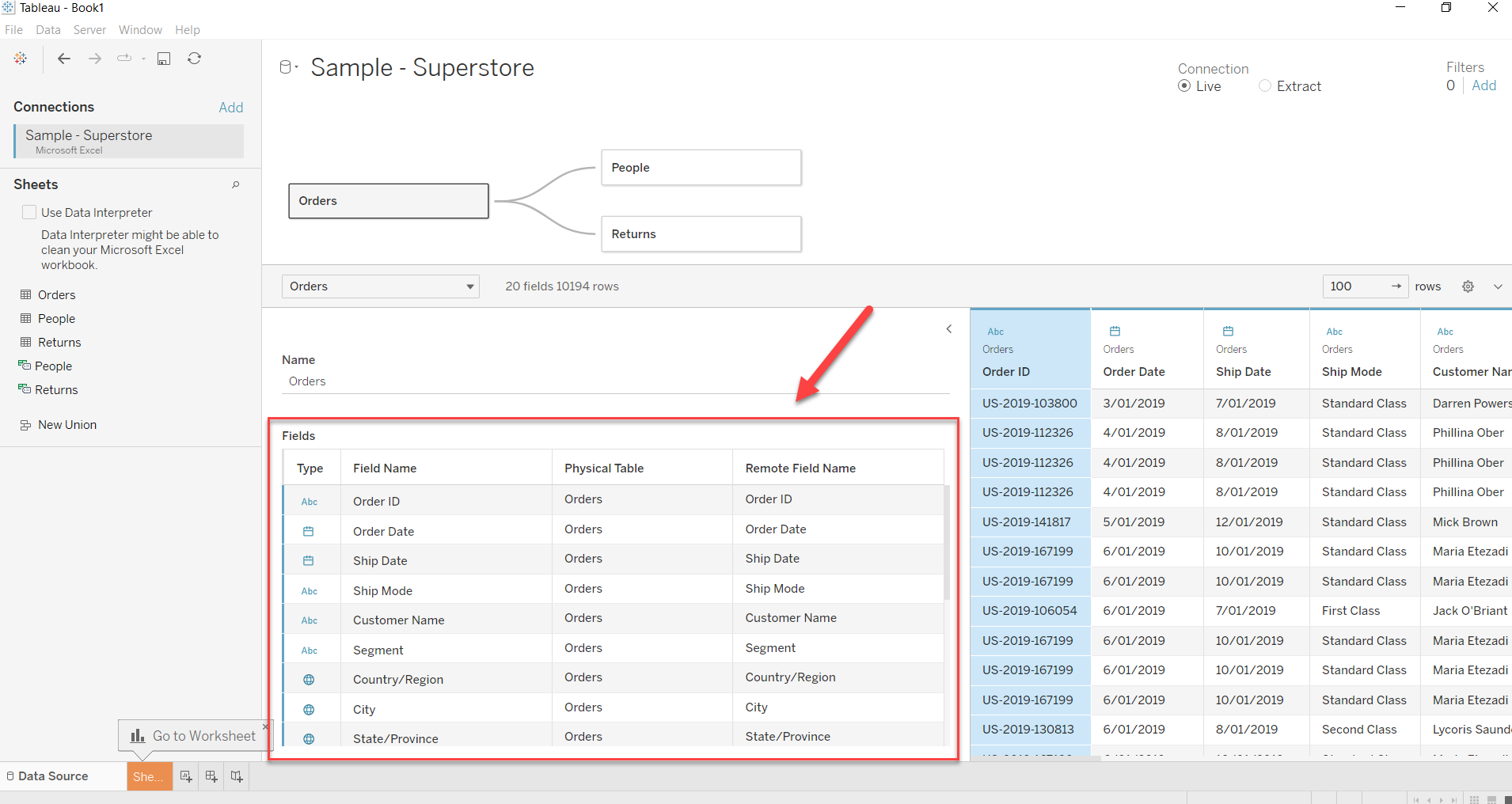
Étapes
- Click on the row that you want to export and press CTRL to select multiple rows.
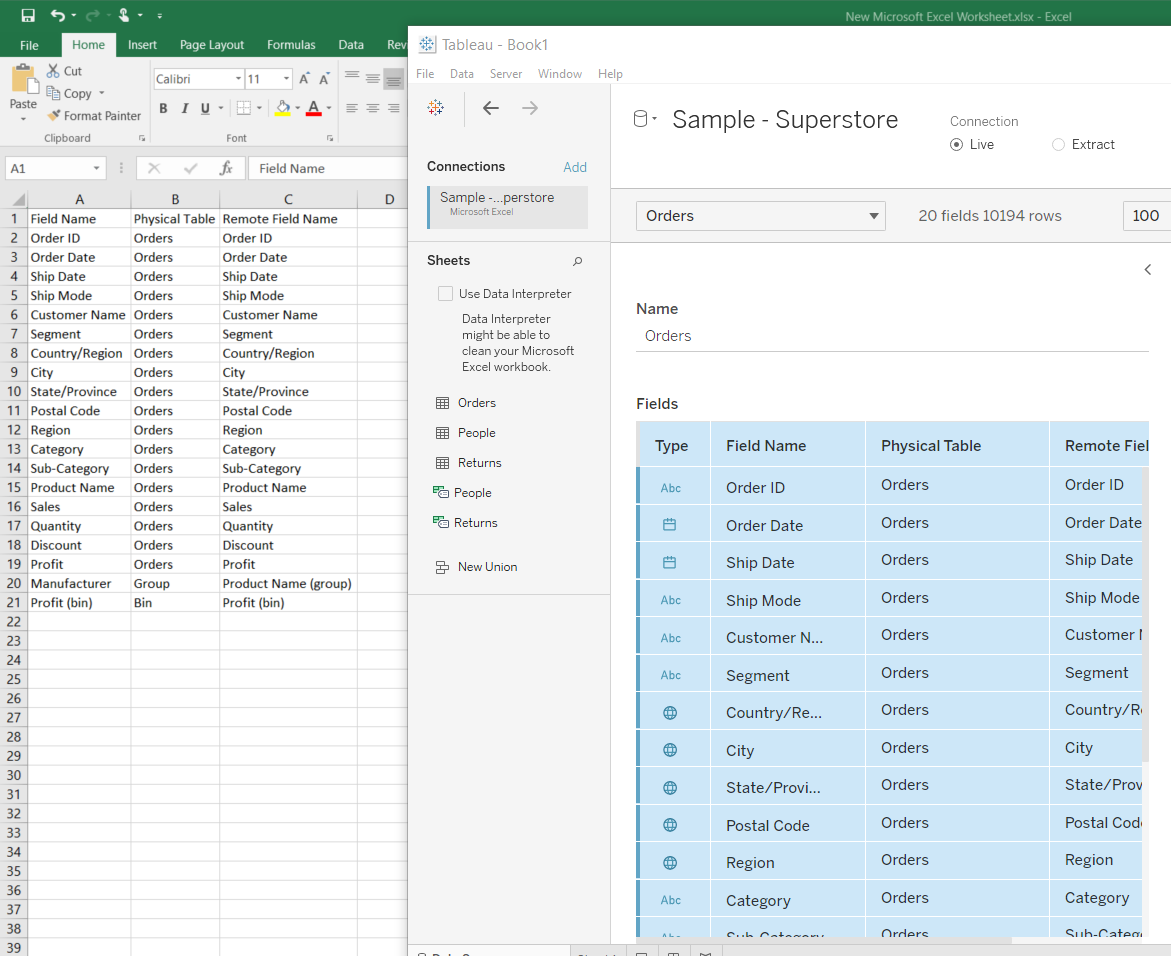
- After selecting the rows/fields, right click and select Copy Values to copy the fields.
- Press CTRL+V to paste/export the selected fields to Excel or Notepad.
Numéro d’article de la base de connaissances
001458686
Cet article a-t-il résolu votre problème ?
Dites-nous ce que nous pouvons améliorer !
