Valitse organisaatio
How to calculate age from the date of birth
Julkaisupäivä: Aug 26, 2024
Tehtävä
(Example)
Today : 2022/06/15
Date of birth : 1996/04/21
Age : 26
Vaiheet
- Connect to Sample(Birthday).xlsx from Tableau Desktop
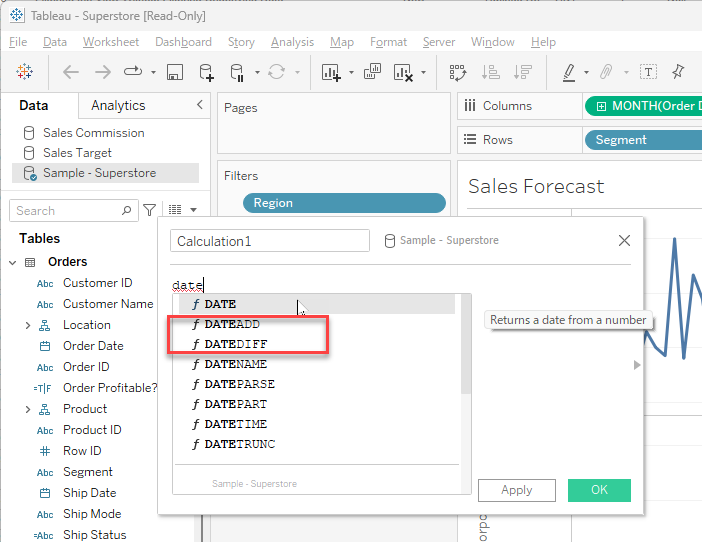
2. Create a new calculated field as following.
Name : Age
Calculation : IF DATEADD('year', DATEDIFF('year', [Birthday], TODAY()), [Birthday])> TODAY() THEN
DATEDIFF('year', [Birthday], TODAY())-1
ELSE
DATEDIFF('year', [Birthday], TODAY())
END
Knowledge-artikkelin numero
001458759
Ratkaisiko tämä artikkeli ongelmasi?
Anna palautetta, jotta voimme kehittyä!
