Vælg en organisation
How to calculate month-on-month rate without using table calculation
Udgivelsesdato: Jun 12, 2026
Opgave
How to calculate month-on-month rate without using table calculation.
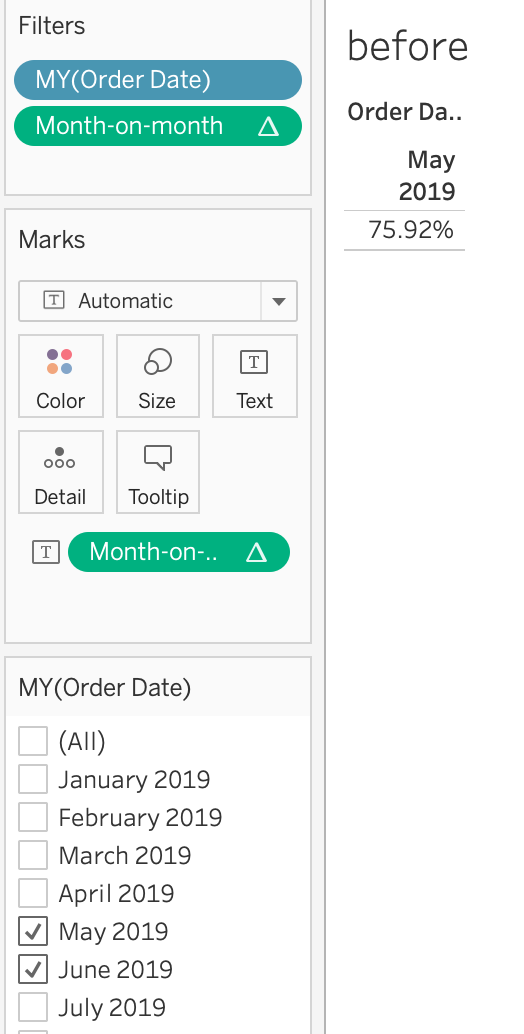
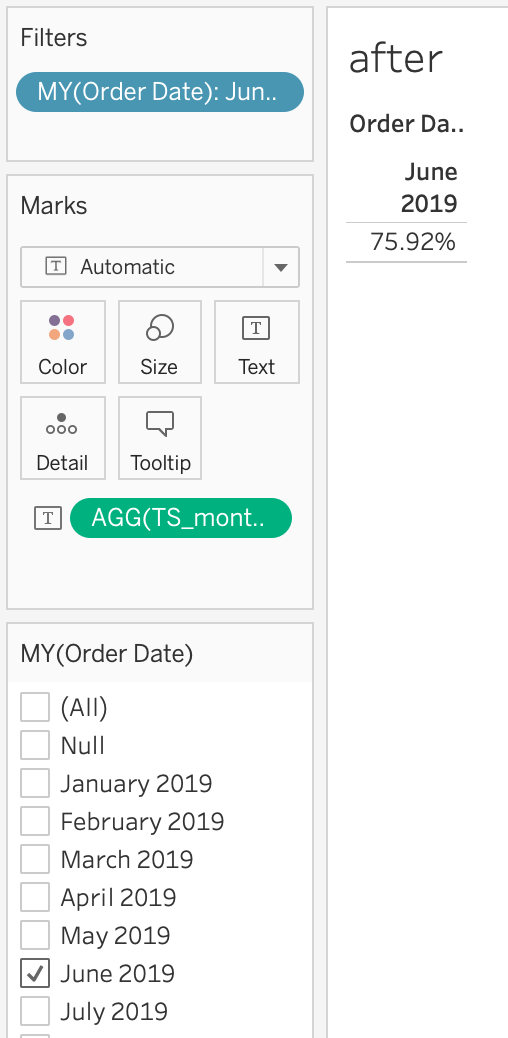
Note: Extra step is needed to filter the null data etc. when using the table calculation to achieve the same result. The method below describes how to do it without using the table calculation.
Before:
After:
Trin
Add a data source for the last month data.
1. Add [order] sheet in Data source page and create a relationship as shown below
2. Create a calculated field:
Name: TS_month-on-month
Value: SUM([Sales (Orders1)])/SUM([Sales])
3. Filter the [order date].
4. Add [TS_month-on-month] to the text card.

Vidensartikelnummer
001462249
Løste denne artikel dit problem?
Giv os besked, så vi kan forbedre os!
