Valitse organisaatio
Change Discrete Points Into A Line Chart
Julkaisupäivä: Mar 20, 2026
Tehtävä
When there is NULL data the marks in the Line chart are disconnected and displayed as dots. How can I connect them and show as the line chart without filtering the data?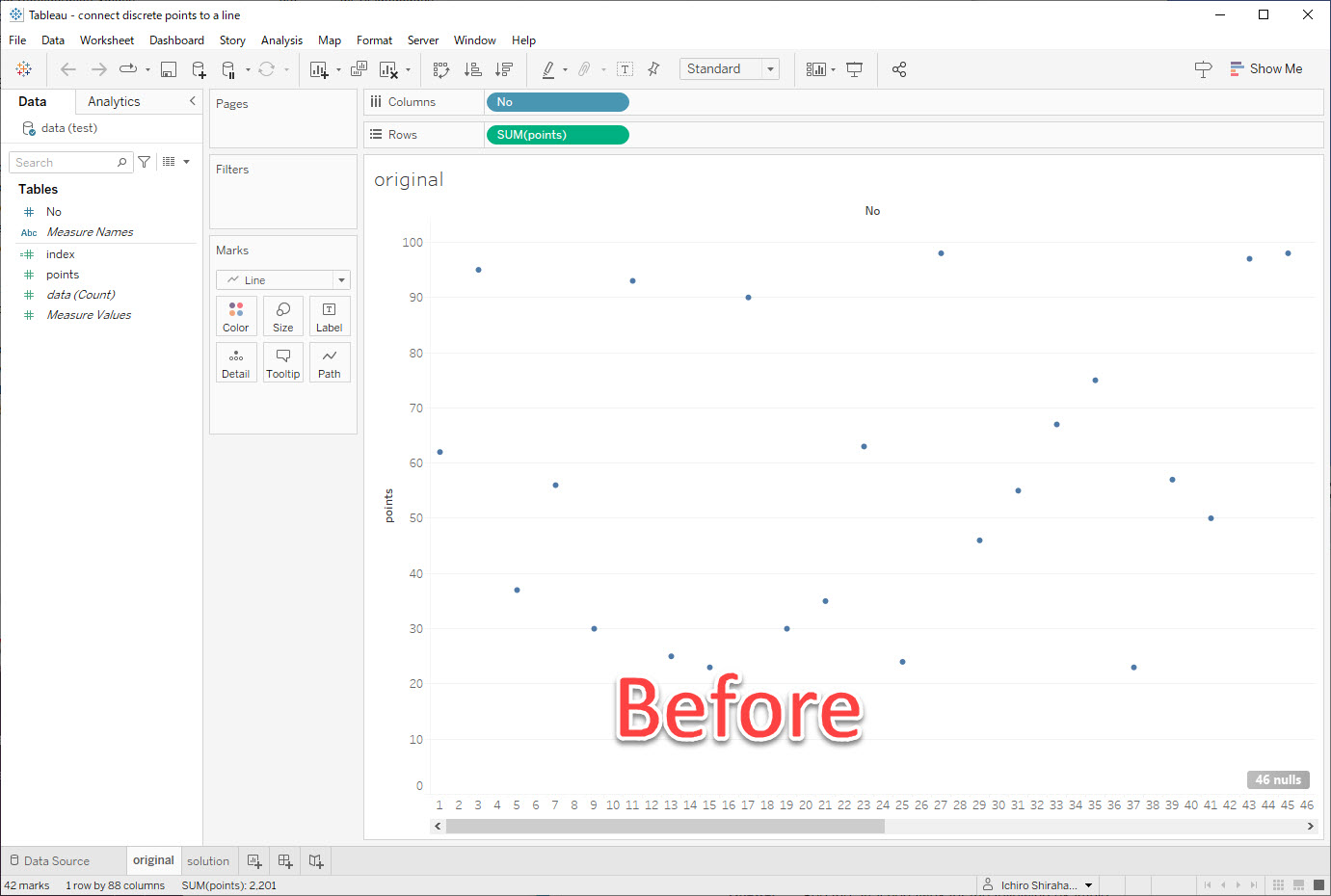
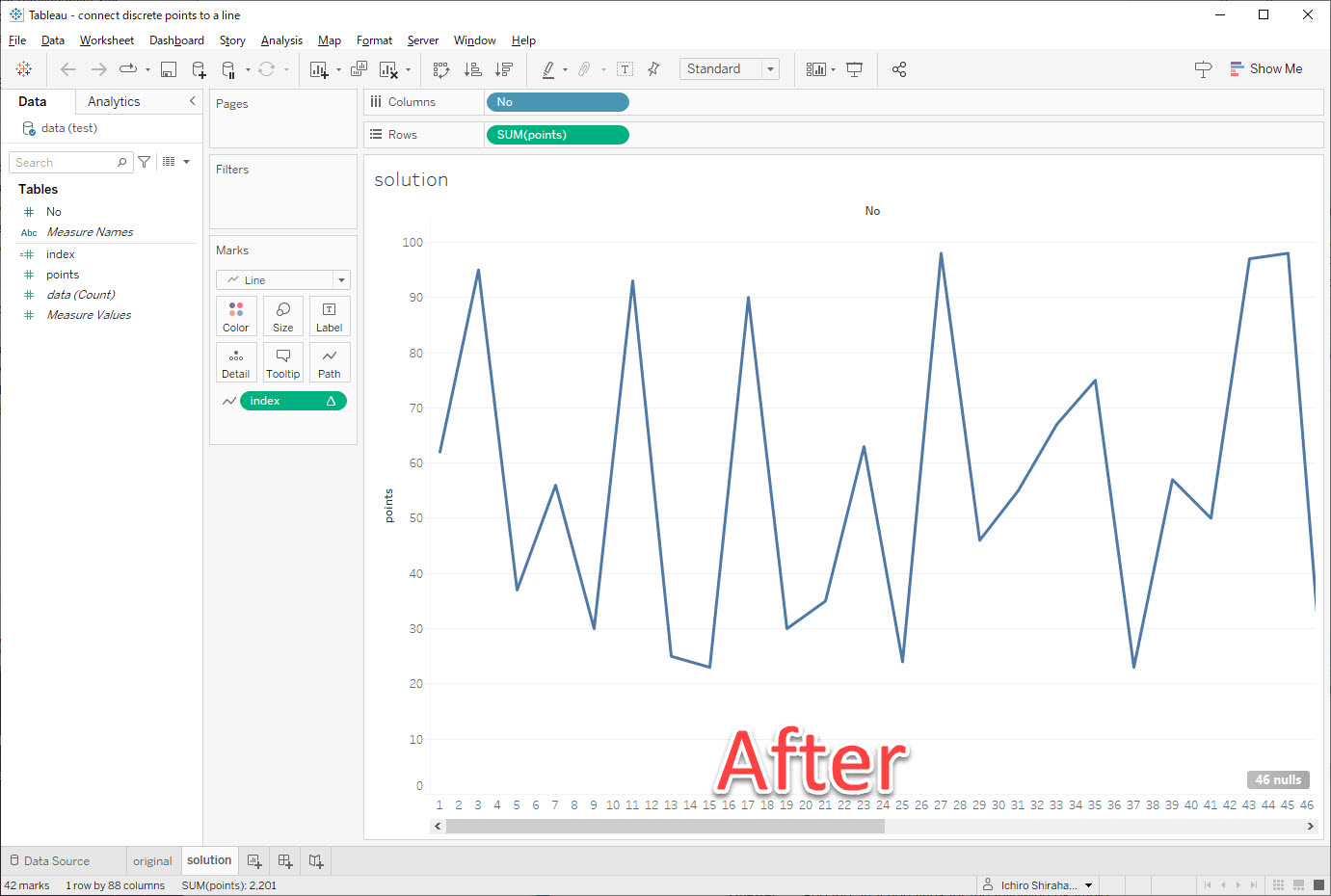
Vaiheet
1. Create a calculated field called index with the following calculation:
if isnull(SUM([points]))=false
then index()
END
2. Add index to Path on the Marks card.
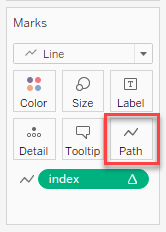
3. Confirm that index computes using Table(across).
Lisäresurssit
Index
Knowledge-artikkelin numero
001464326
Ratkaisiko tämä artikkeli ongelmasi?
Anna palautetta, jotta voimme kehittyä!
