Välj en organisation
Adding Borders Around Sheets on Dashboards
Publiceringsdatum: Feb 28, 2025
Uppgift
Steg
- Create a new dashboard or update your existing dashboard.
- Drag a horizontal or vertical layout container to the dashboard.
- Right click within a layout container and click "Select Layout Container"
- On the dashboard pane, Select "Layout" from the top menu
- Under Border, select the desired border formatting options.
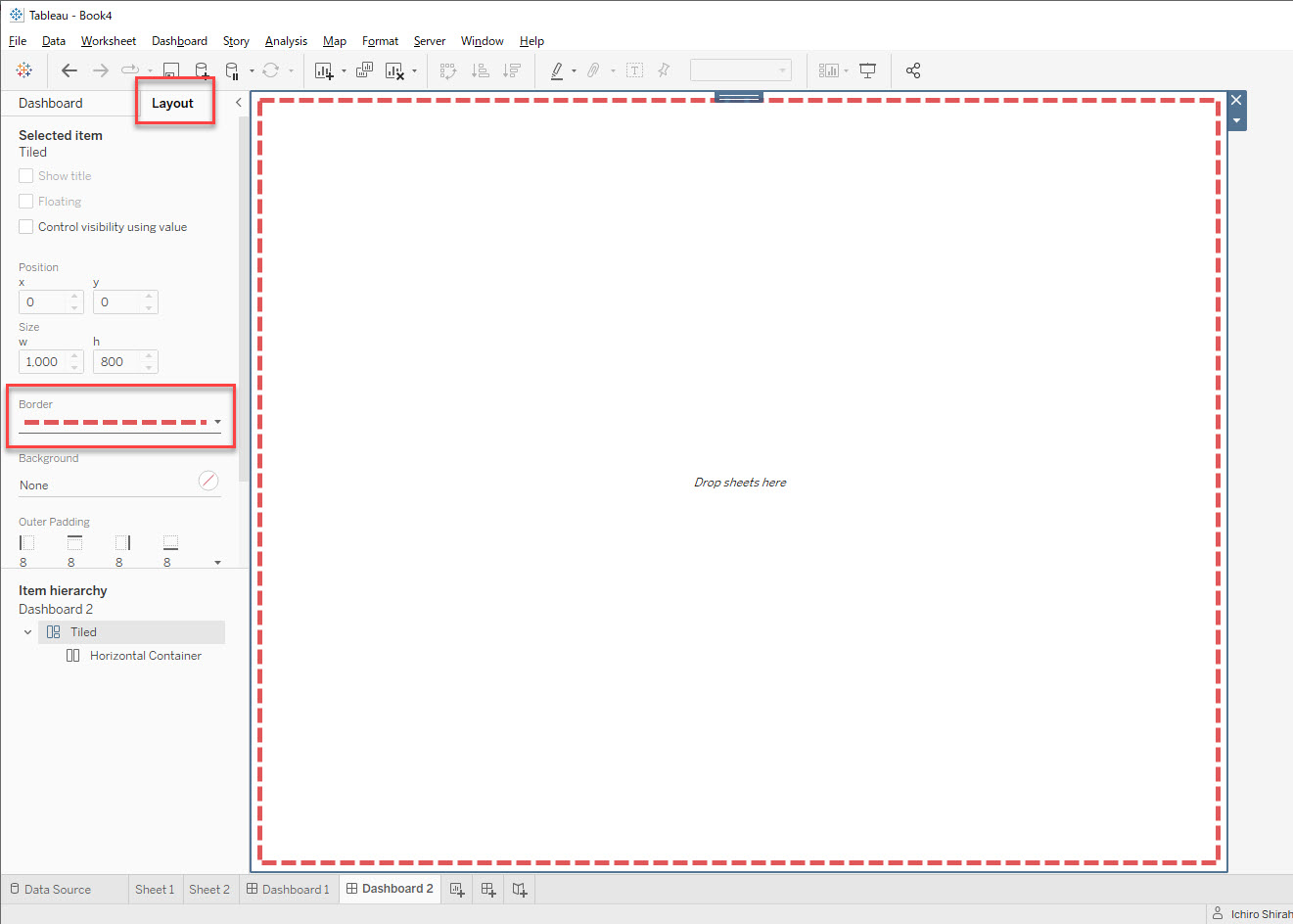
To view a dashboard example that contains four sheets (and therefore, four layout containers), see the attached workbook 4Sheets square.tbwx. Please note that when formatting the sheets, you may need to adjust how the sheet fits a layout container (Standard, Entire View ect...).
Ytterligare resurser
Use a layout container
Add dashboard objects and set their options
Knowledge-artikelnummer
001466883
Löste denna artikel ditt problem?
Berätta för oss vad vi kan förbättra!
